
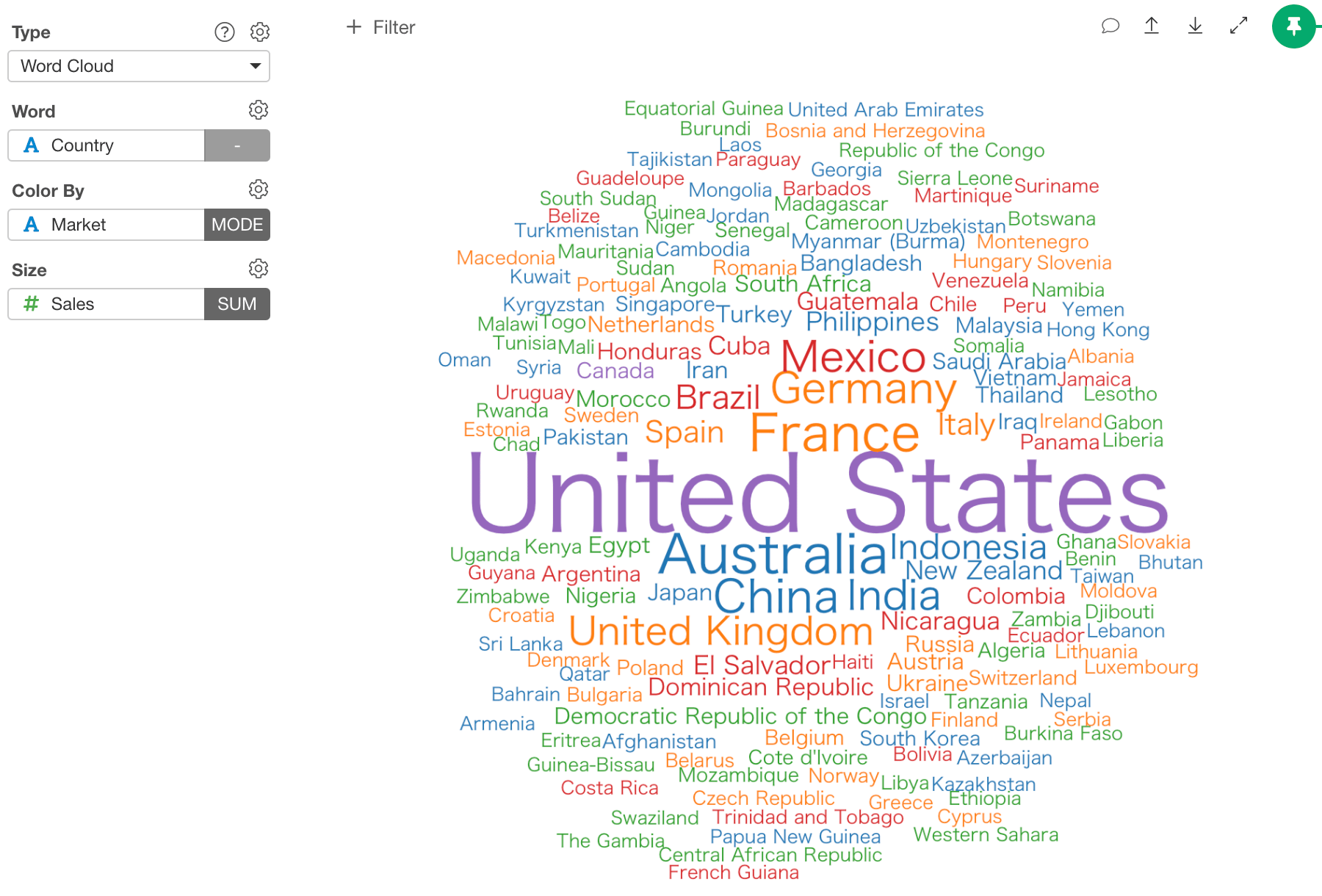
Column Assignments
- Word - Assign a column that contains words that you want to plot.
- Color By - Assign a column for the word colors. It can be either a categorical (text) column or numeric column. If you have NA values in a categorical column, NA will be treated as one of categories. If you have NA values in a numeric column, the corresponding words won’t show up on a plot. See Color section for more details.
- Size - Assign a column for the word size.
Limit Values
You can use Limit Values to filter the categories by the aggregated values. See Limit Values for the detail.Configuration
- Width: Width of the plot in pixel.
- Height: Width of the plot in pixel.
- Rotated Text Ratio (0-1) - This controls the ratio of words displayed vertically (90 degree rotation). For example, if you set 0.5 half of the words are displayed vertically.
- Min Frequency for Words - Words whose frequency is below this Minimum Frequency will not be plotted.