How to Open
You can click the gear icon at Color By to open the Color setting dialog.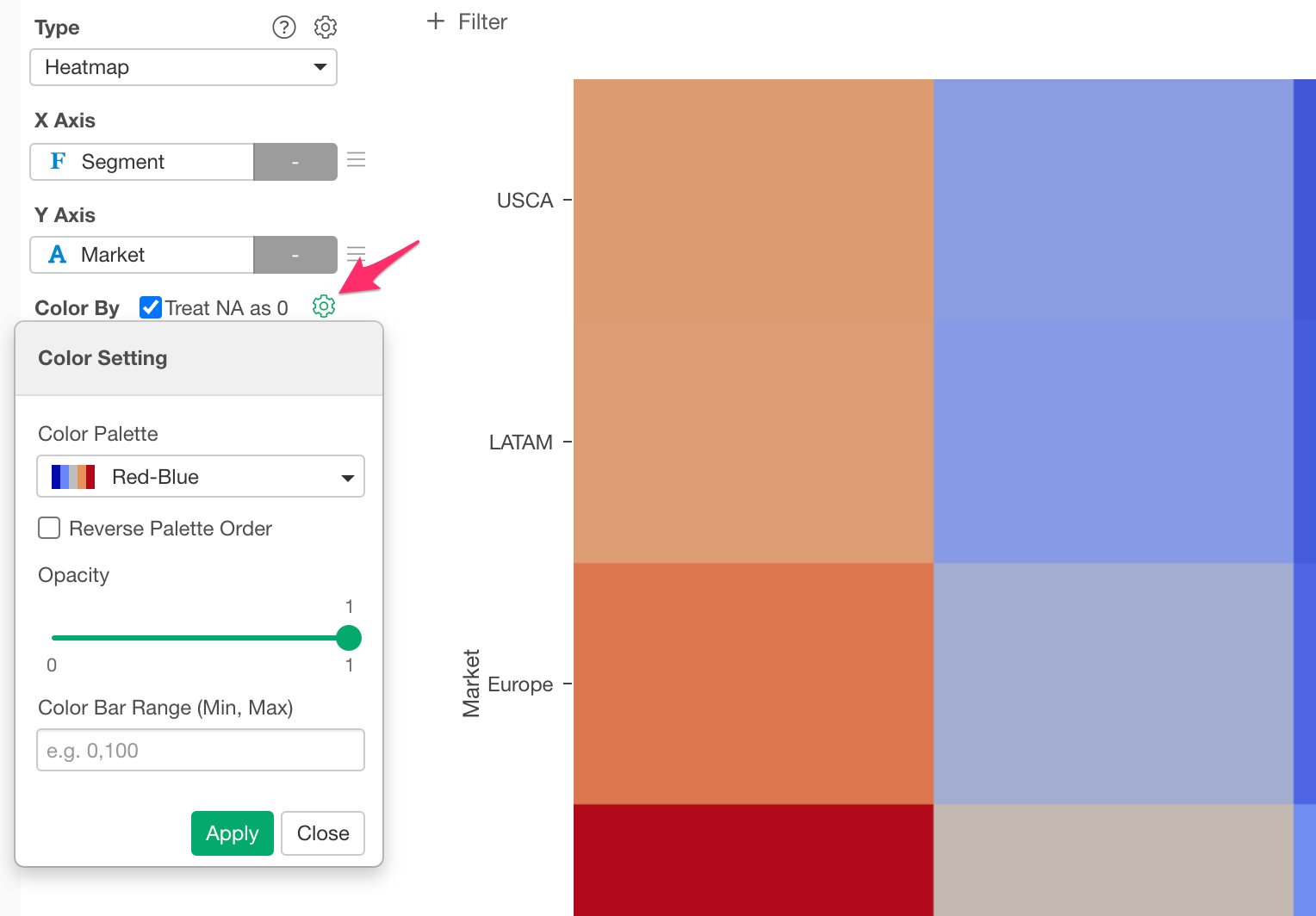
- Color Palette - You can pick your favorite color palette for the chart from here.
- Reverse Palette Order - You can check it to apply the color from the last to the first of the palette.
- Opacity
- Color Bar Range - Only applicable for Heatmap and Contour chart types.
Customize the color palette
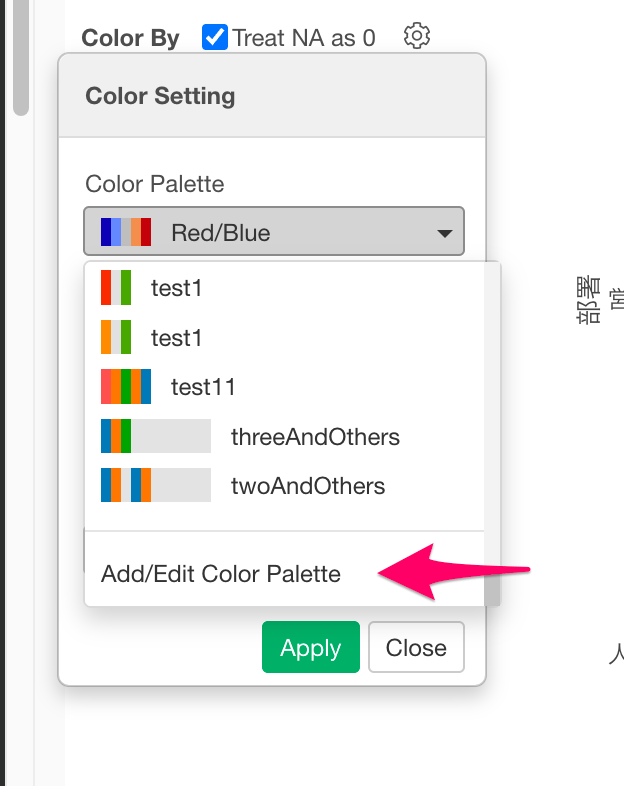
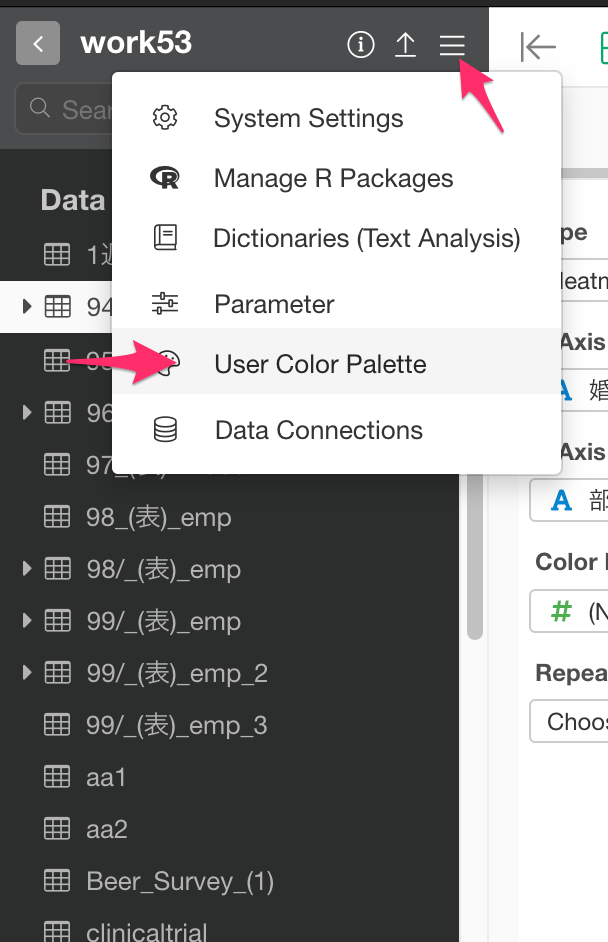
You can create your own color palettes from the User Color Palette dialog. Here is how to open the User Color Palette dialog.- Scroll down the Color Palette dropdown menu to the bottom.
- Select “Add/Edit Color Palette”.