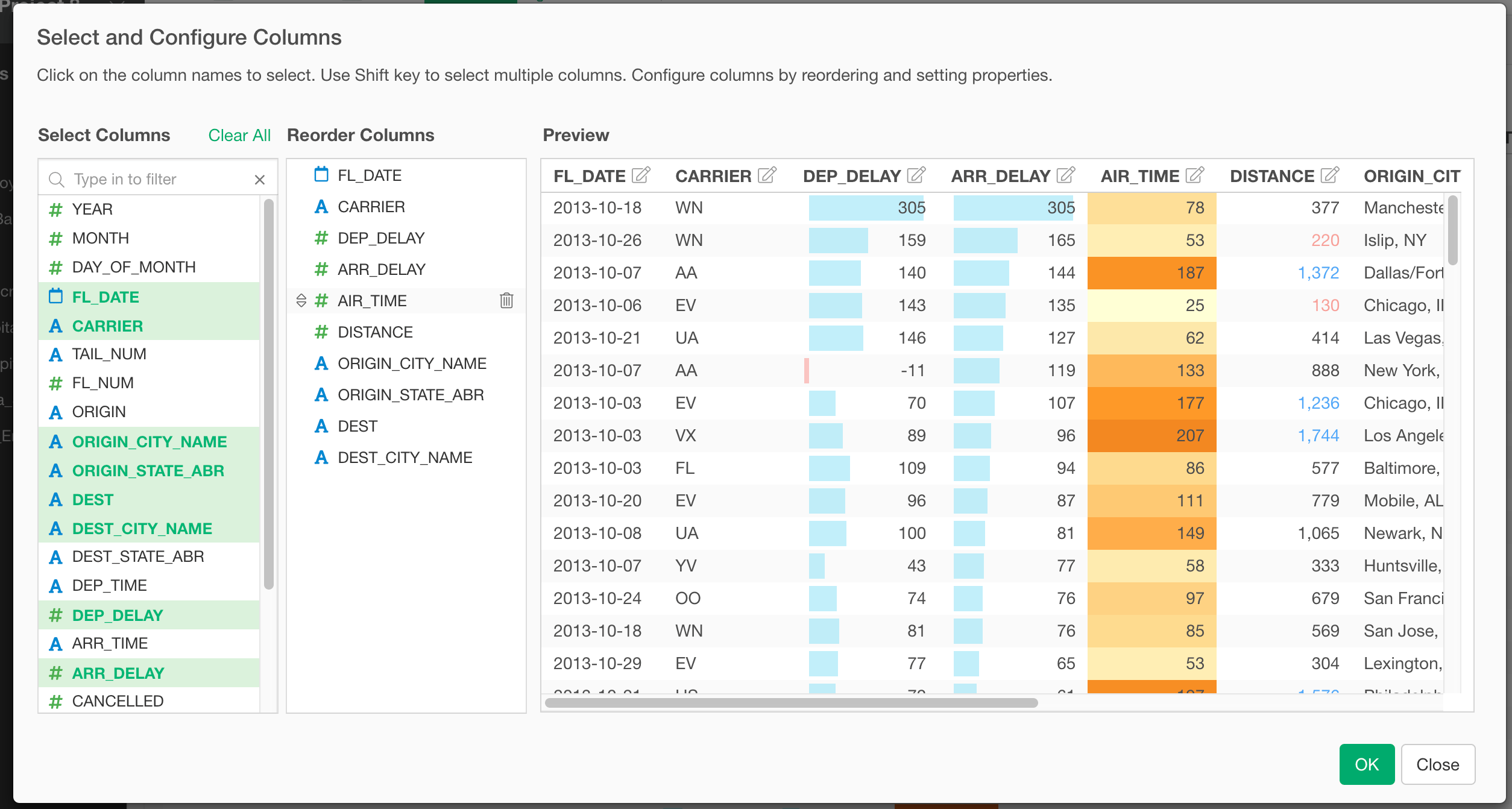
Select Columns
You can select which columns to show at “Select Column” section on the left-hand side of the dialog. You can click to select a column and click again to unselect the column. You can use “Shift+Click” to select multiple columns at a time.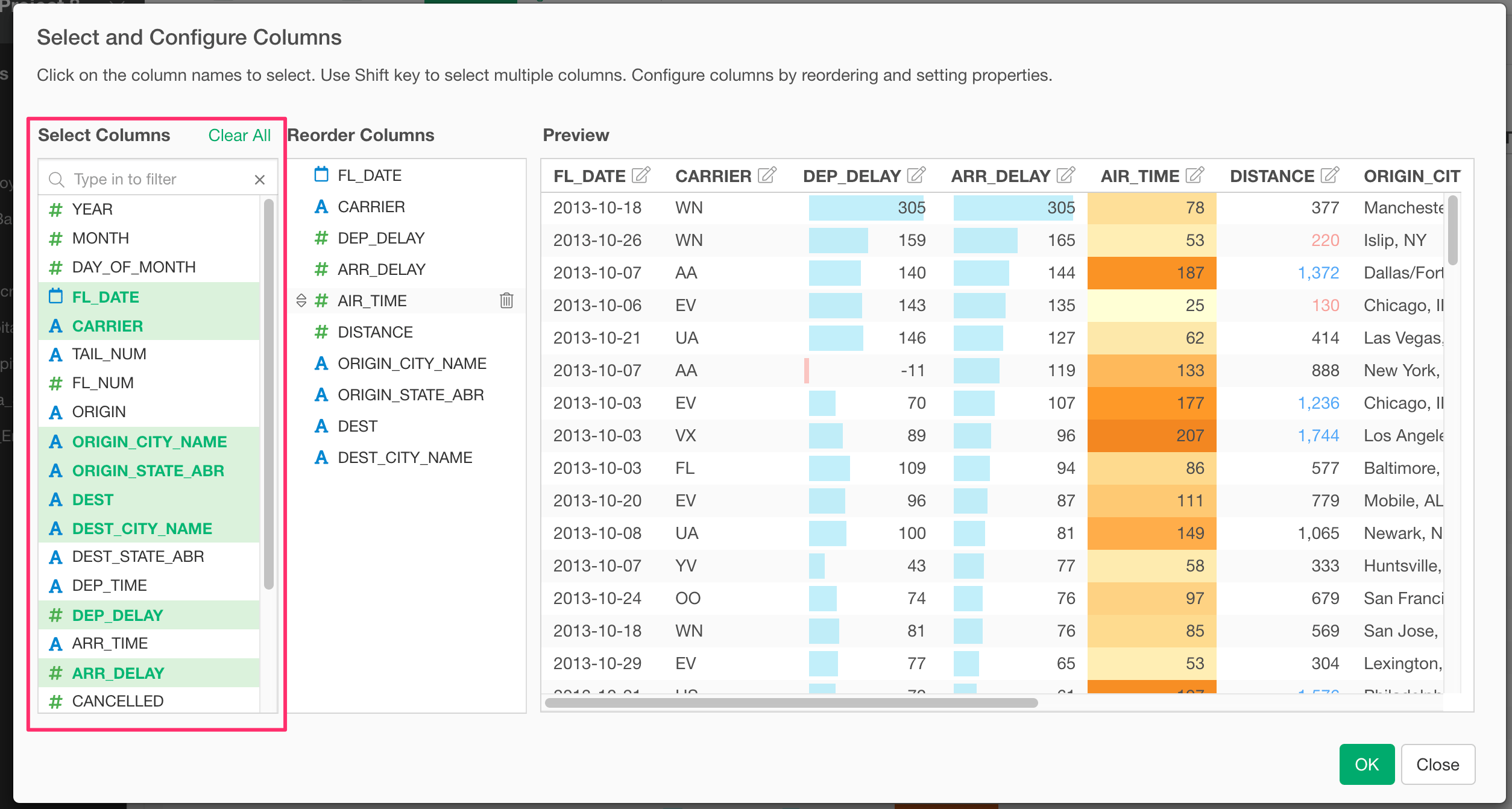
Reorder Columns
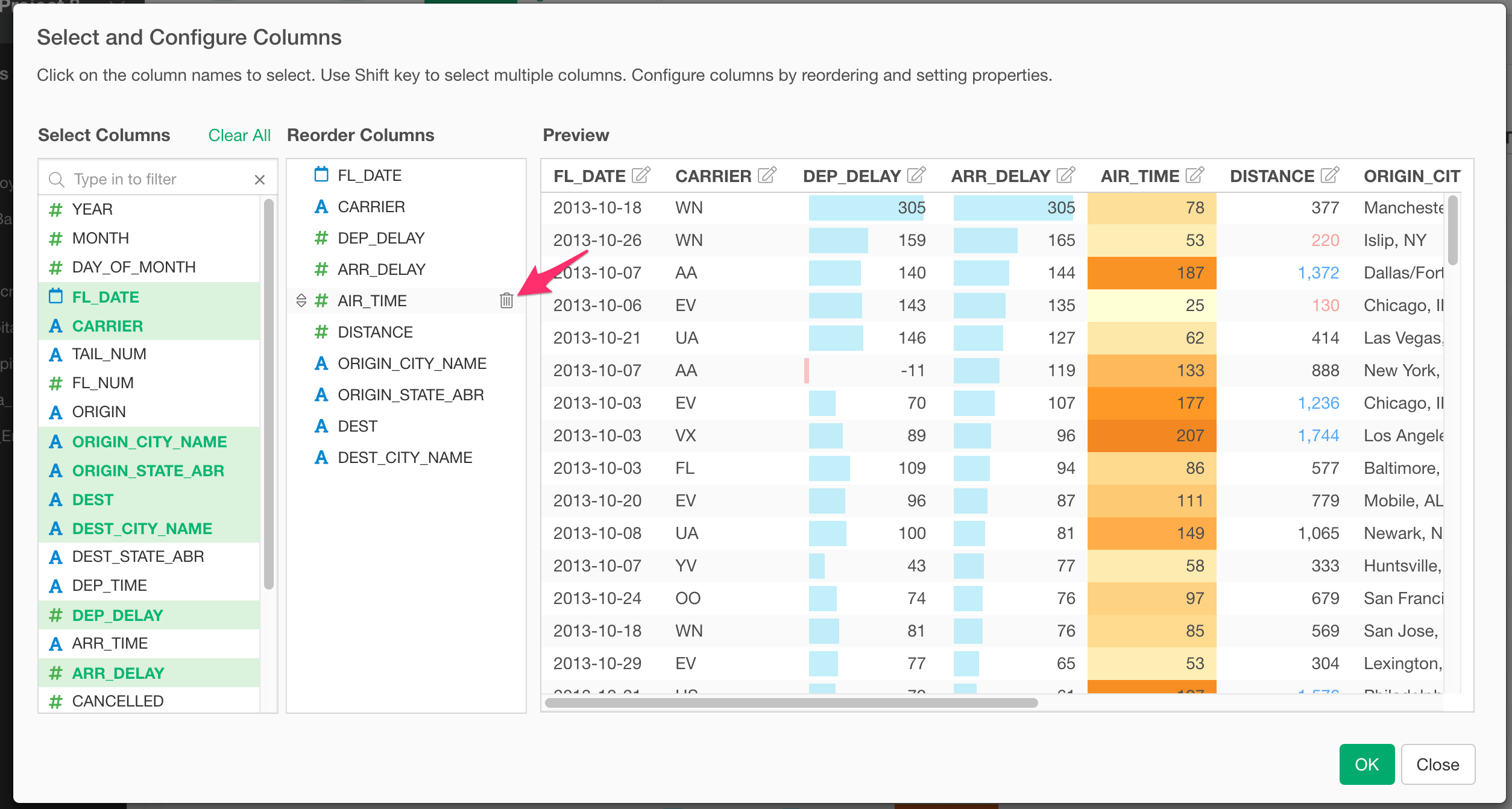
You can reorder columns at the “Reorder Columns” section in the center of the dialog. You can drag and drop to change the order of columns.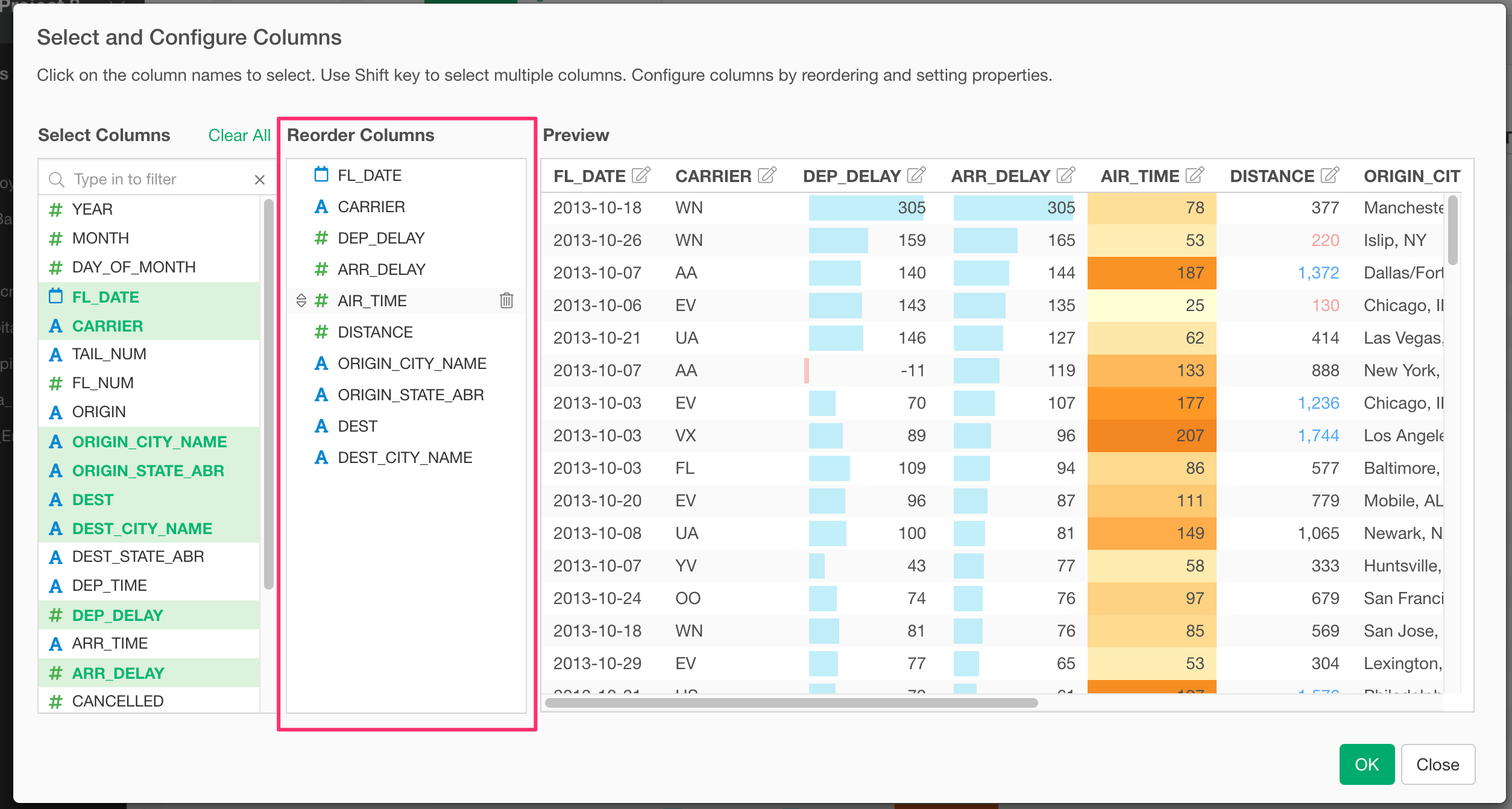
Preview
You can preview the table at the “Preview” section on the right-hand side of the dialog.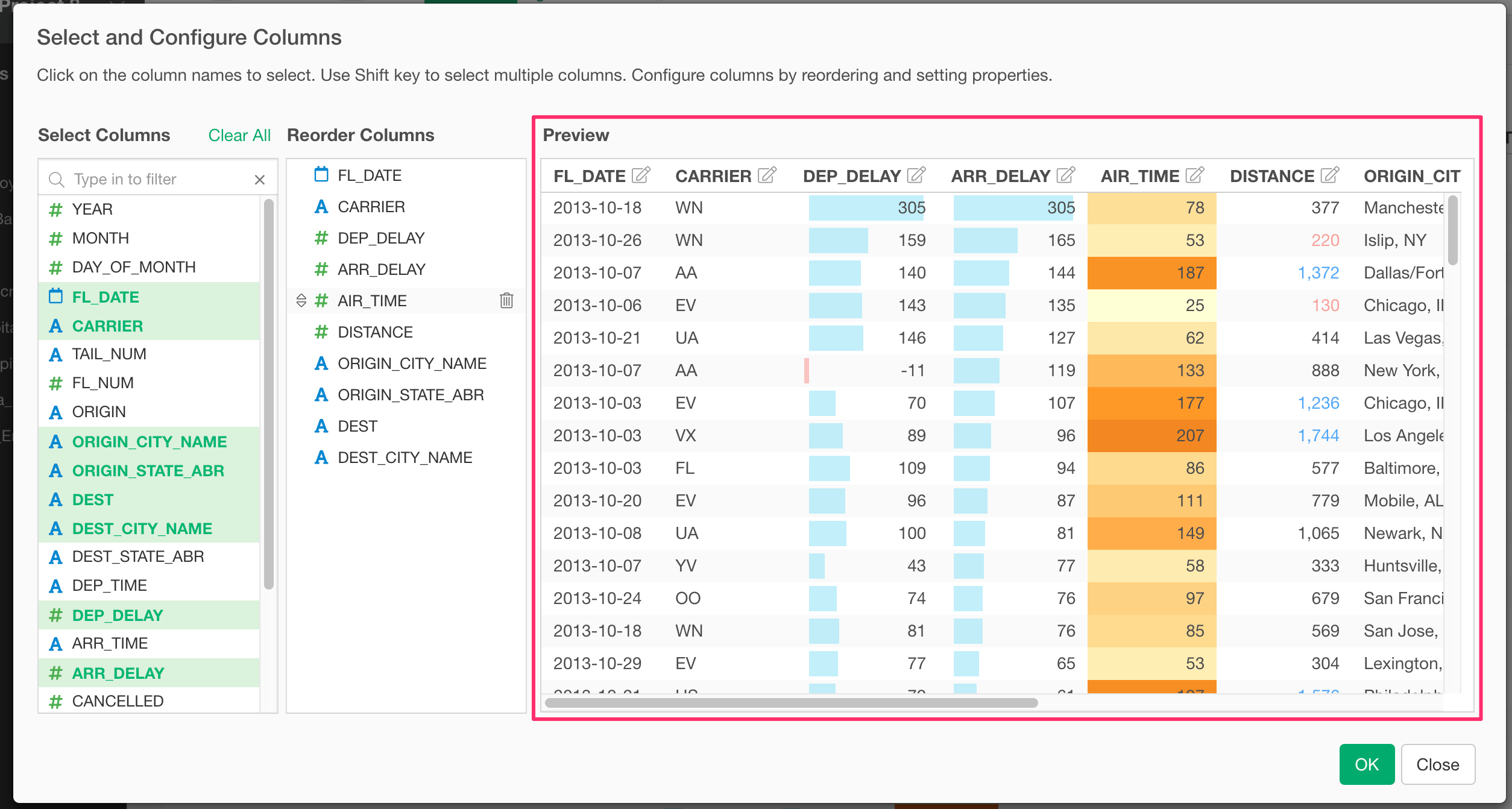
Column Configuration Dialog
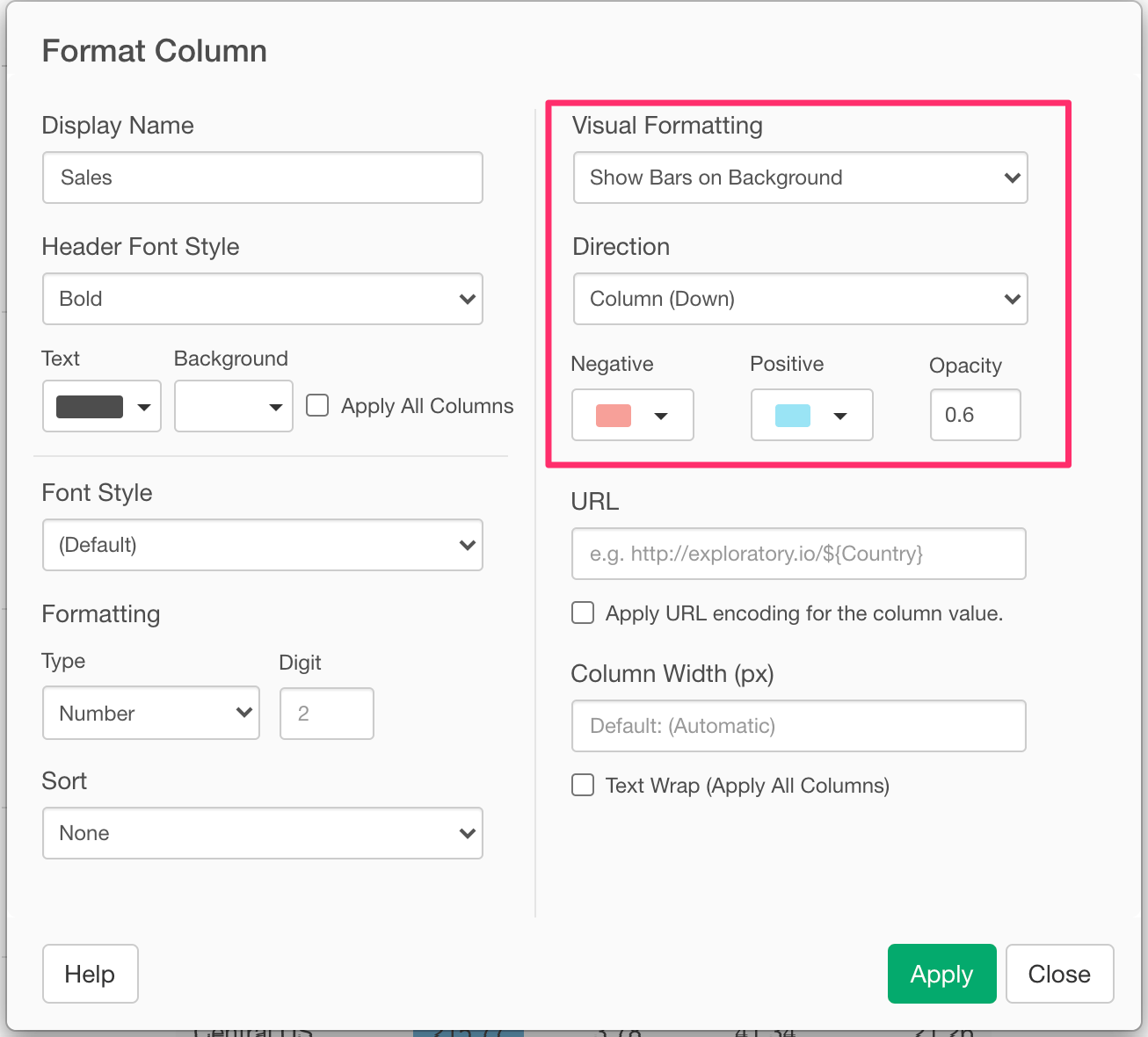
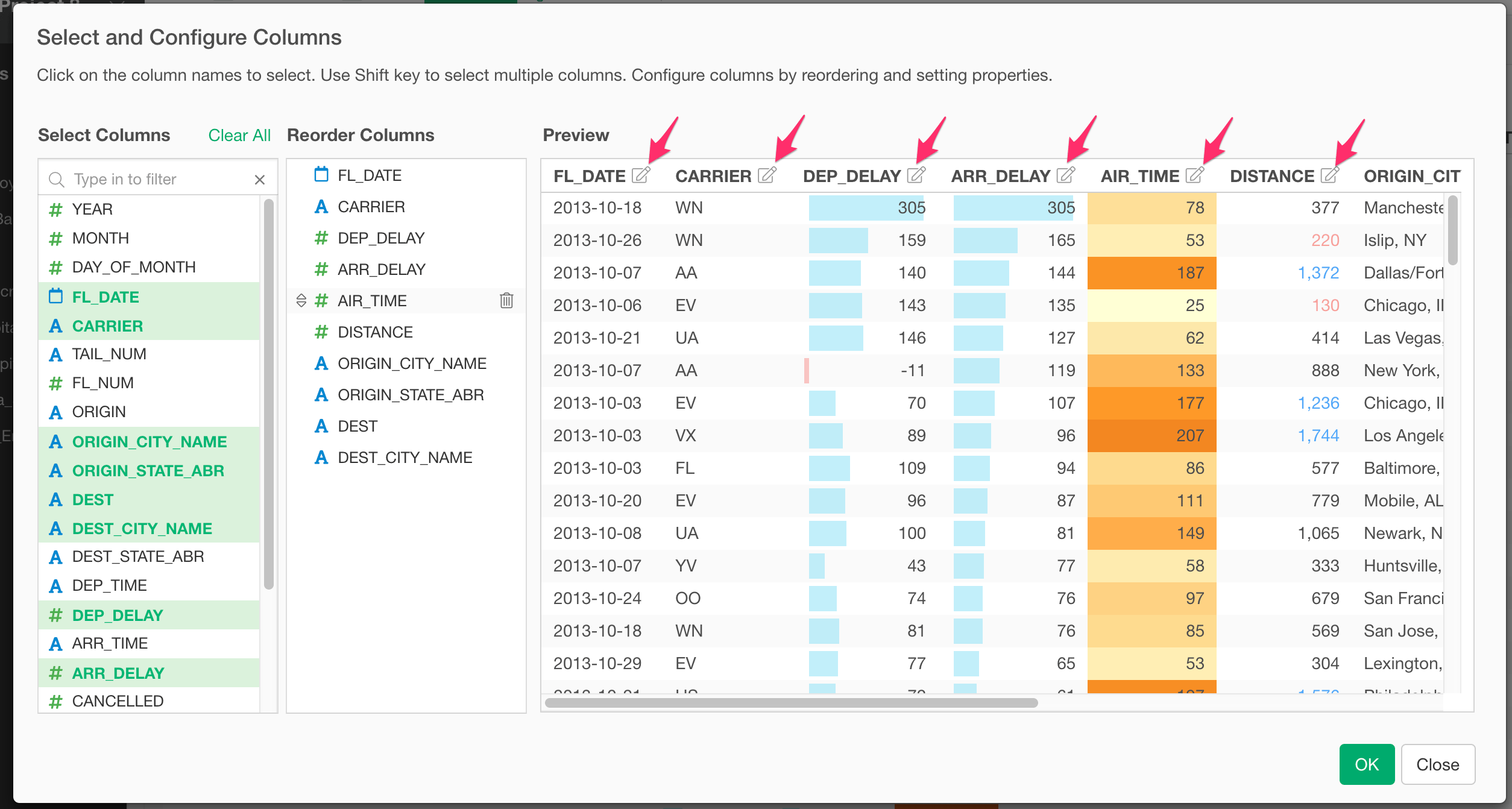
You can change the format of the target column in the Column Configuration Dialog. See Column Configuration Dialog for more details.