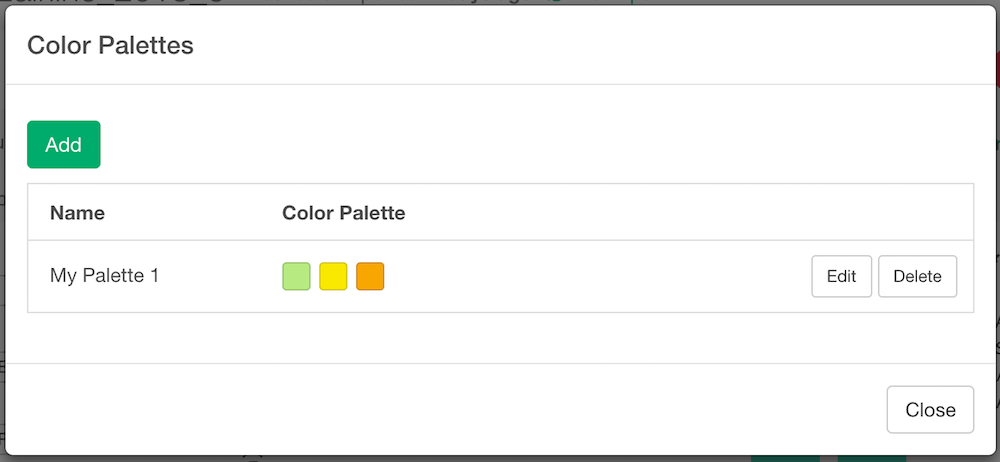
- Click “Add” button to add a new User Color Palette. It opens up a Color Palette Builder dialog
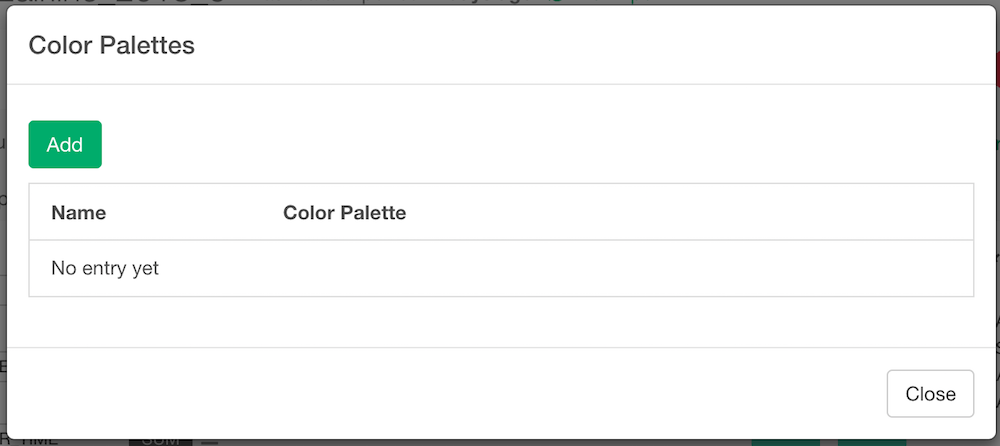
- Click “Add” to add a color to the User Color Palette. Click the box to change the color. Once you finish, set a Display Name for this palette and click “Add” button to add it to the system.
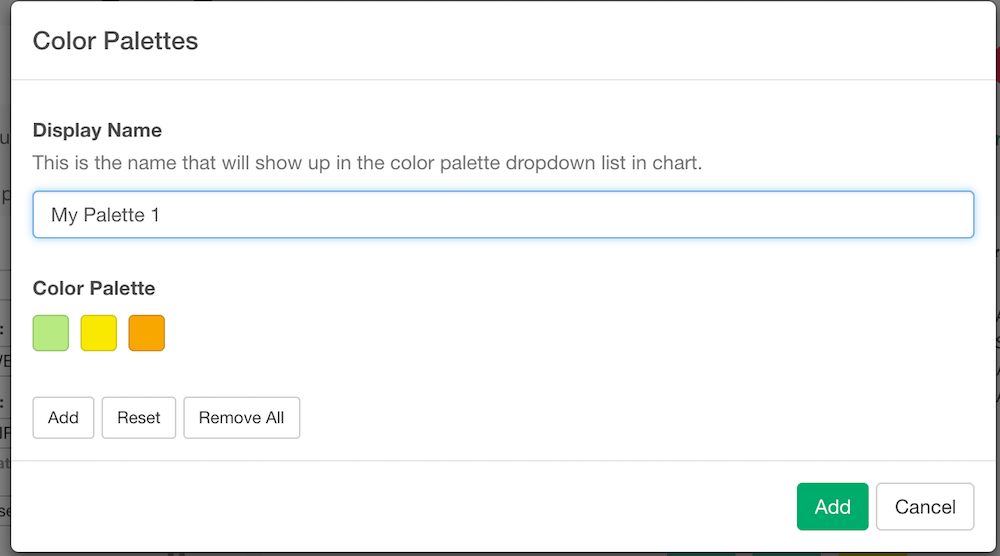
- Make sure your palette is added to the system.