- Bar
- Line
- Area
- Histogram
- Scatter (No Aggregation)
- Scatter (With Aggregation)
- Error Bar
Using Repeat By
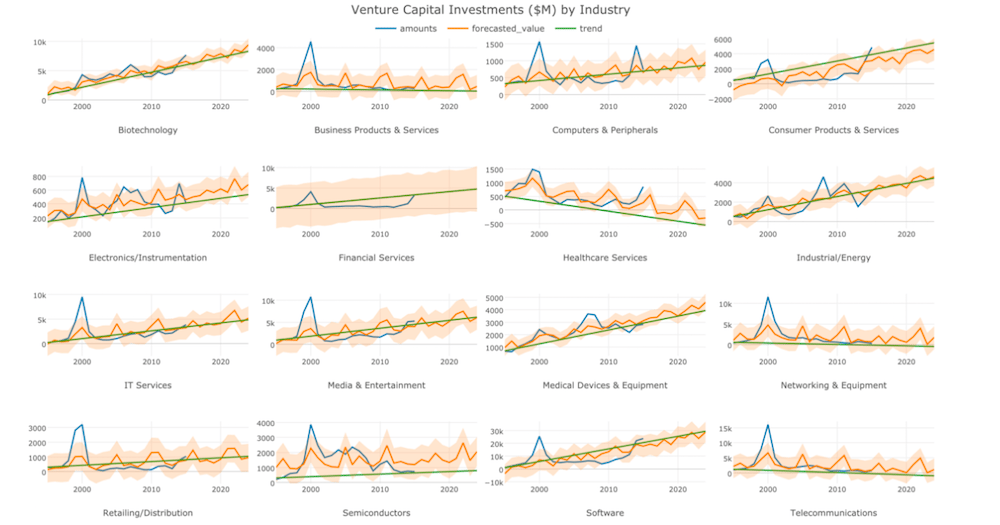
You can assign a column you want to group by and repeat at the Repeat By control. Values in the assigned column are treated as discrete values (as text).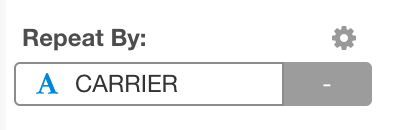
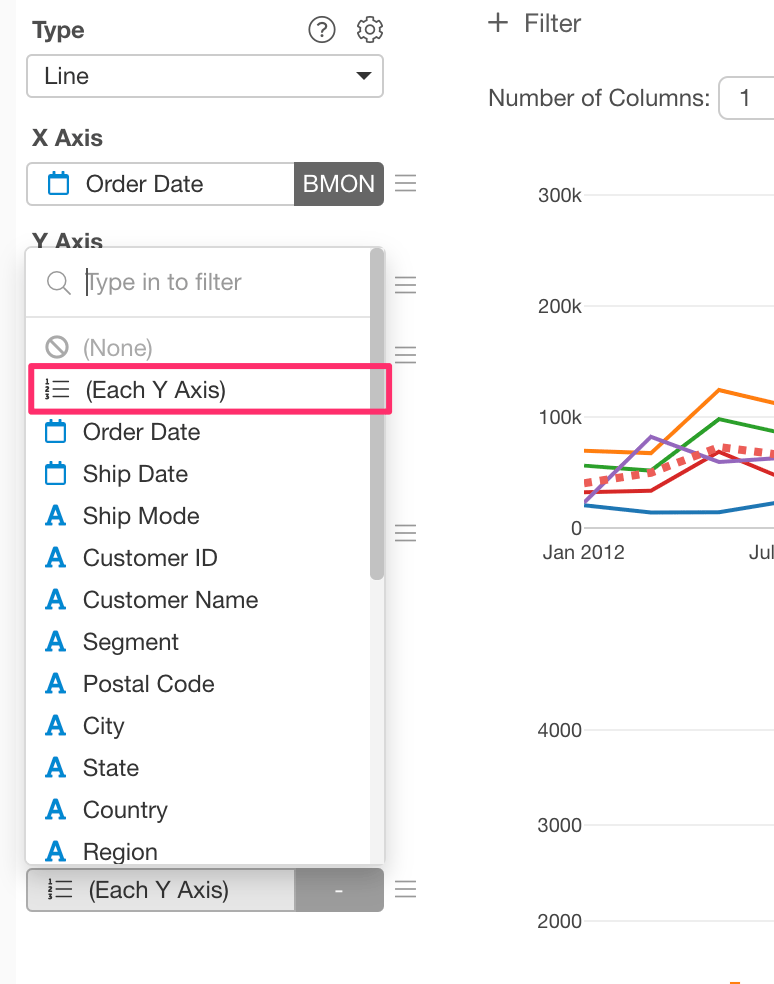
Repeat By Y-Axis Columns
If you assign multiple columns to Y-Axis, you can treat those columns as groups and repeat the chart by those columns.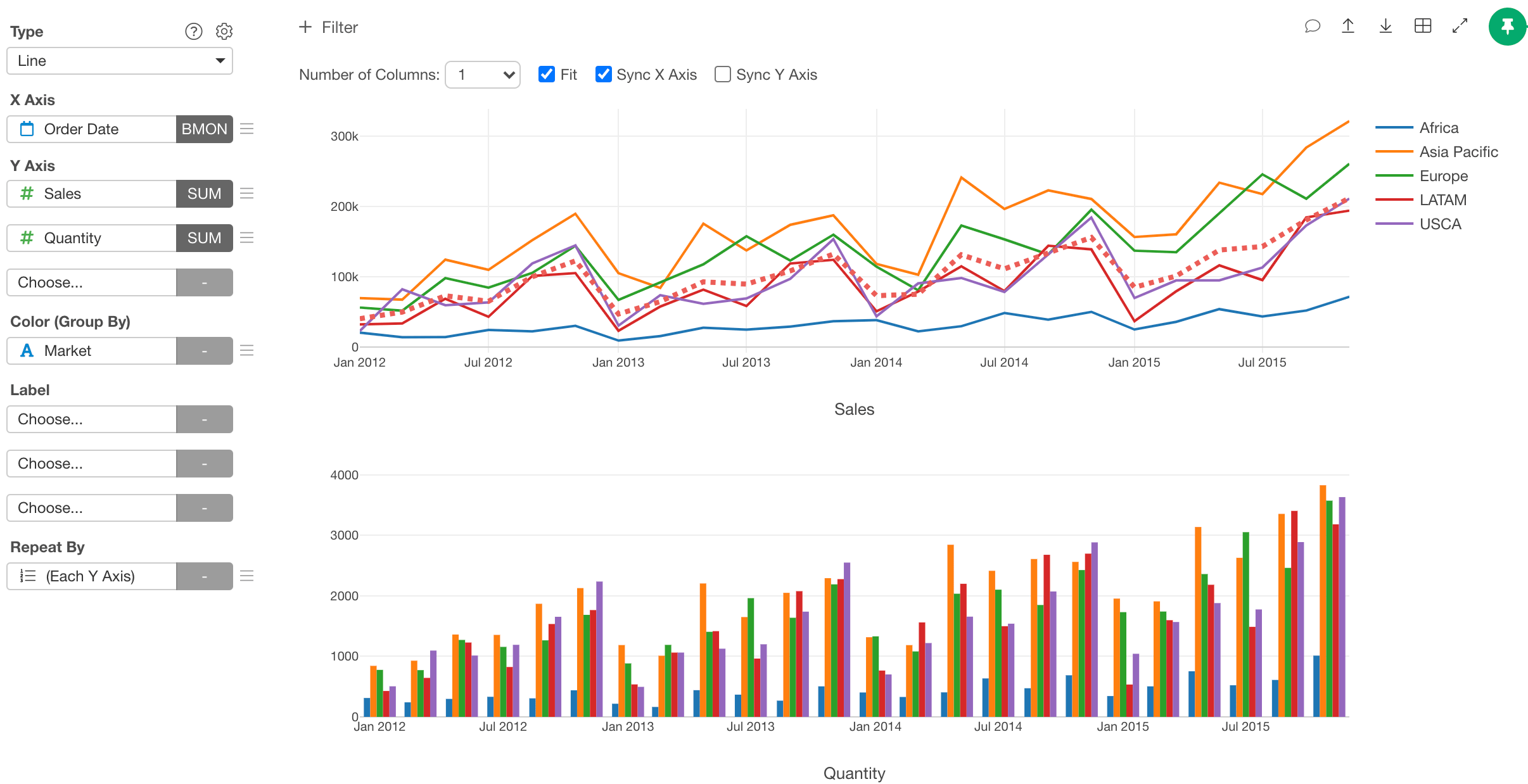
Sort Order
The sorting order of the charts is ascending. If you assign a factor column to the Repeat By, it respects the order of factor levels.Options
You can open the Repeat By property dialog by clicking the gear icon at the Repeat By control.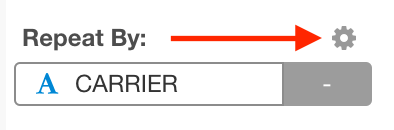
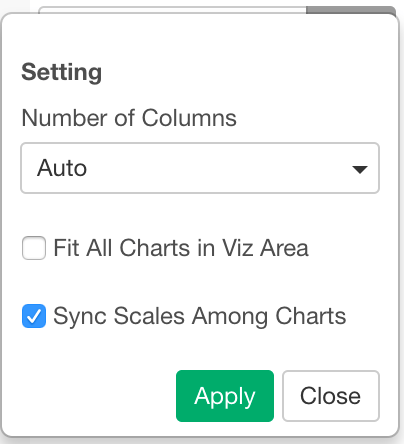
- Number of Columns
- Auto
- Static (1 - 15)
- Fill All Charts in Viz Area
- Sync Scales Among Charts