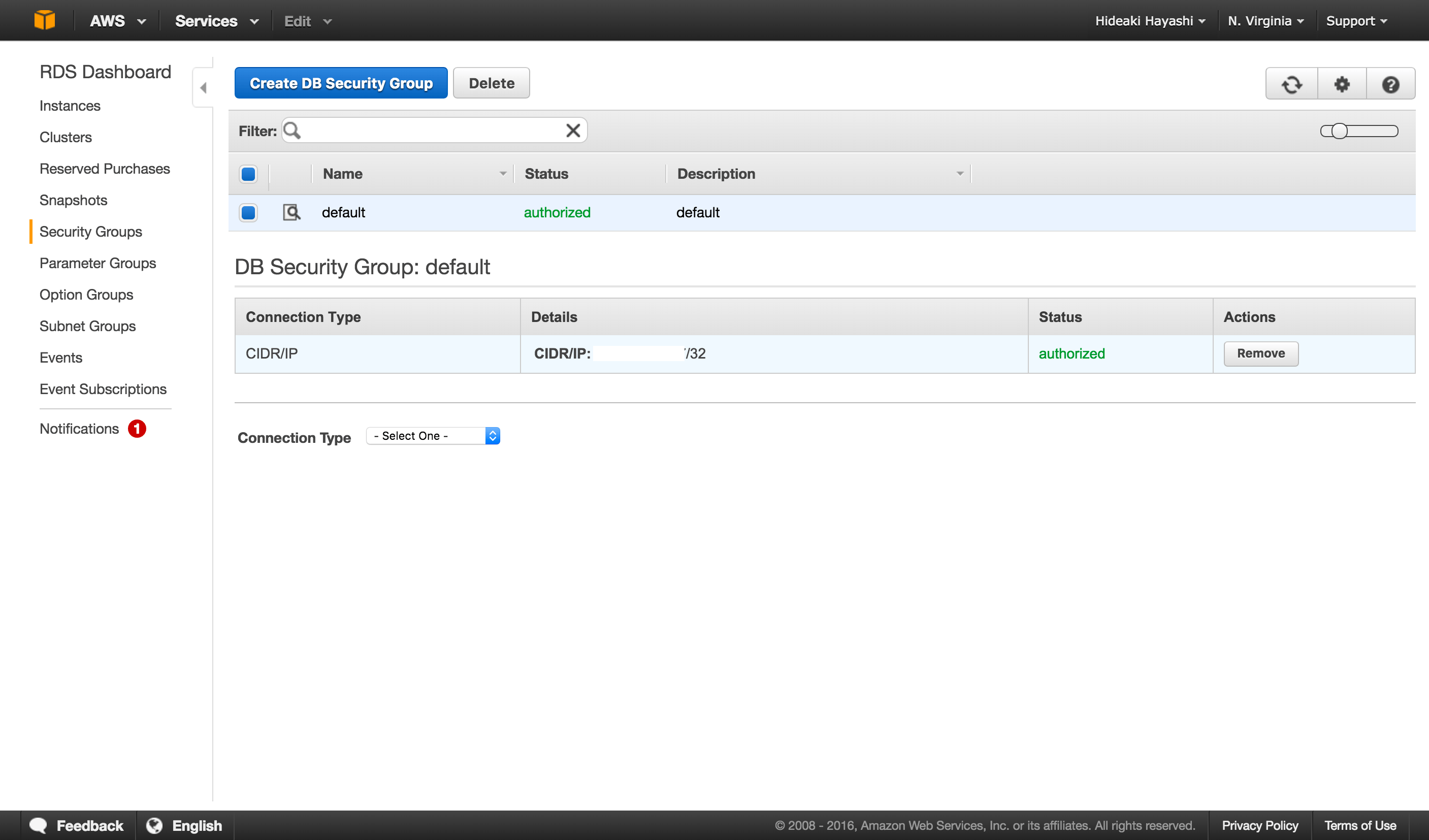
1. Create a Connection to use
Create a connection following this instruction.- Whether the connection is SSL or not is automatically detected.
2. Open PostgreSQL Import dialog
Click ’+’ button next to ‘Data Frames’ and select ‘Database Data’.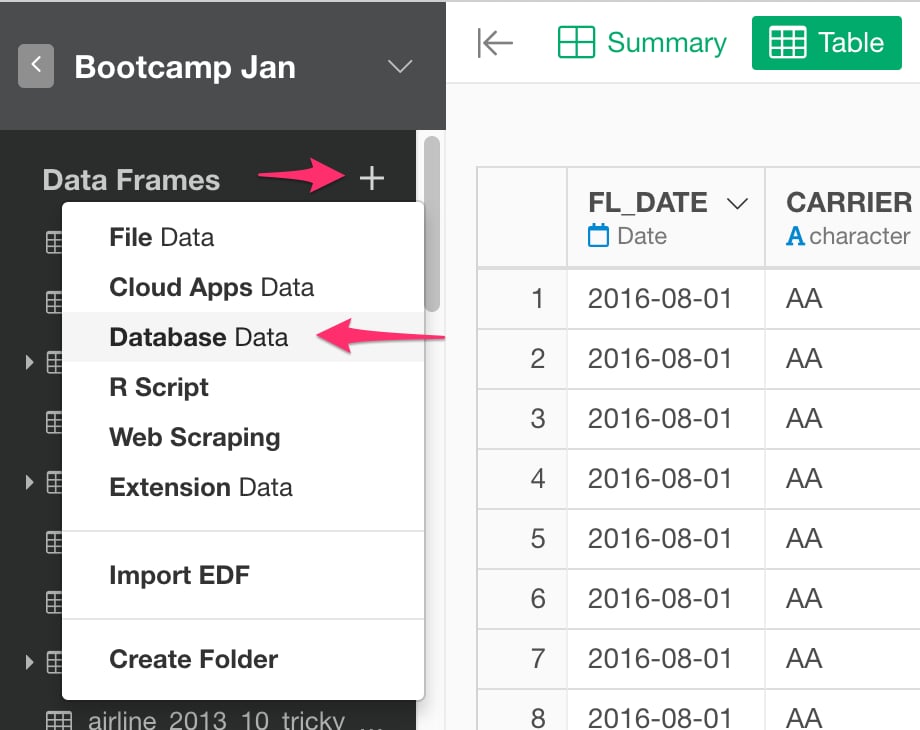
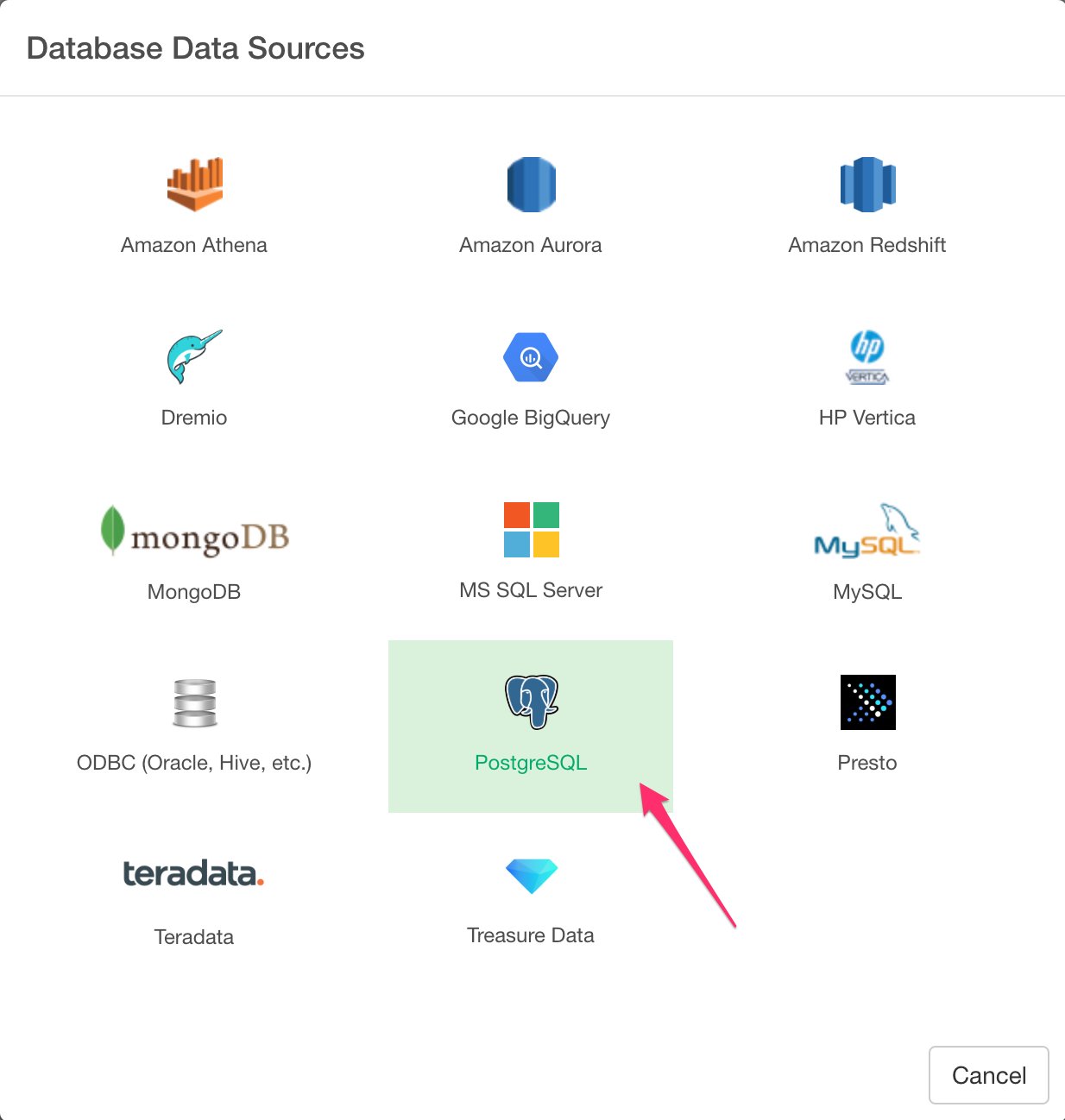
3. Preview and Import
Click Preview button to see the data back from your PostgreSQL db.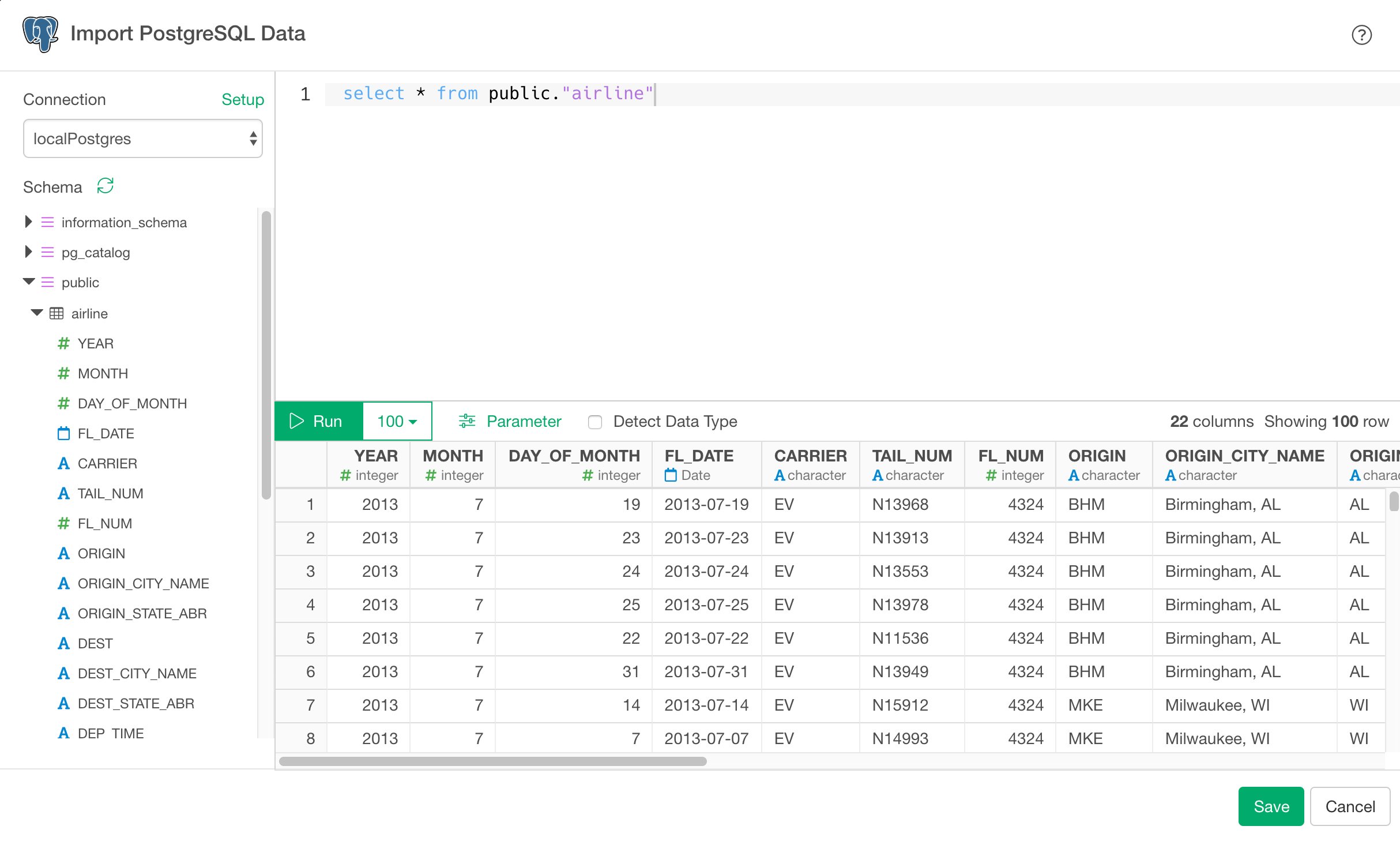
4. Using Parameters in SQL
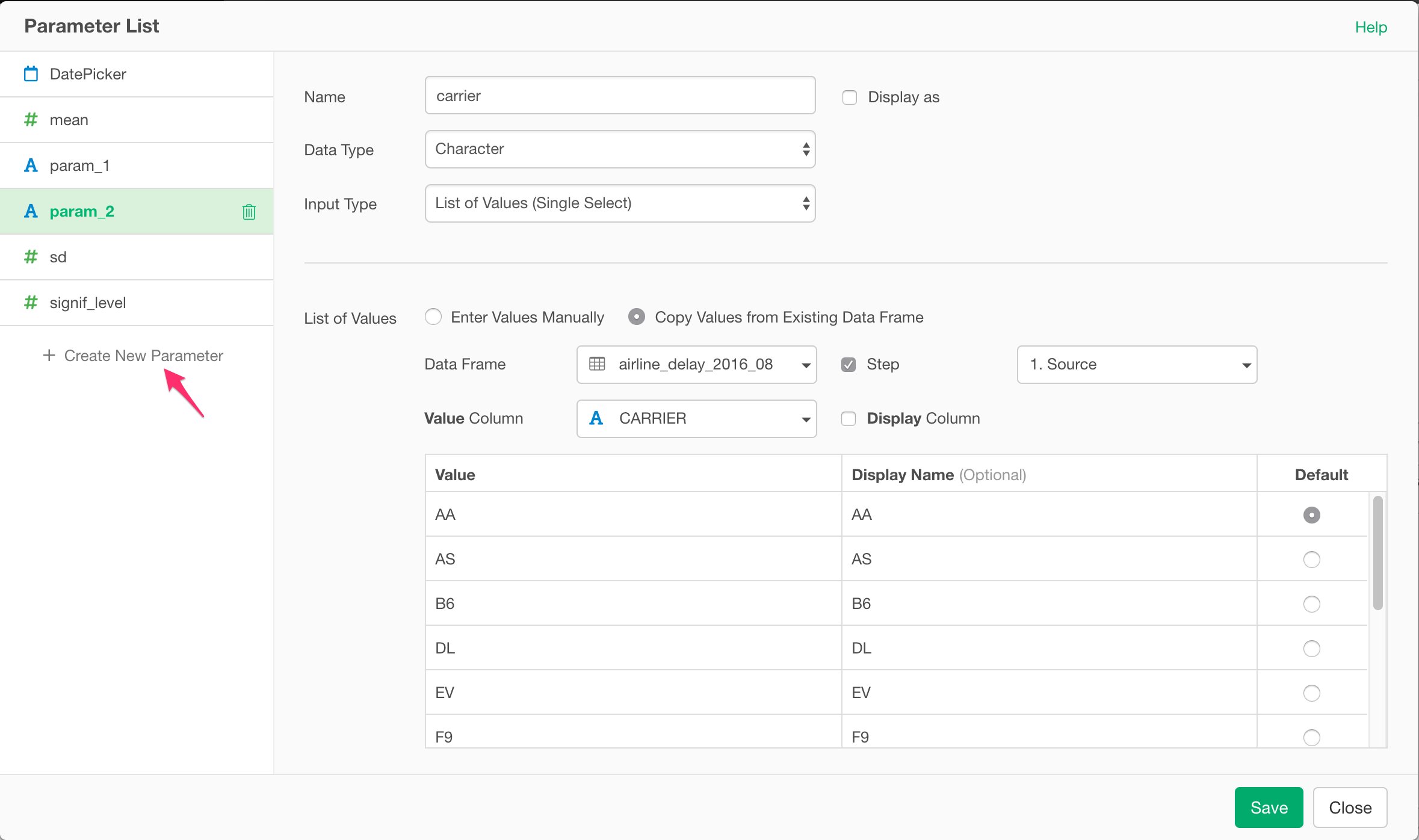
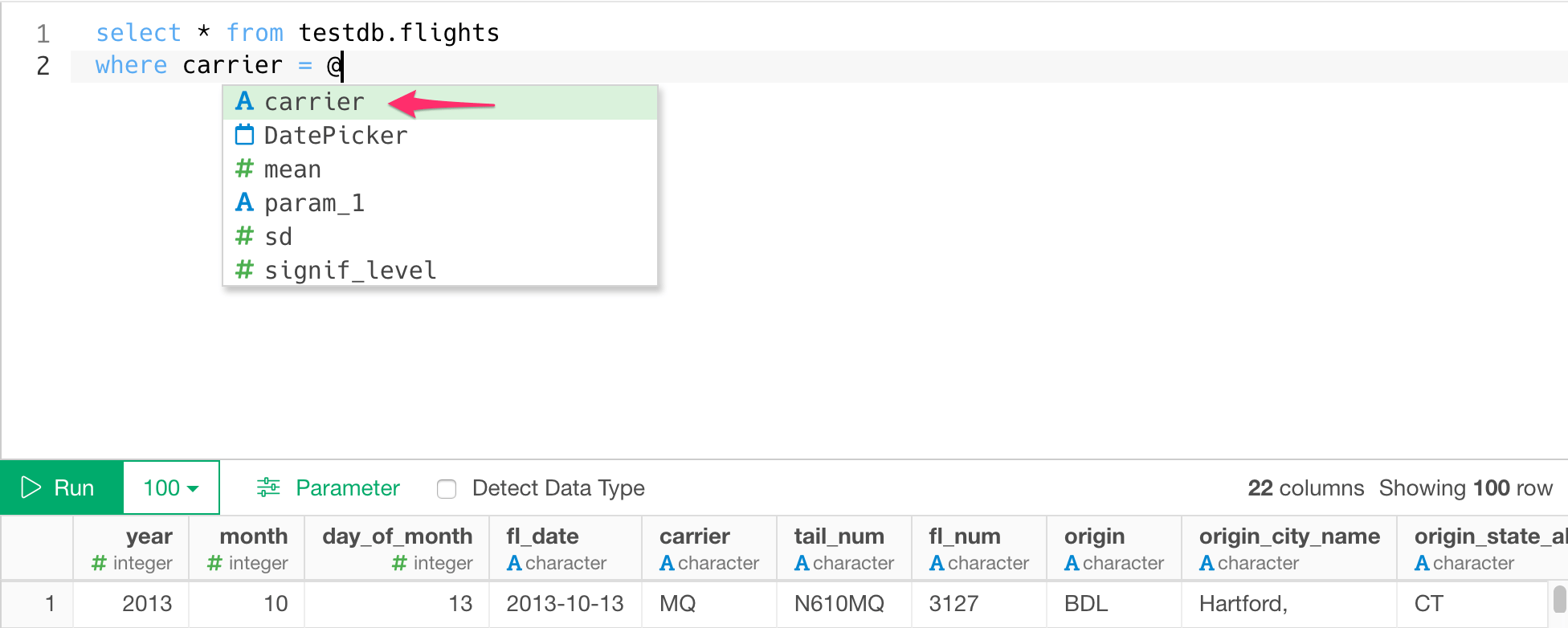
First, click Parameter link on the SQL Data Import Dialog.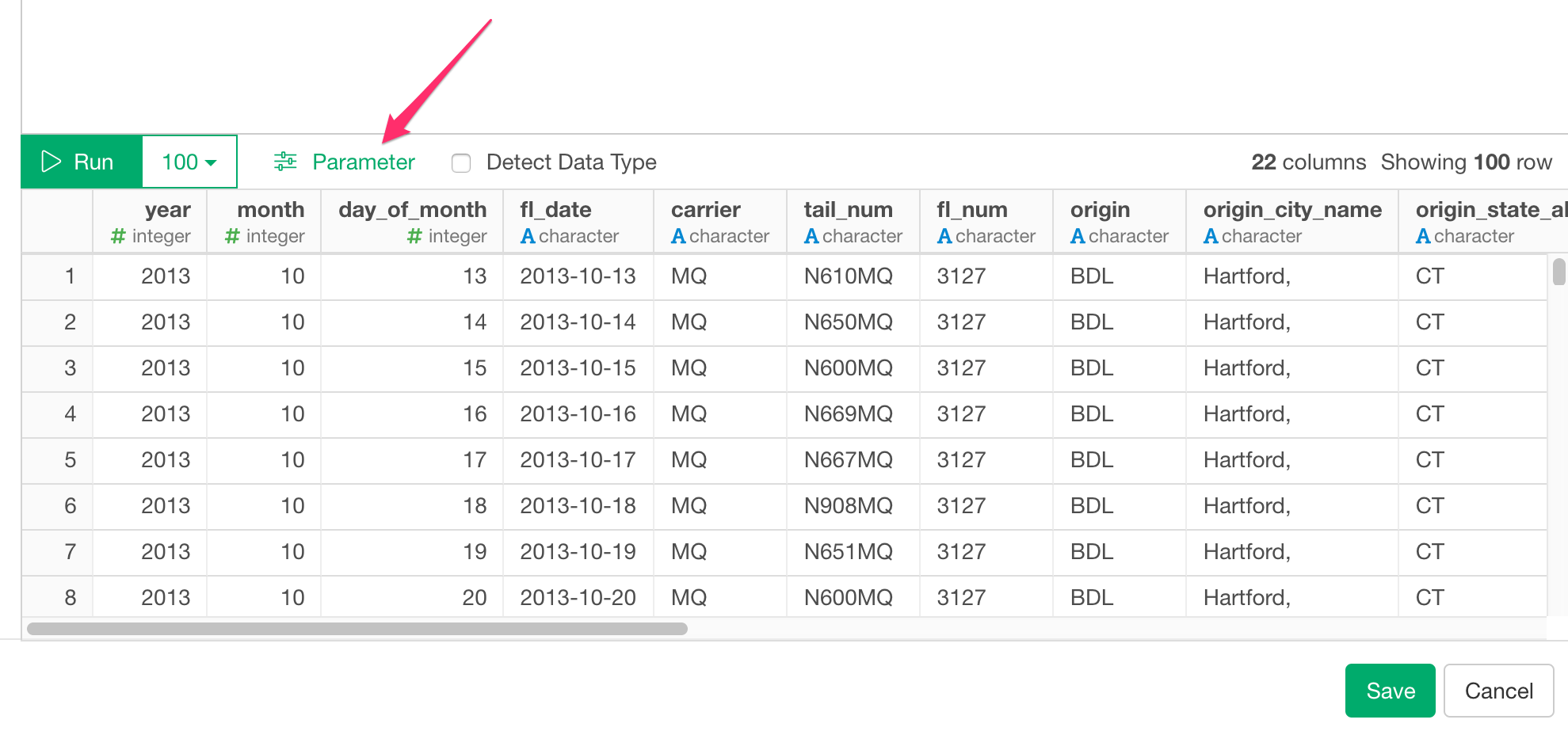
5. Number of rows
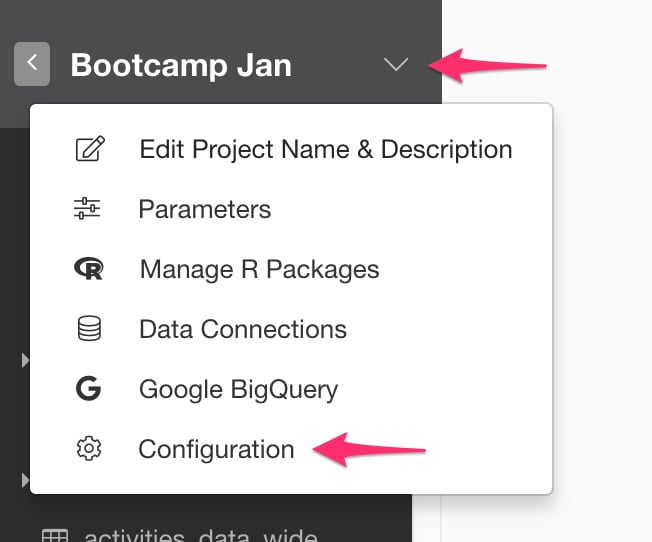
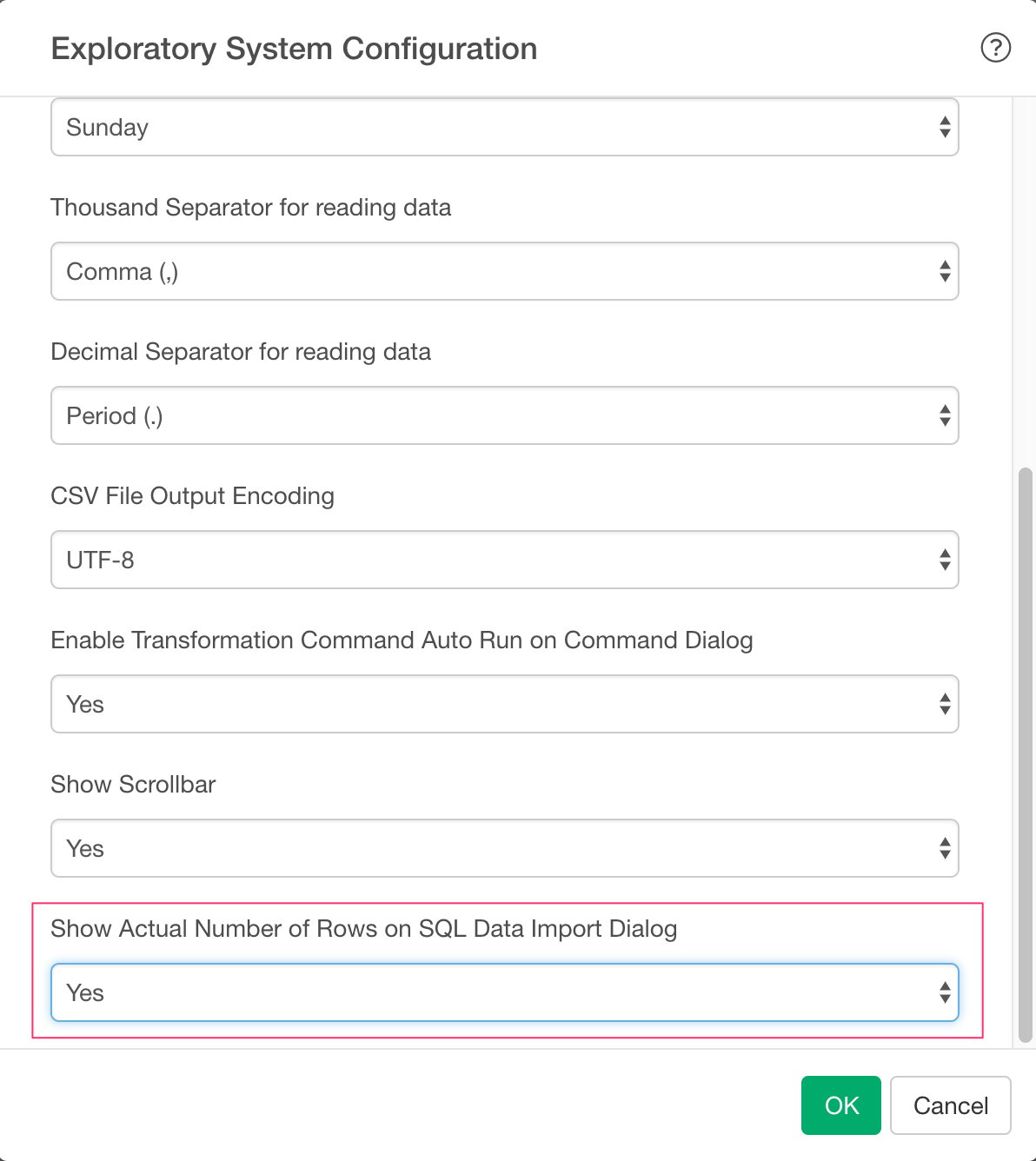
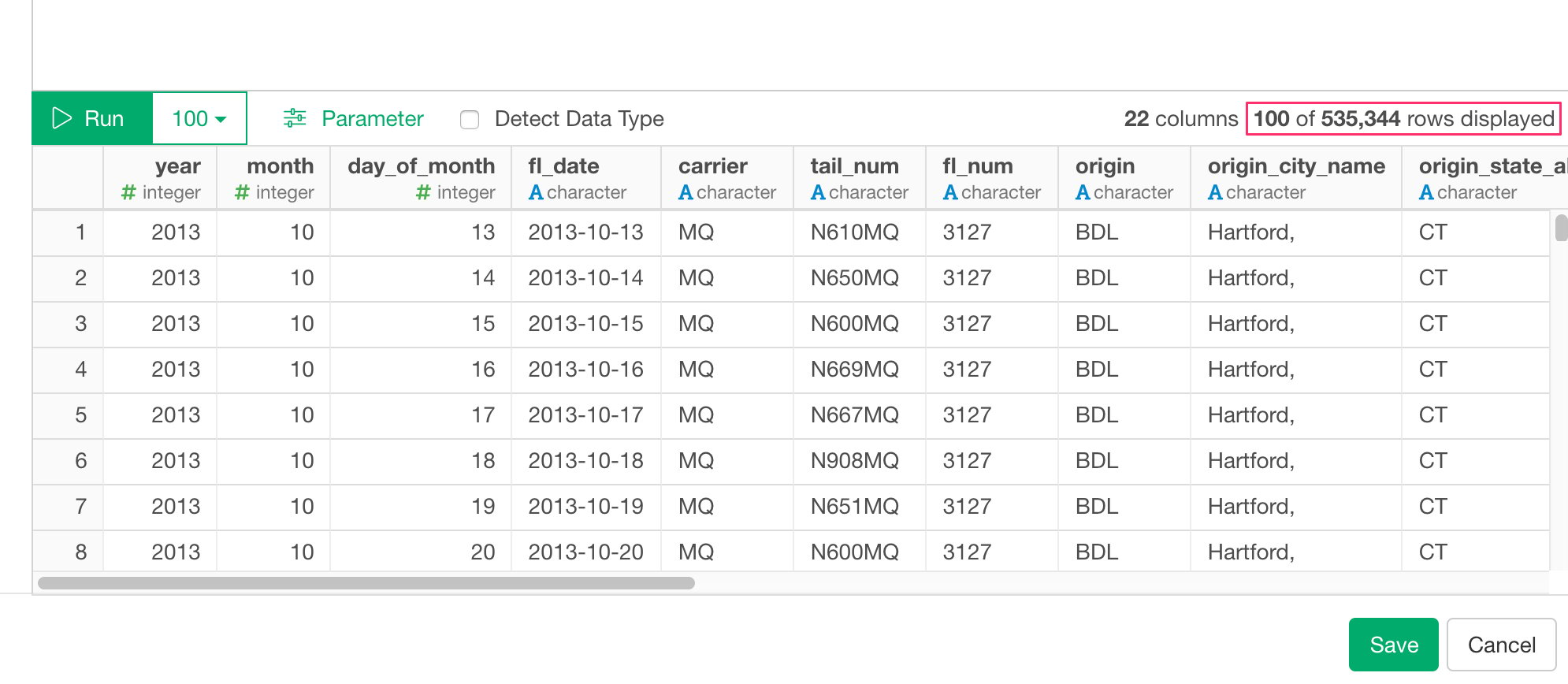
From performance point of view, we no longer show actual number of rows which can be only fetched by executing whole query again.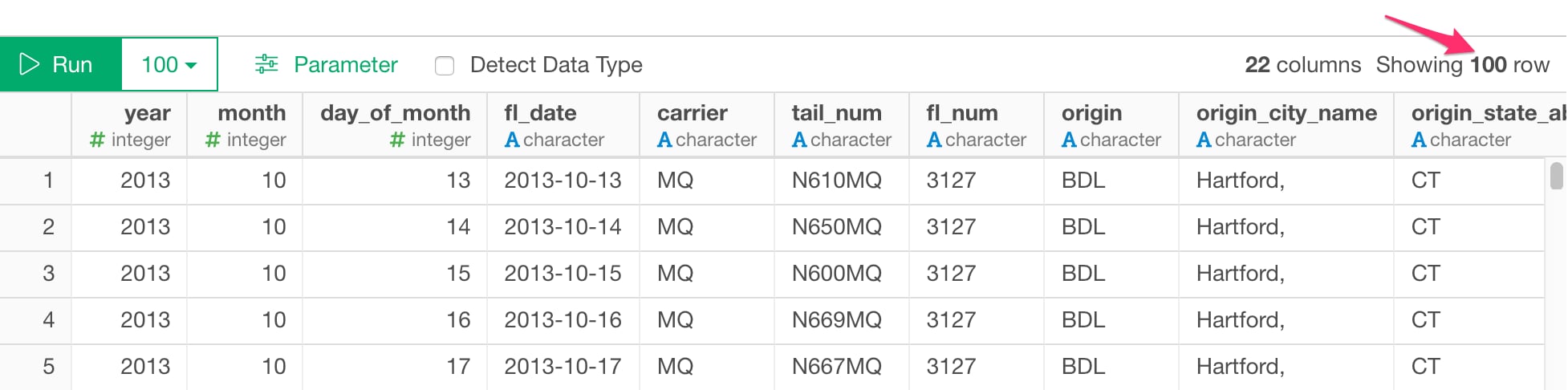
6. AWS Security Group Setup (Only for Amazon RDS)