1. Create a Connection to use
Create a connection following this instruction.2. Open HP Vertica Import dialog
Click ’+’ button next to ‘Data Frames’ and select ‘Import Database Data’.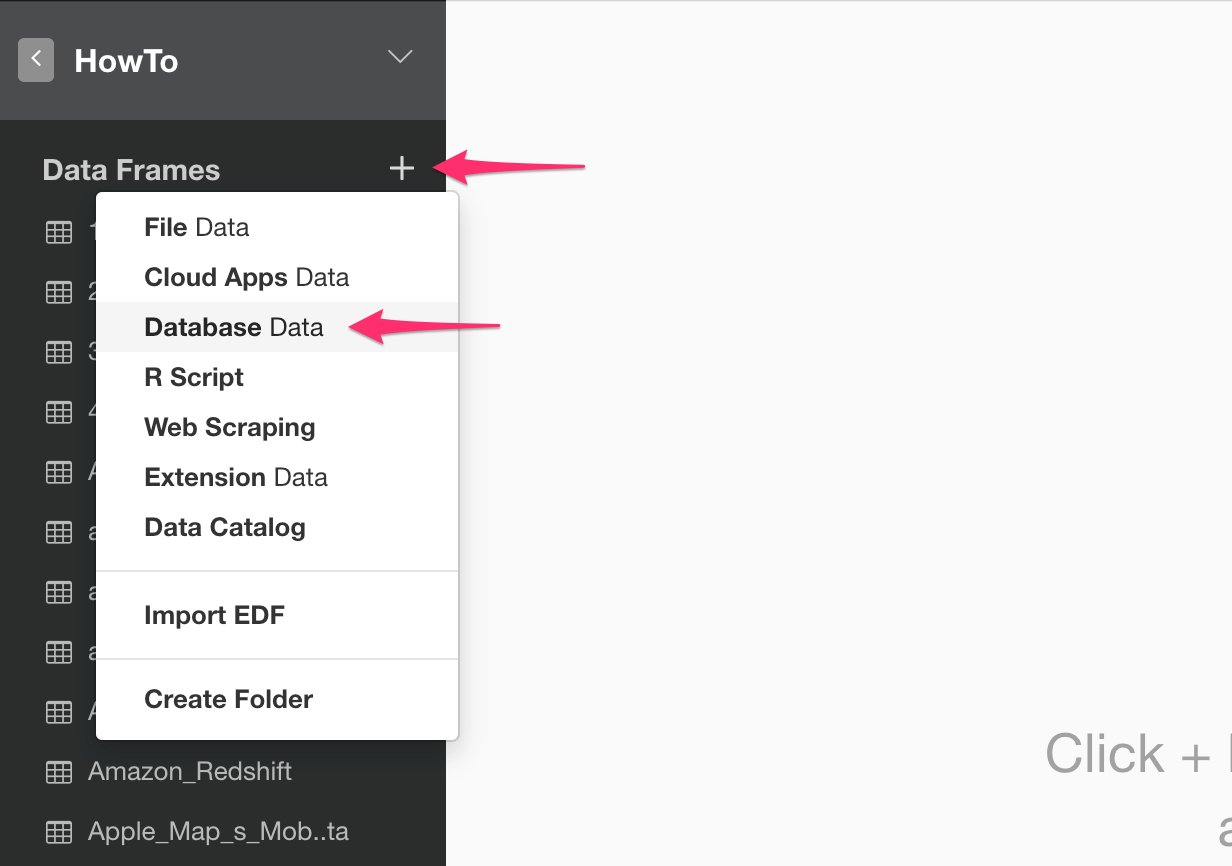
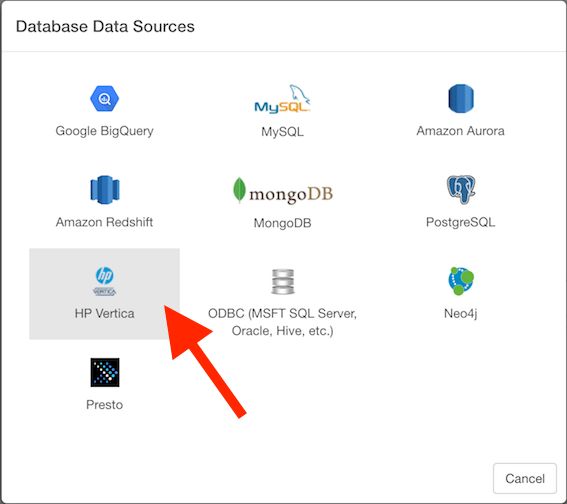
3. Import
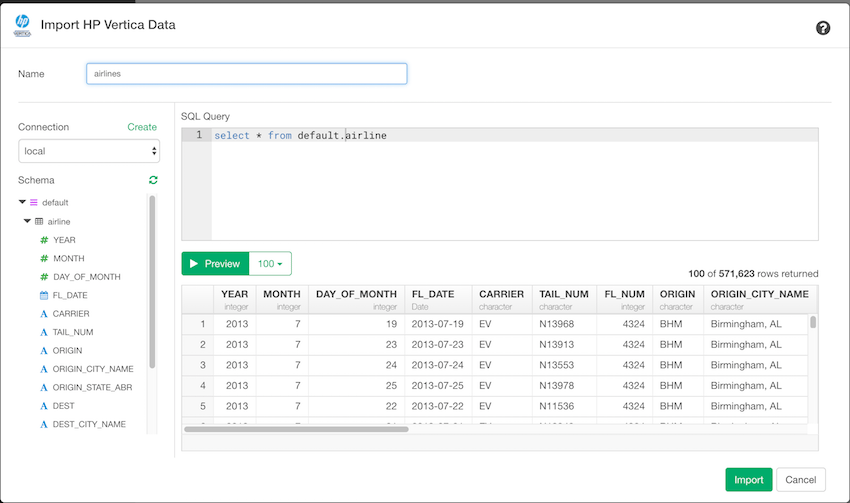
- Put data frame name.
- Select connection from left dialog box.
- Write a query in the input field.
- Click “Preview” button. Then you will see the preview of the data.
- Click “Import” button.
4. Using Variables in SQL
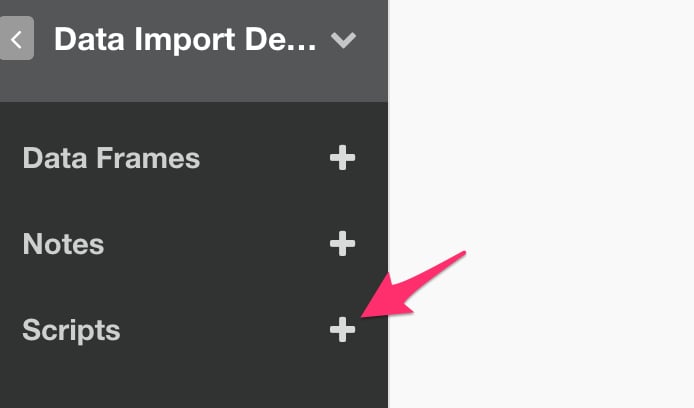
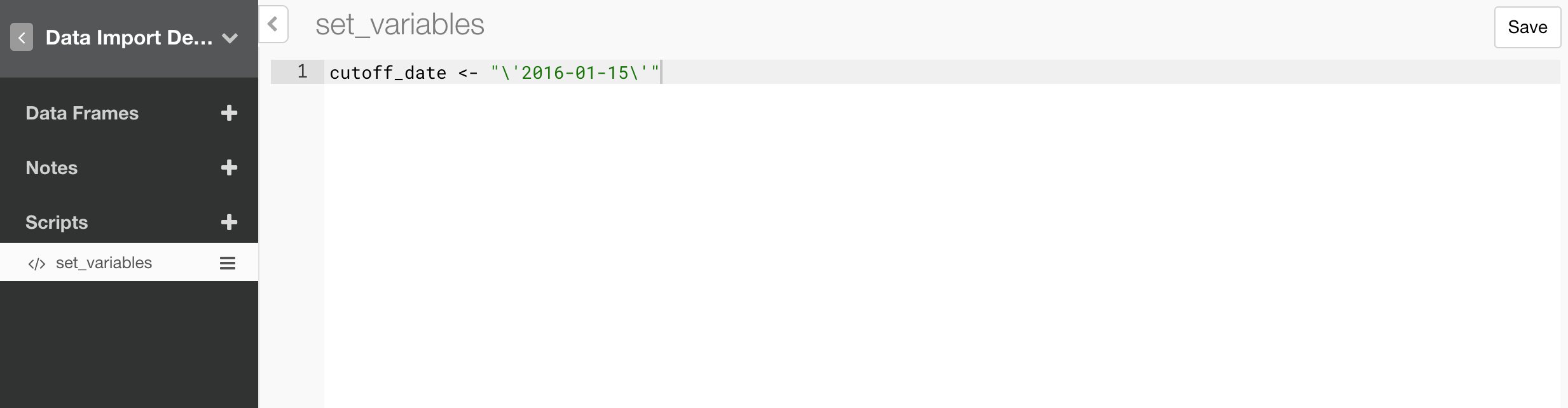
First, create a custom R script.