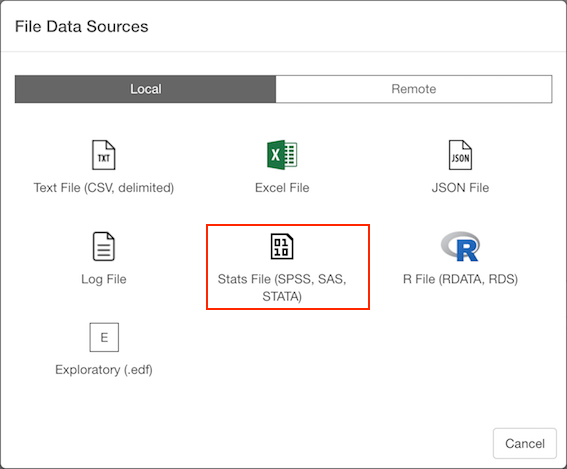
1. Select Stats (SAS / SPSS / STAT) File Data Menu
Click ’+’ button next to ‘Data Frames’ and select ‘Import File Data’.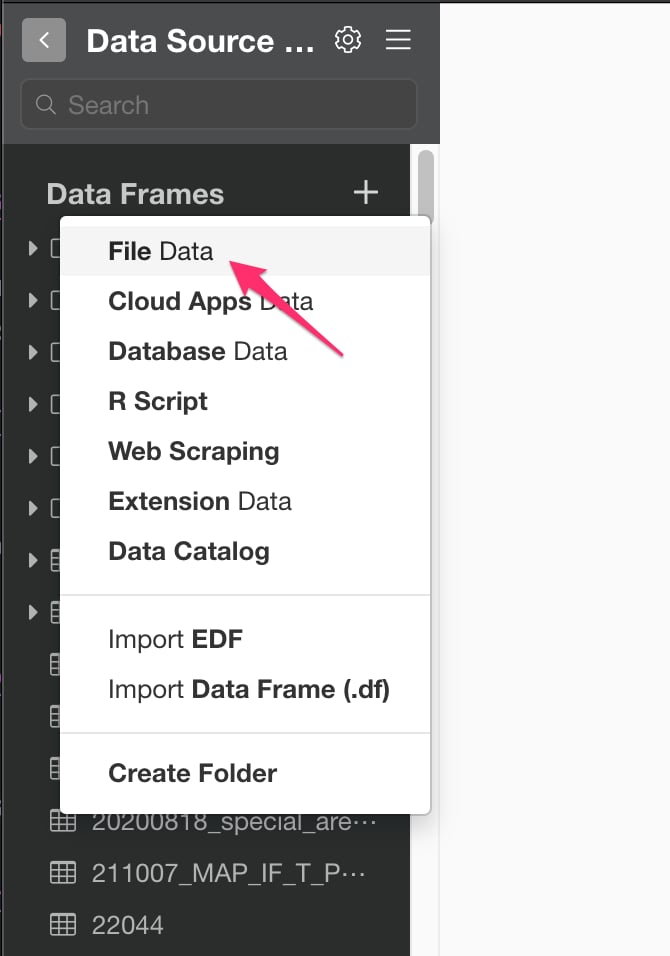
2. Select File.
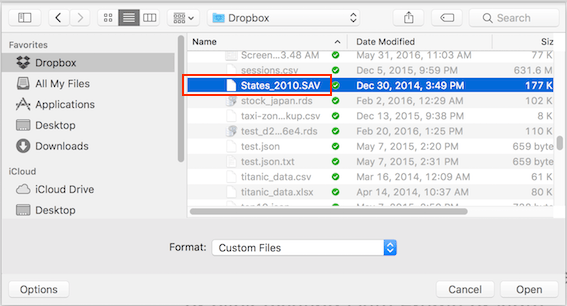
If you select local, file picker shows up so select a file to import.2.1 Local File
2.2 Remote File
if you select remote, small dialog shows up so enter a URL for the file. And select File Type from Pulldown list.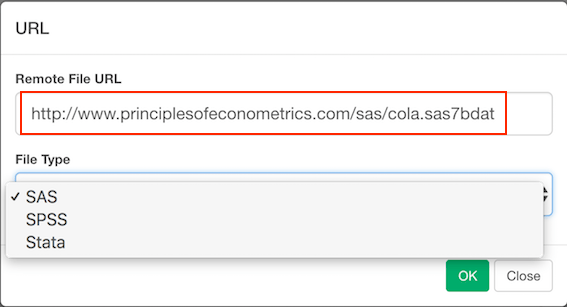
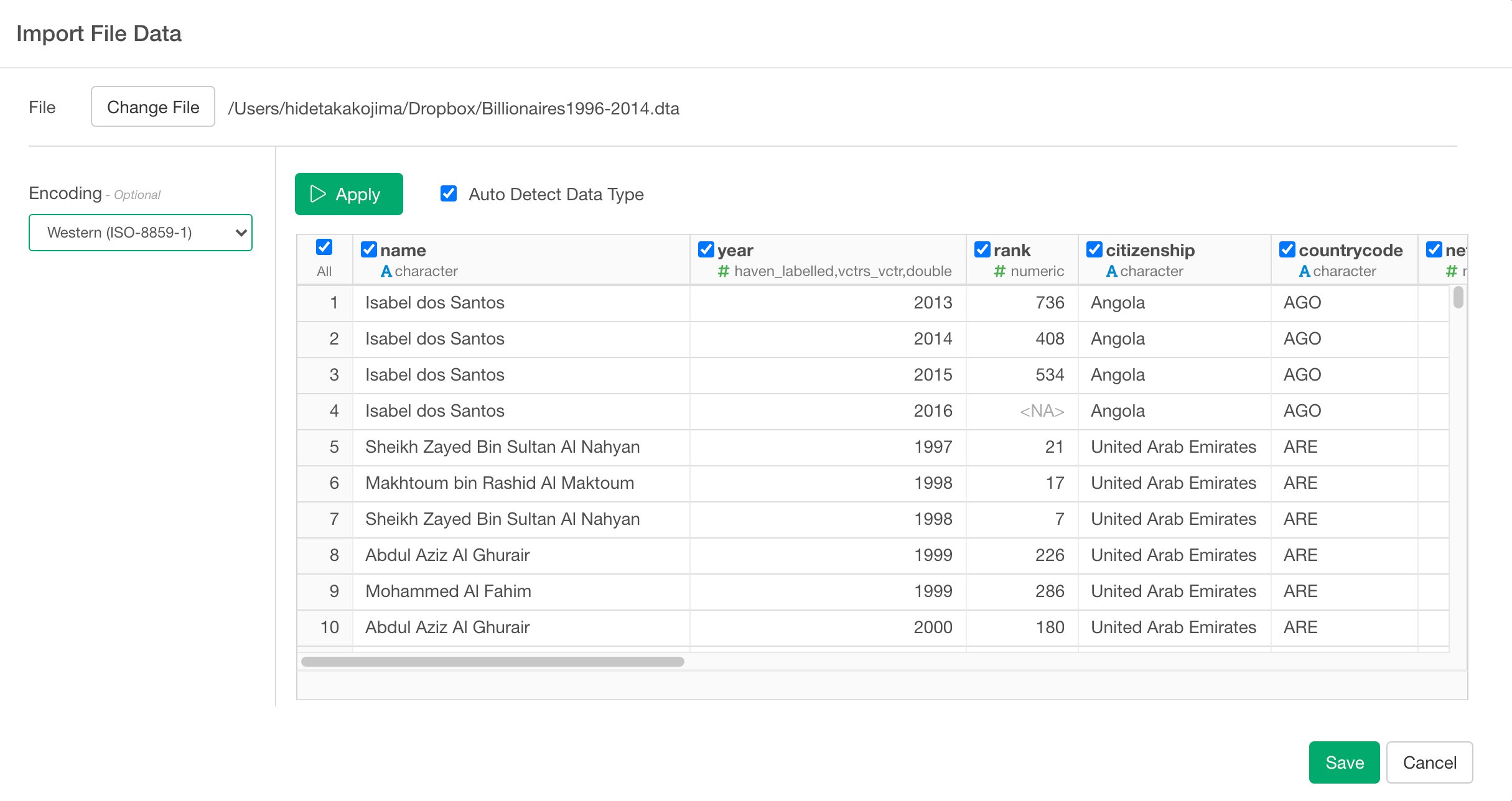
3. Input parameters
- Encoding (Optional) : The character encoding used for the data file.