
1. Select R File (RDATA, RDS) File Data Menu
Click ’+’ button next to ‘Data Frames’ and select ‘Import File Data’.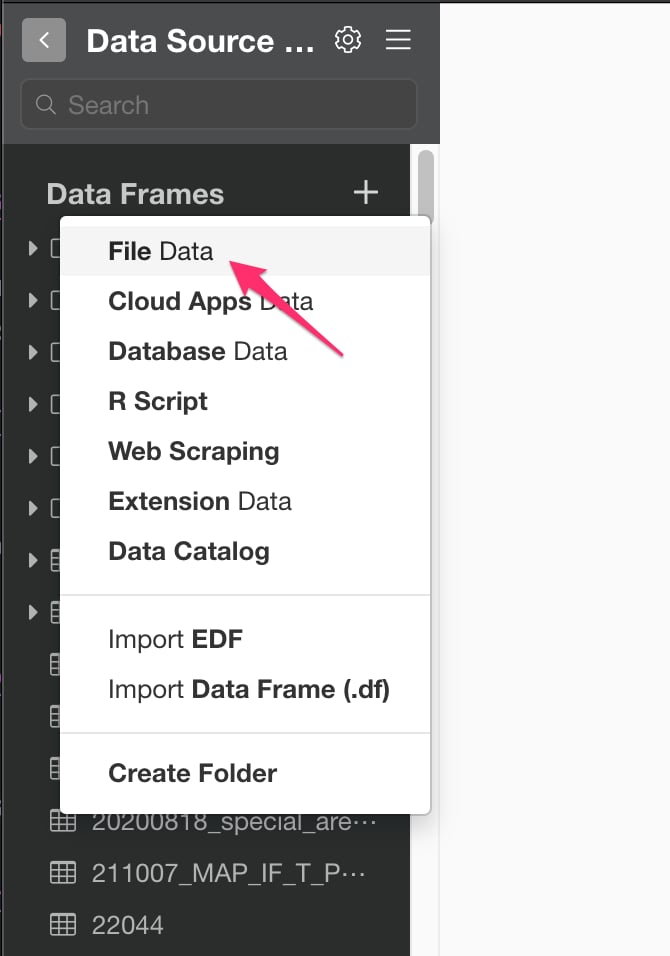
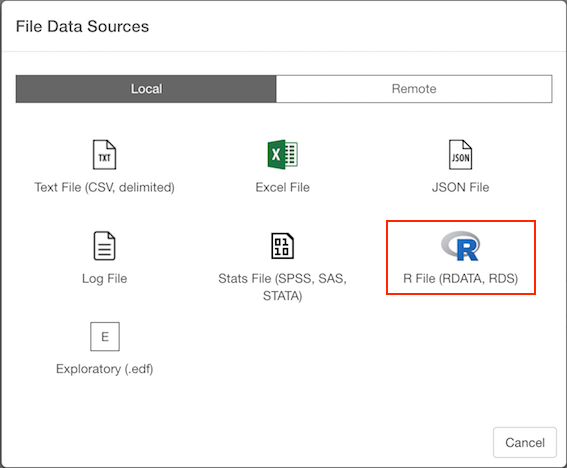
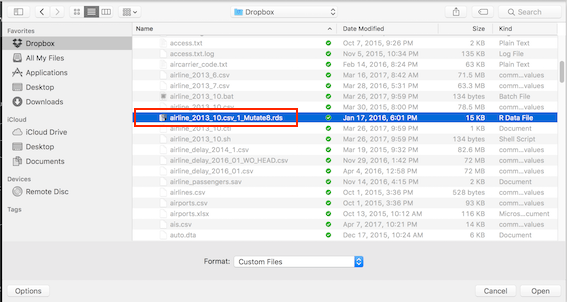
2. Select File.
If you select local, file picker shows up so select a file to import.2.1 Local File
2.2 Remote File
if you select remote, small dialog shows up so enter a URL for the file. And select File Type, either RData for Single R Data(RDS), from pulldown list.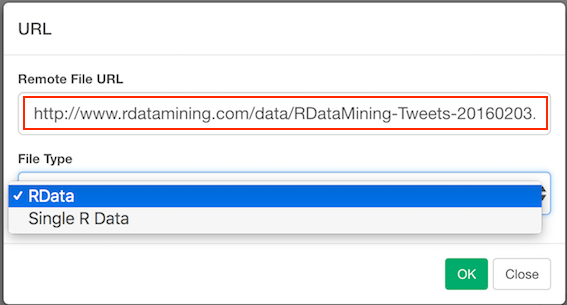
3. Input parameters
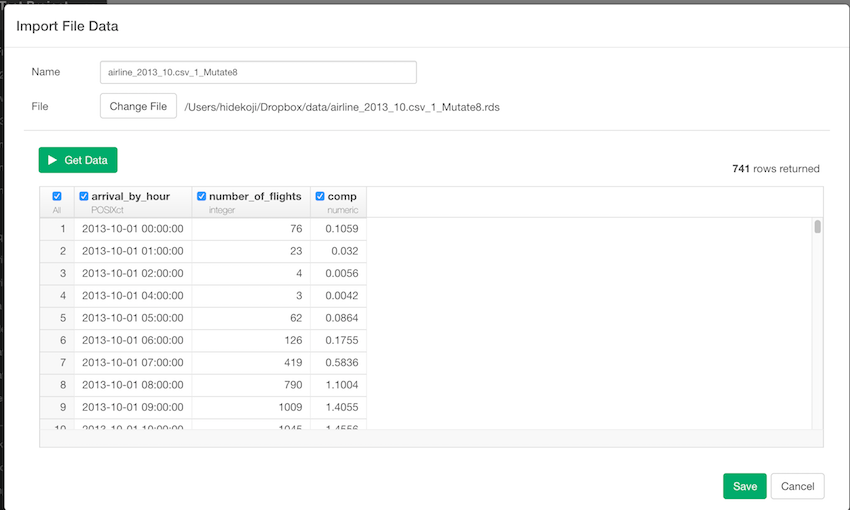
3.1 RDS File
3.2 RDA File
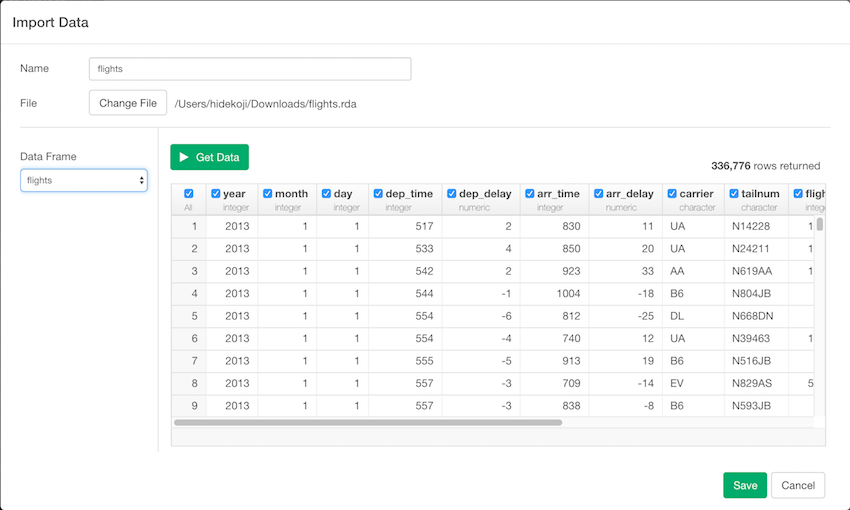
- Data Frame - Since RDA file can have multiple data frames in it, please select a Data Frame that you want to import