How to Access?
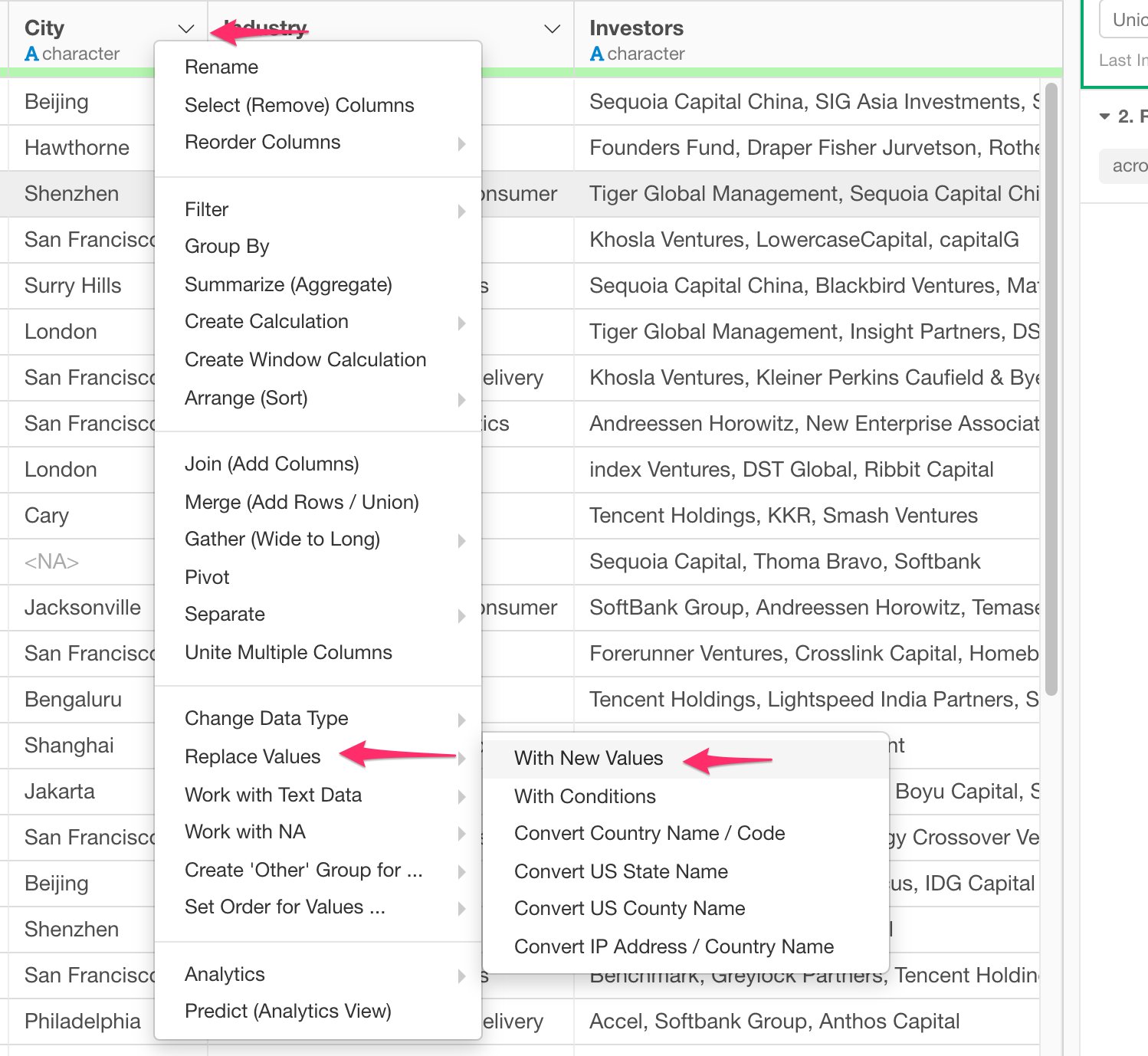
- From the Column Menu on a Character Column, select “Replace Values” -> “With New Values”.
How to Use?
Select Target Columns
You can select a column or multiple columns for this operation. To select multiple columns, check the checkboxes for the columns you want to perform this operation.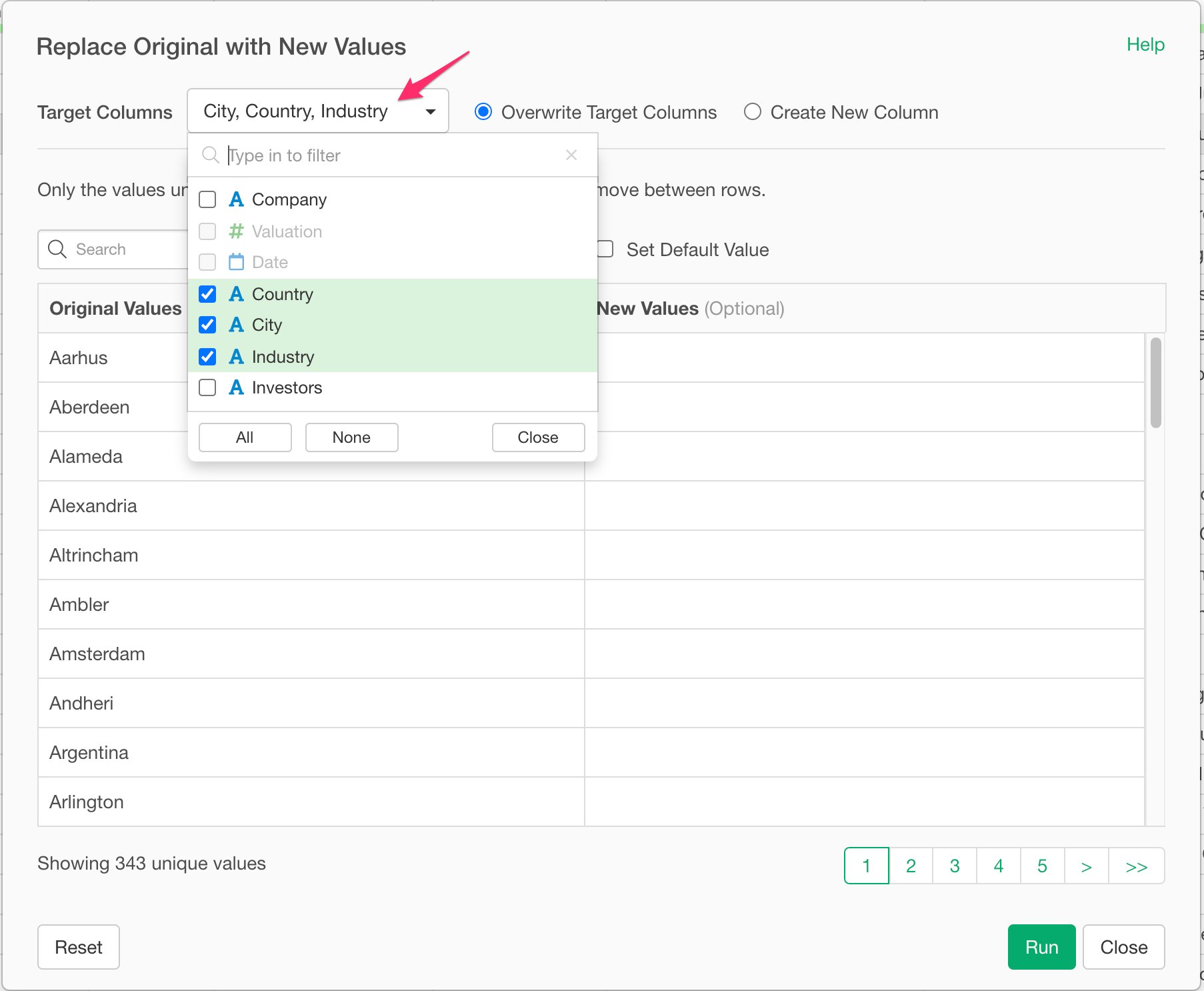
Set New Values
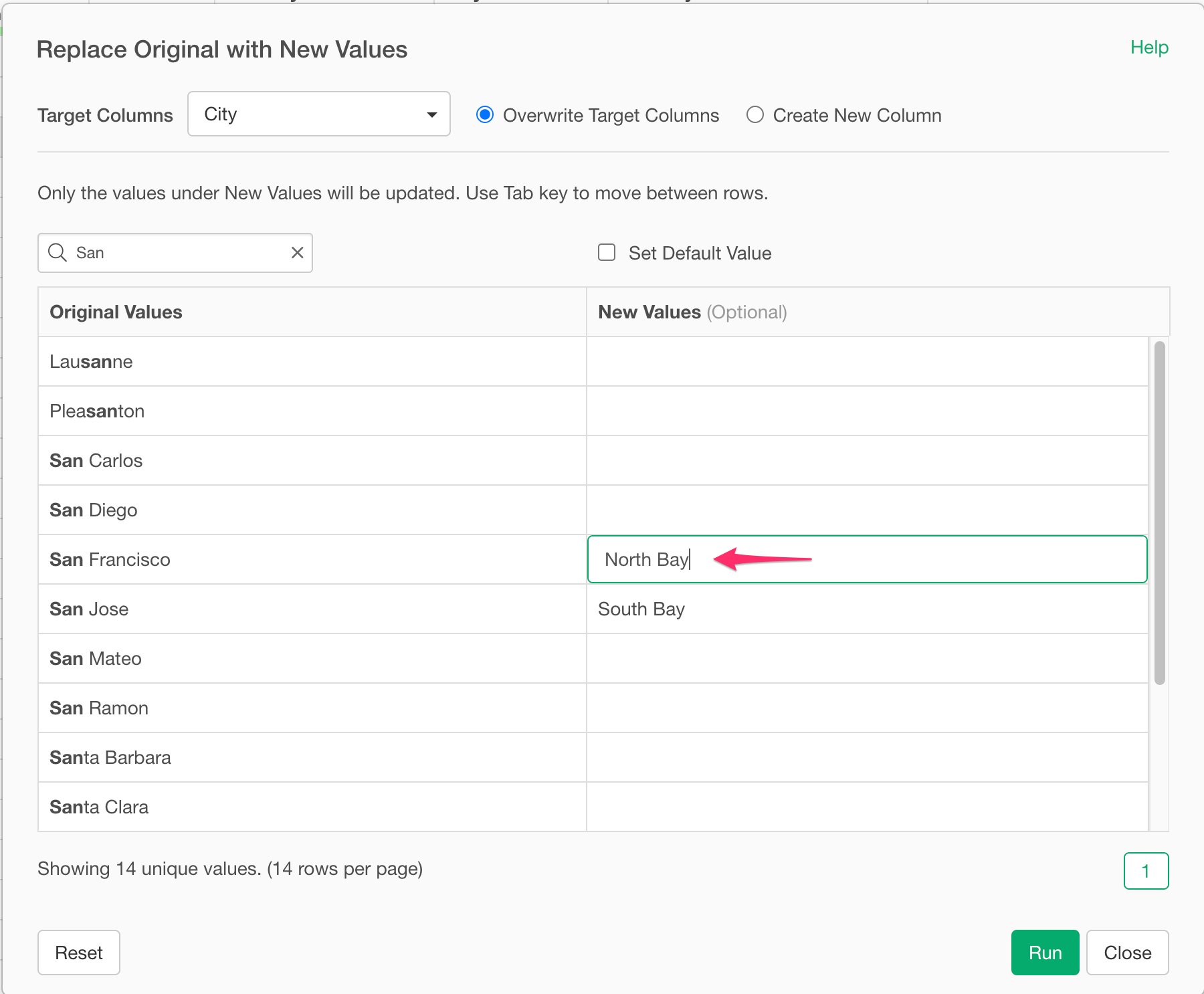
To map multiple Existing Values to a same New Value, you can simply type in the new values. For example, if you want to setNorth Bay for San Francisco and South Bay for San Jose, type in the values like the below screenshot.