Ceating a Team
You can click the “Add New” link to create a new team.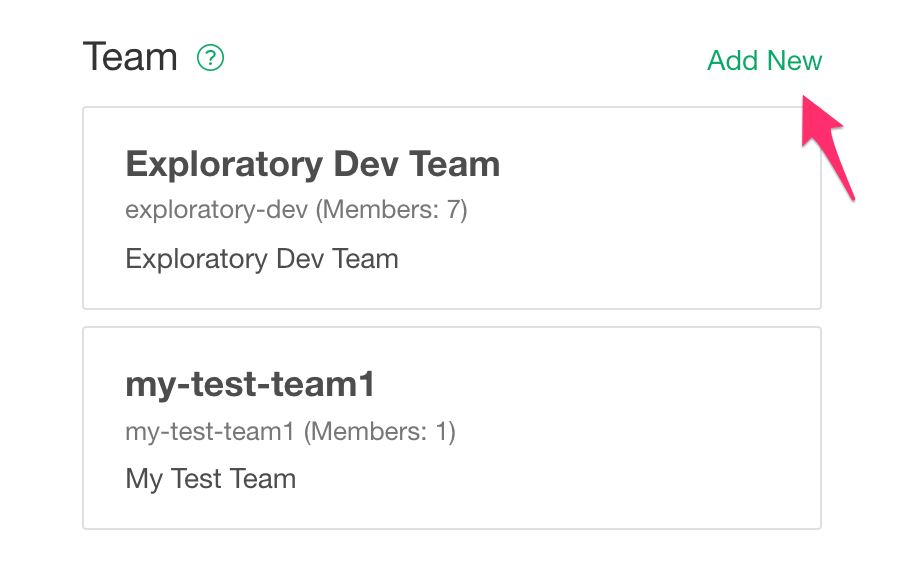
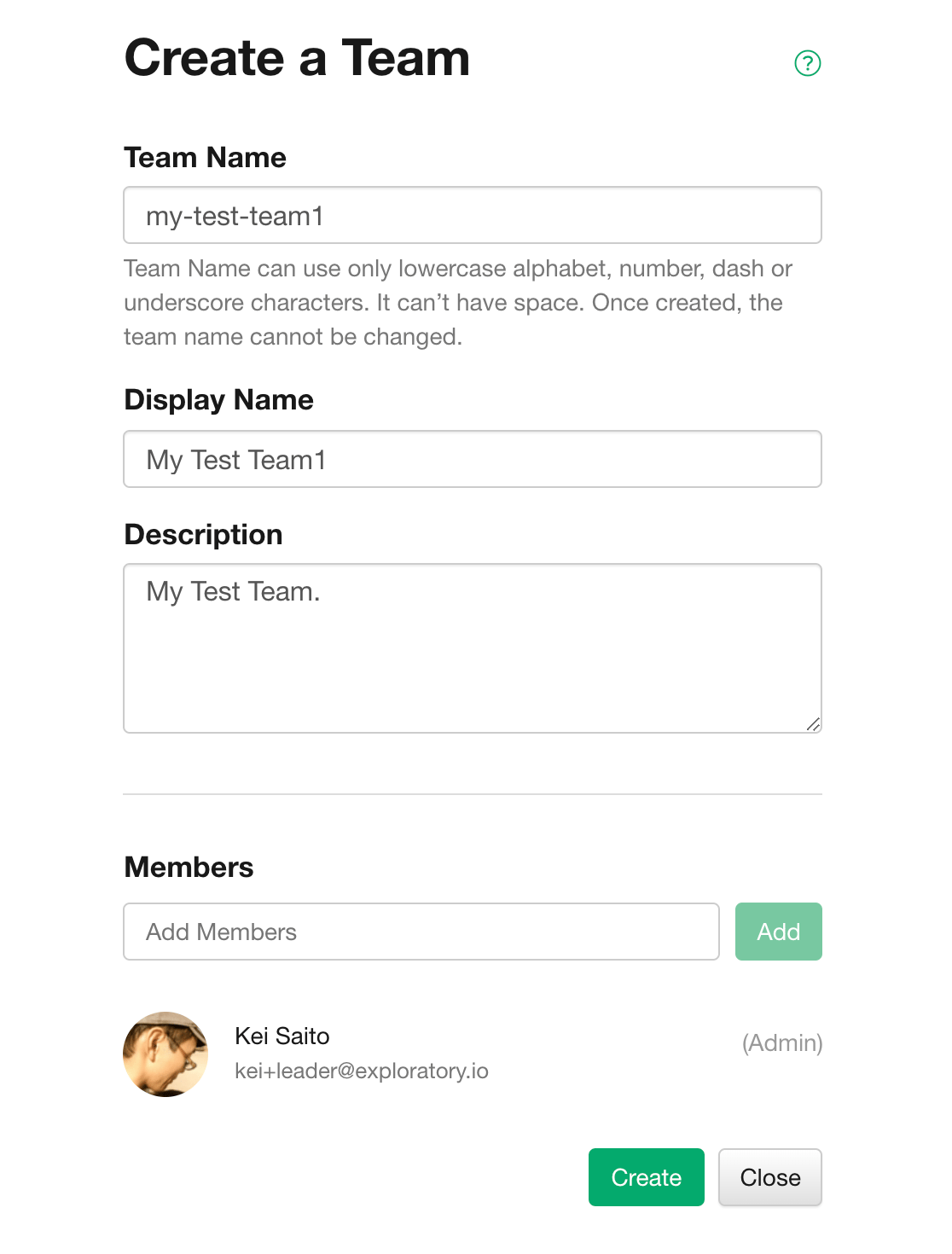
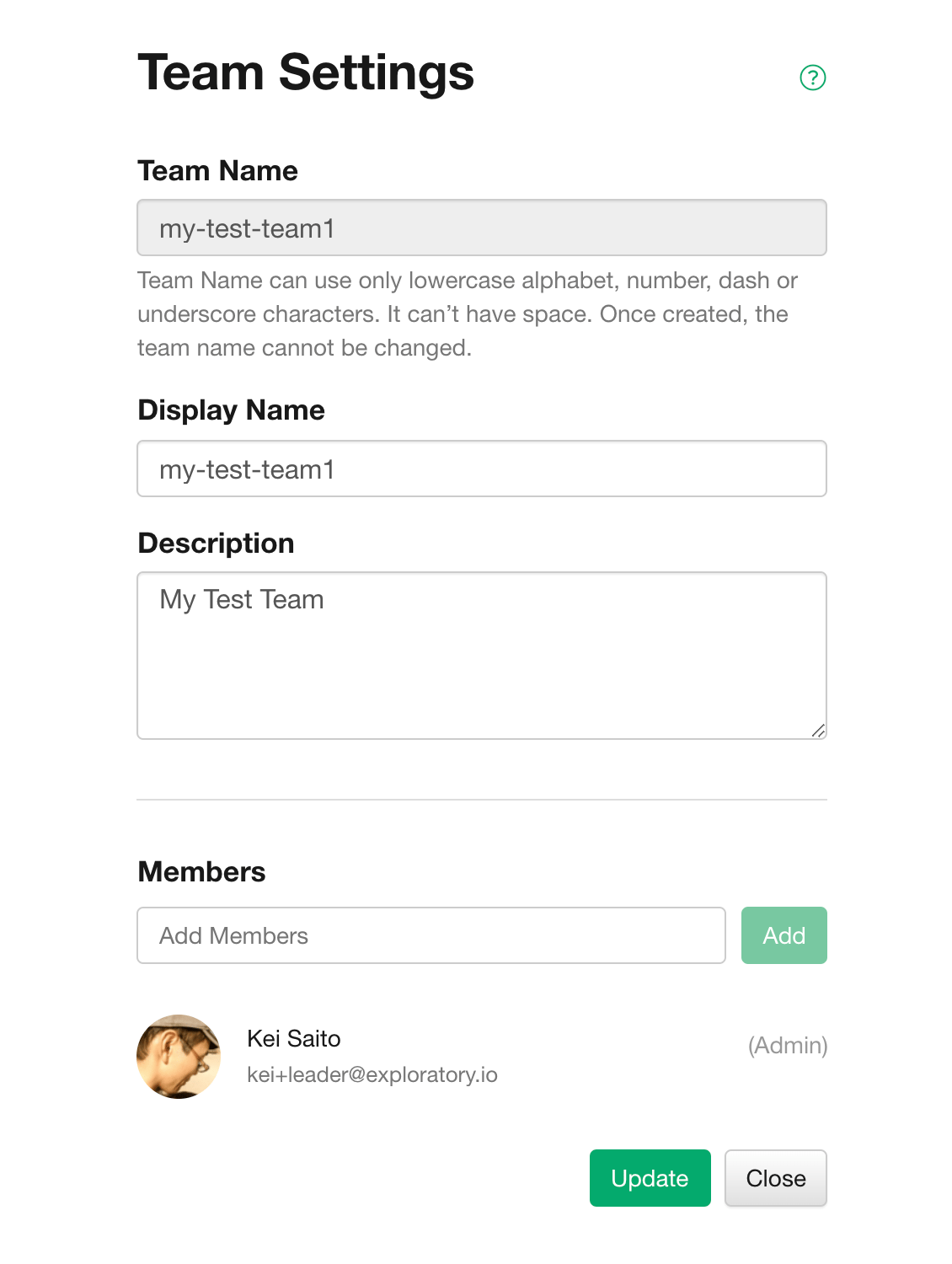
- Team name (required): The name of the team used in the URL. Only lowercase alphanumers, hyphens, and underscores can be used in the team name. Once created, the team name cannot be changed.
- Display Name (Optional): The name used for the display. If not entered, the team name will be used automatically.
- Overview (optional): An overview of the team.
- Members: Members of this team.
Adding Members to the Team
To add a member of your team, enter the email address of the member you want to add in the Add Member input field. Members must be registered on exploratory.io.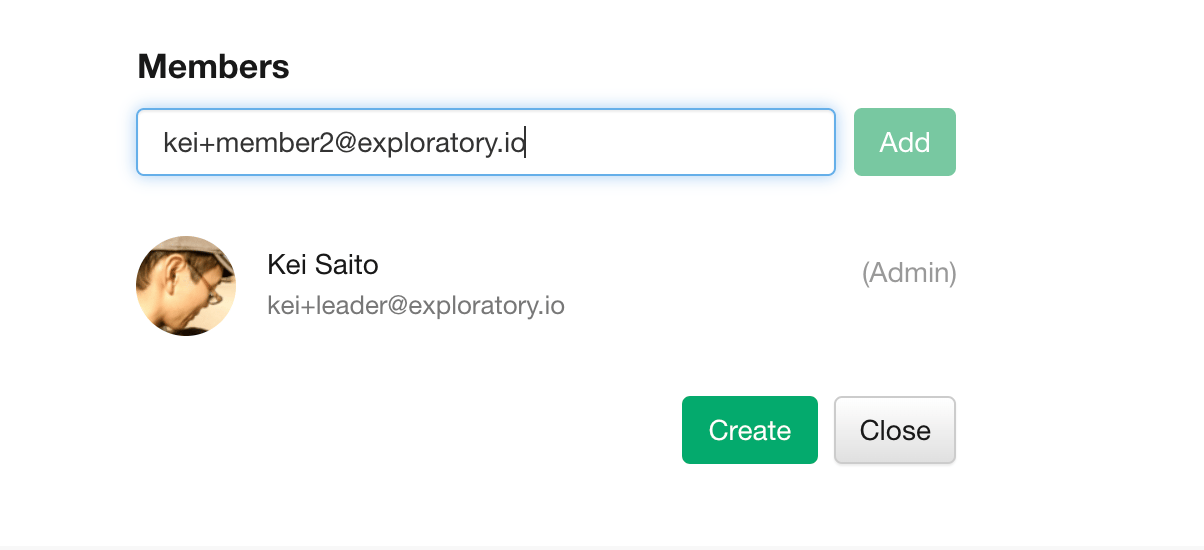
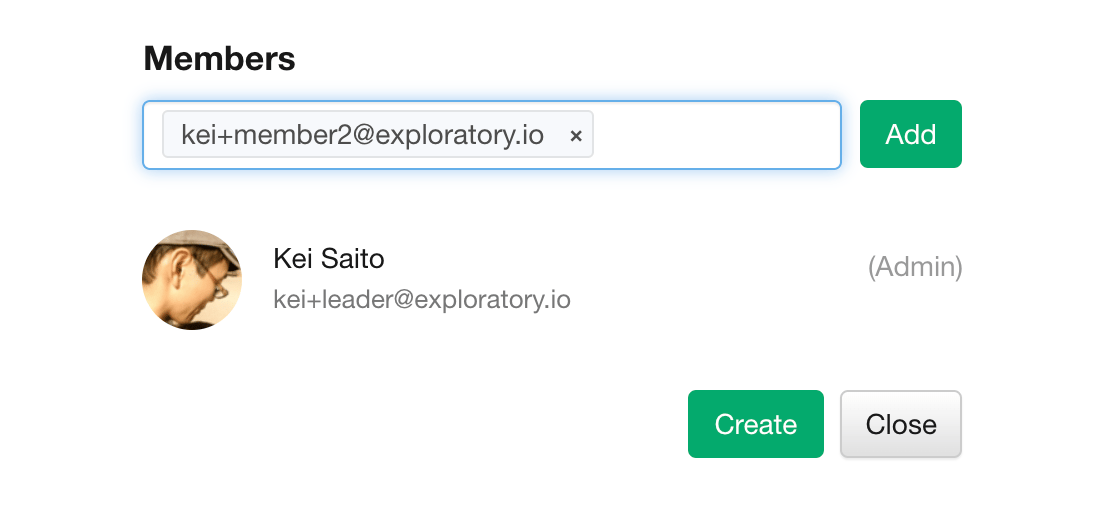
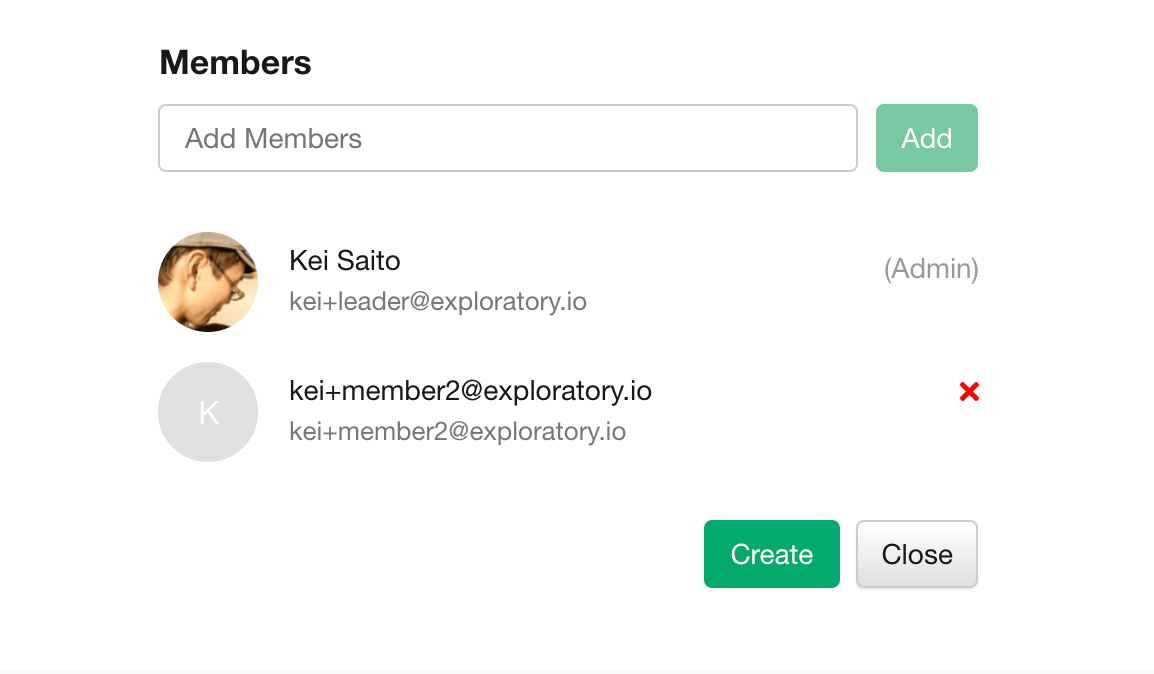
Deleting Members from the Team
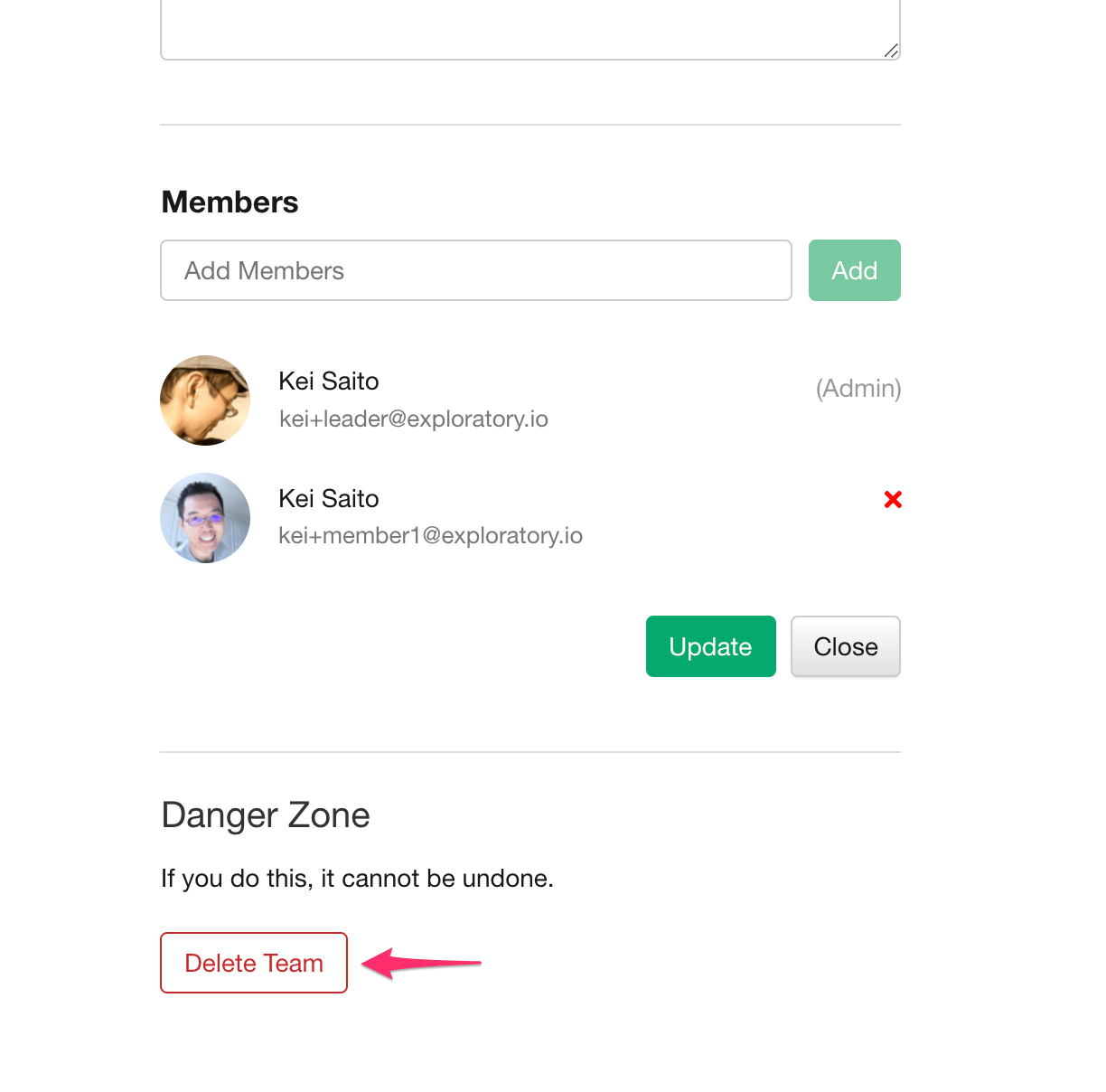
To delete a member, click the “x” button next to the member.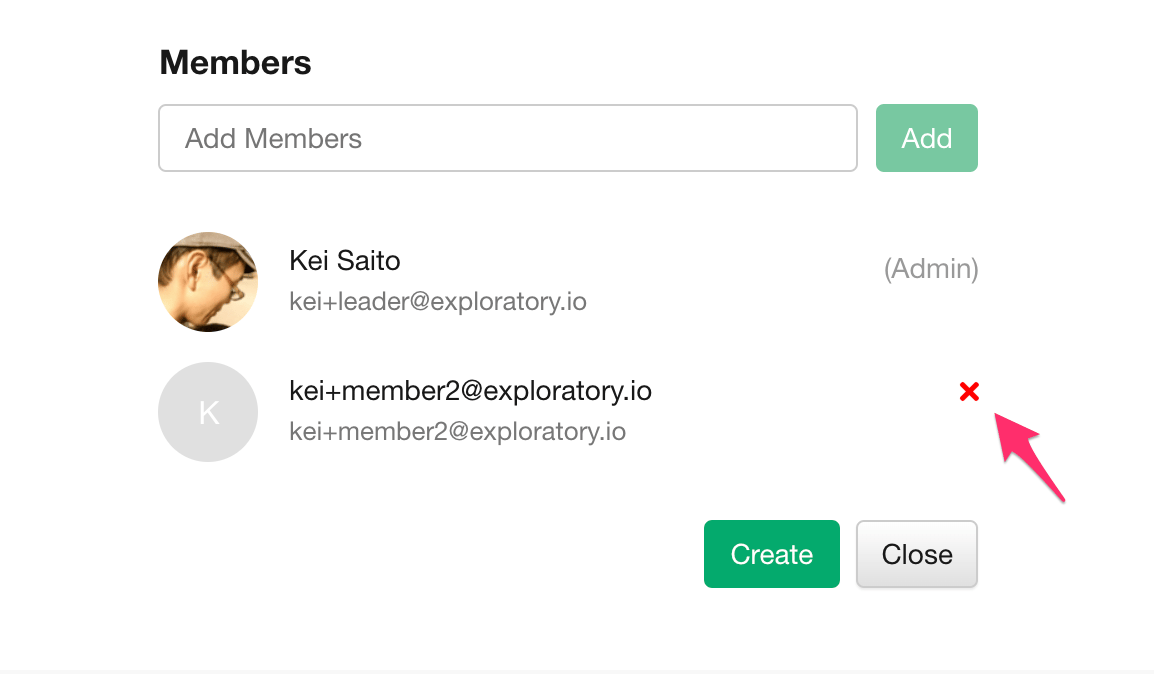
Updating a Team
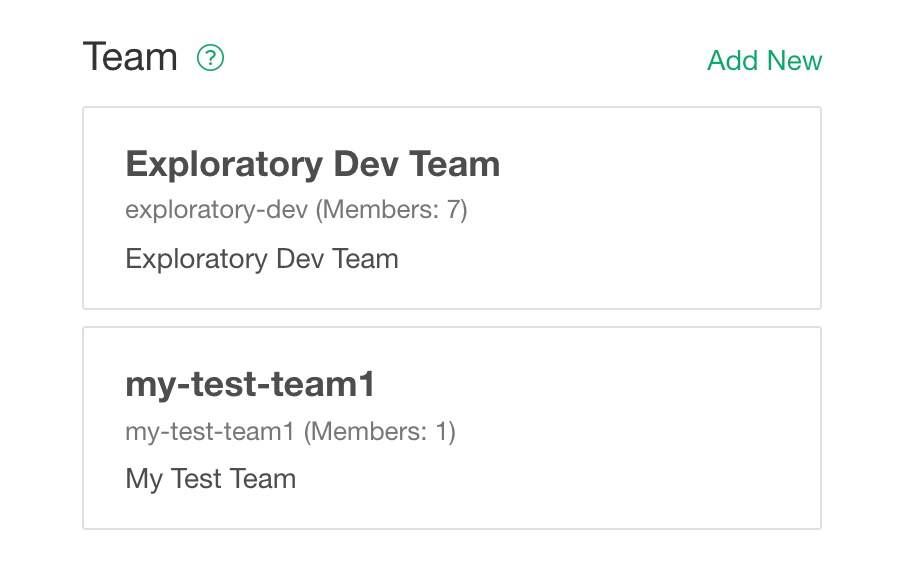
To change a team, click the team you want to change from the team management screen.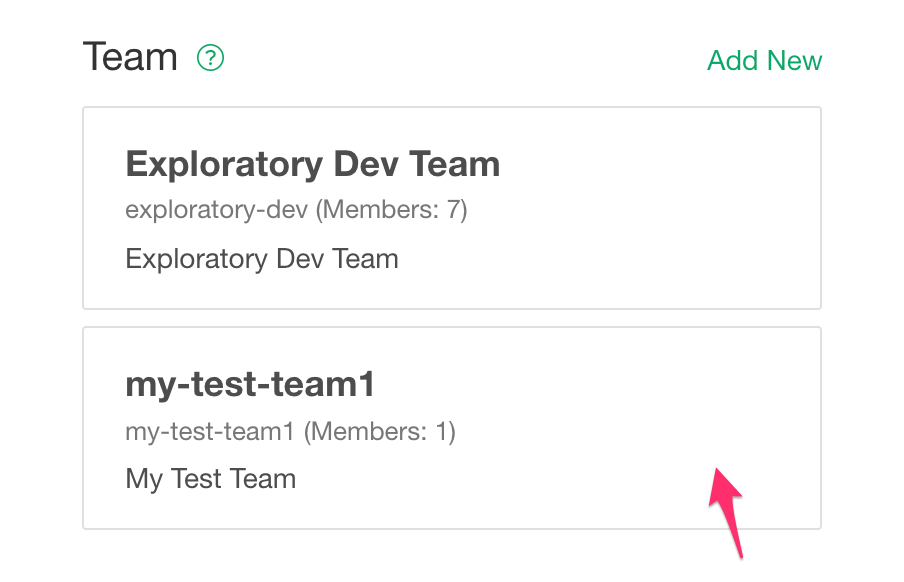
- Display name (optional): The name used for display. If not entered, the team name will be used automatically.
- Overview (optional): An overview of the team.
- Members: Members of this team.
Deleting a Team
To change a team, click the team you want to change from the team management screen.