Type of Parameters
You can define following types of Parameters.- Character
- Text Field Input
- Single Value Selector Input
- Multiple Value Selector Input
- Number
- Text Field Input
- Slider Input
- Single Value Selector Input
- Multiple Value Selector Input
- Date
- DateTime (POSIXct)
- Logical (TRUE/FALSE)
Where to Use Parameters
You can use the defined parameters from following places in your data processing, analysis, and/or visualization.- Data Sources
- Database Query
- SQL Databases
- MongoDB
- Custom R Data Source
- Database Query
- Filter Step
- Mutate Step
- Summarize Step
- Chart Filter
- Analytics Filter
What Can Be Parametrized by Parameters
By using Parameters, following Views on Exploratory Desktop or Dashboards/Documents published at exploratory.io or Collaboration Server can be parametrized.On Exploratory Desktop
- Summary View
- Table View
- Chart
- Analytics
- Dashboard
- Note
Dashboards/Documents Published at exploratory.io or Collaboration Server
- Data
- Chart
- Analytics
- Dashboard
- Note
Properties of a Parameter
You can specify the following properties for a parameter when the parameter is embedded in an SQL or MongoDB query.- quote - Controls whether to quote the value of the parameter in the SQL or MongoDB query, and with what kind of quotation. The defaylt is double quotation.
'"'- Double quote the parameter value."'"- Single quote the parameter value.- FALSE - Do not quote the parameter value.
- escape - Controls whether to escape the value of the parameter in the SQL or MongoDB query, and for what kind of quotation. The default is escaping for double quotation.
'"'- Escape the parameter value so that it can be used with double quotation."'"- Escape the parameter value so that it can be used with single quotation.- FALSE - Do not escape the parameter value.
Examples:
- Do not quote “search_string” parameter value, but escape it so that it can be used within single-quotation.
- Do not either quote or escape “email_domain_regex” parameter value in the MongoDB query.
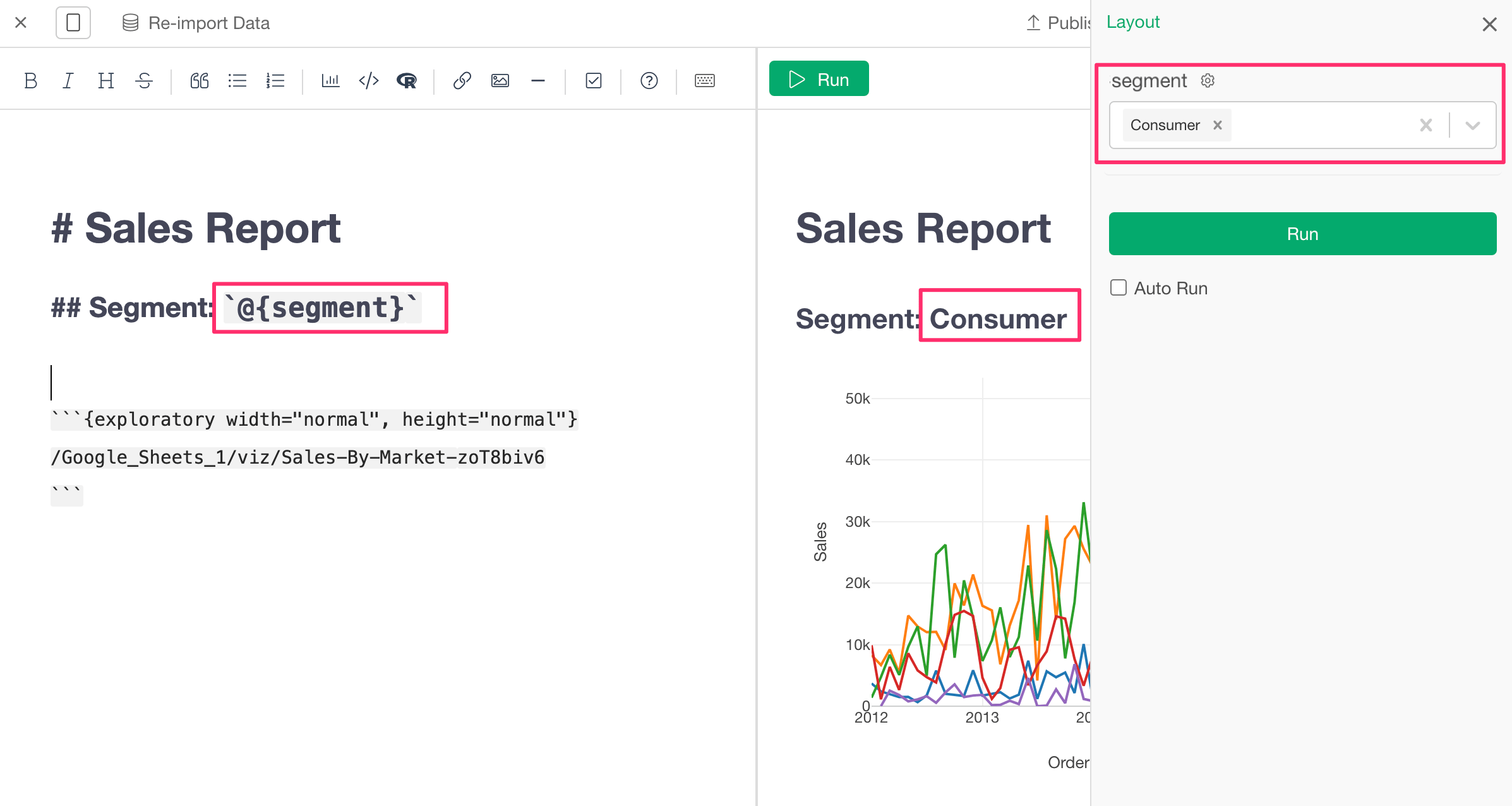
Showing the Parameter Value on Note / Dashboard
You can show the current parameter value on the Note / Dashboard using the`@{parameter_name}` notation like the following.
Parameter Pane Style on the Server View.
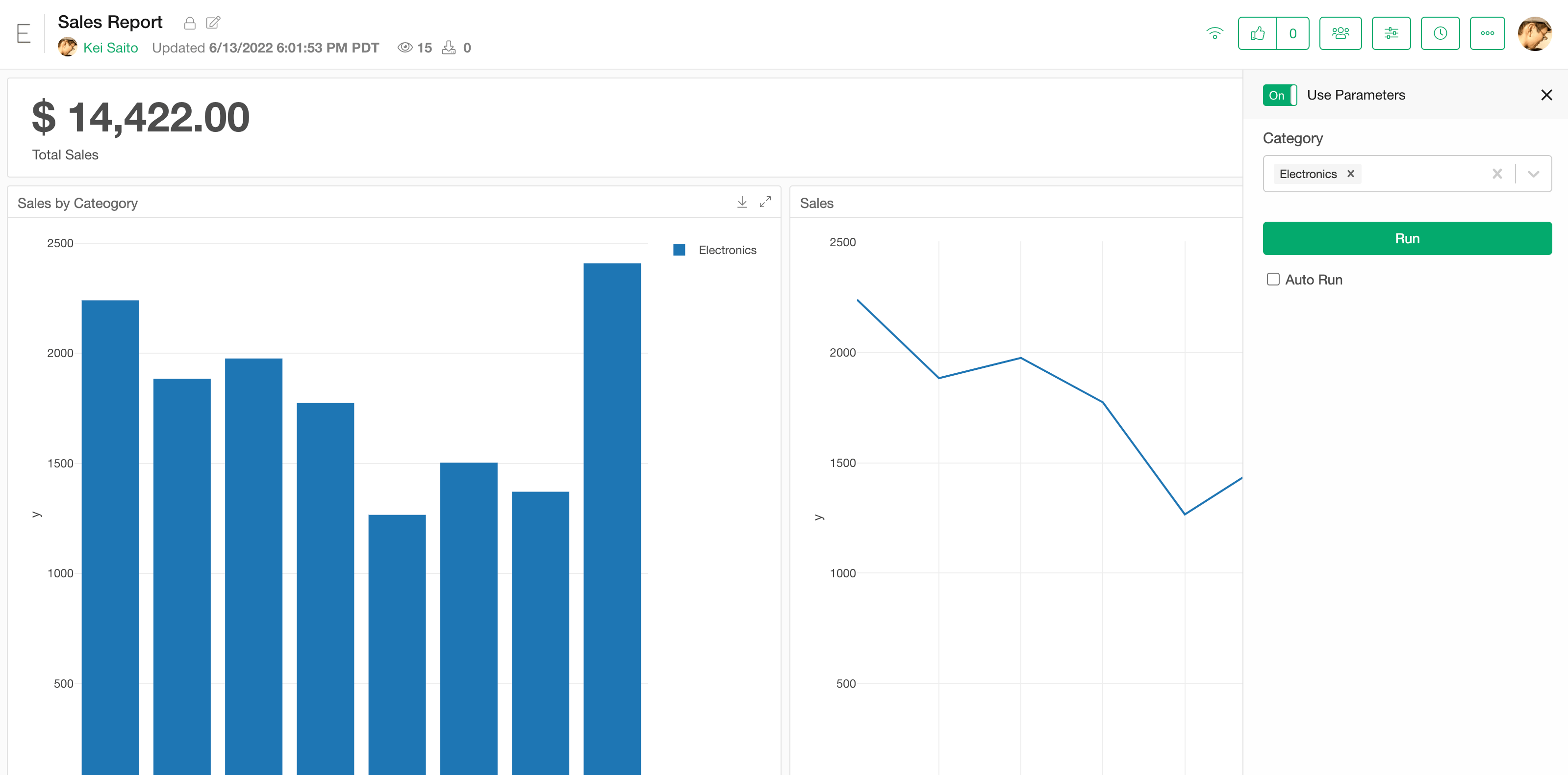
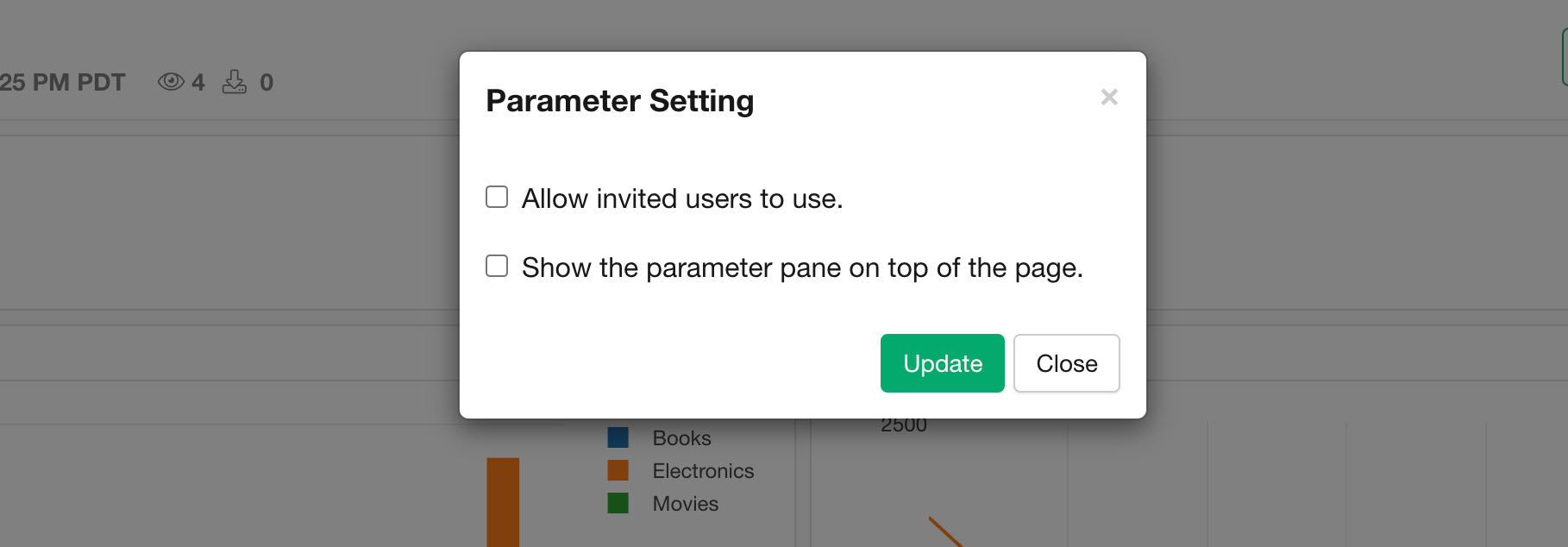
There are 2 types of parameter pane styles on the server view.Fit the parameter pane
The parameter pane fits in the same view as the insight pane.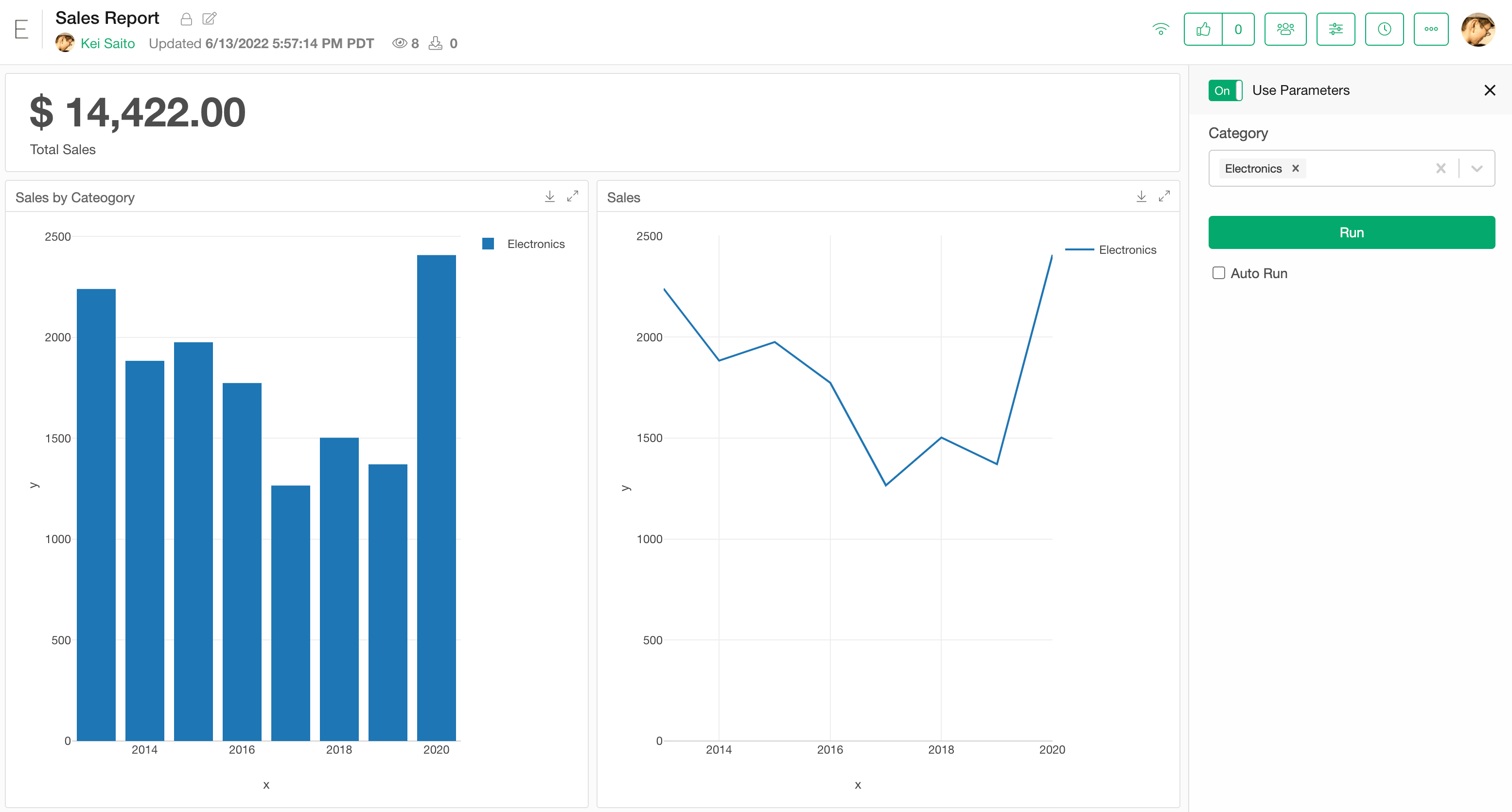
Show the parameter pane on top of the pane
The parameter pane shows up on the top of the insight pane.