Keyword
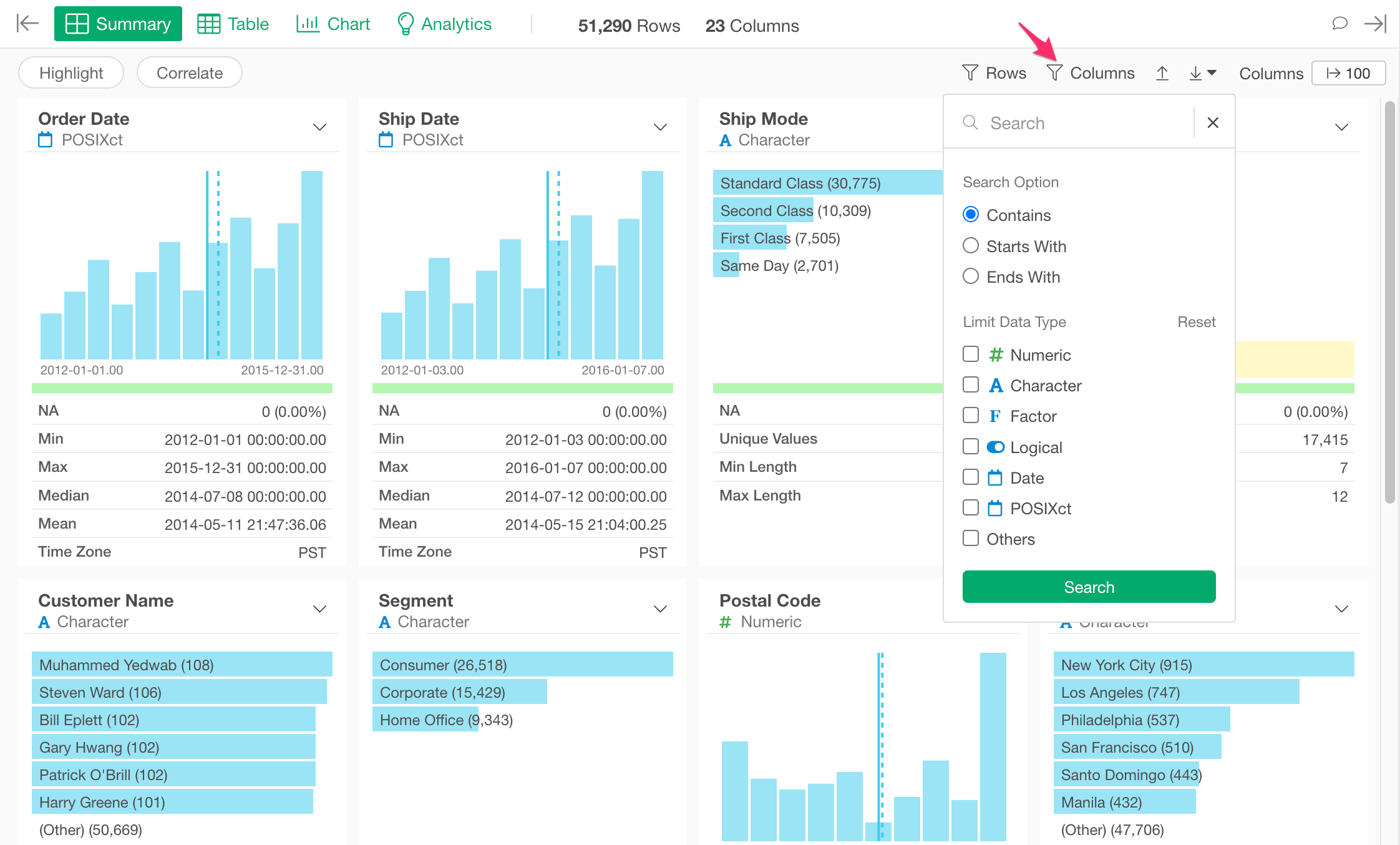
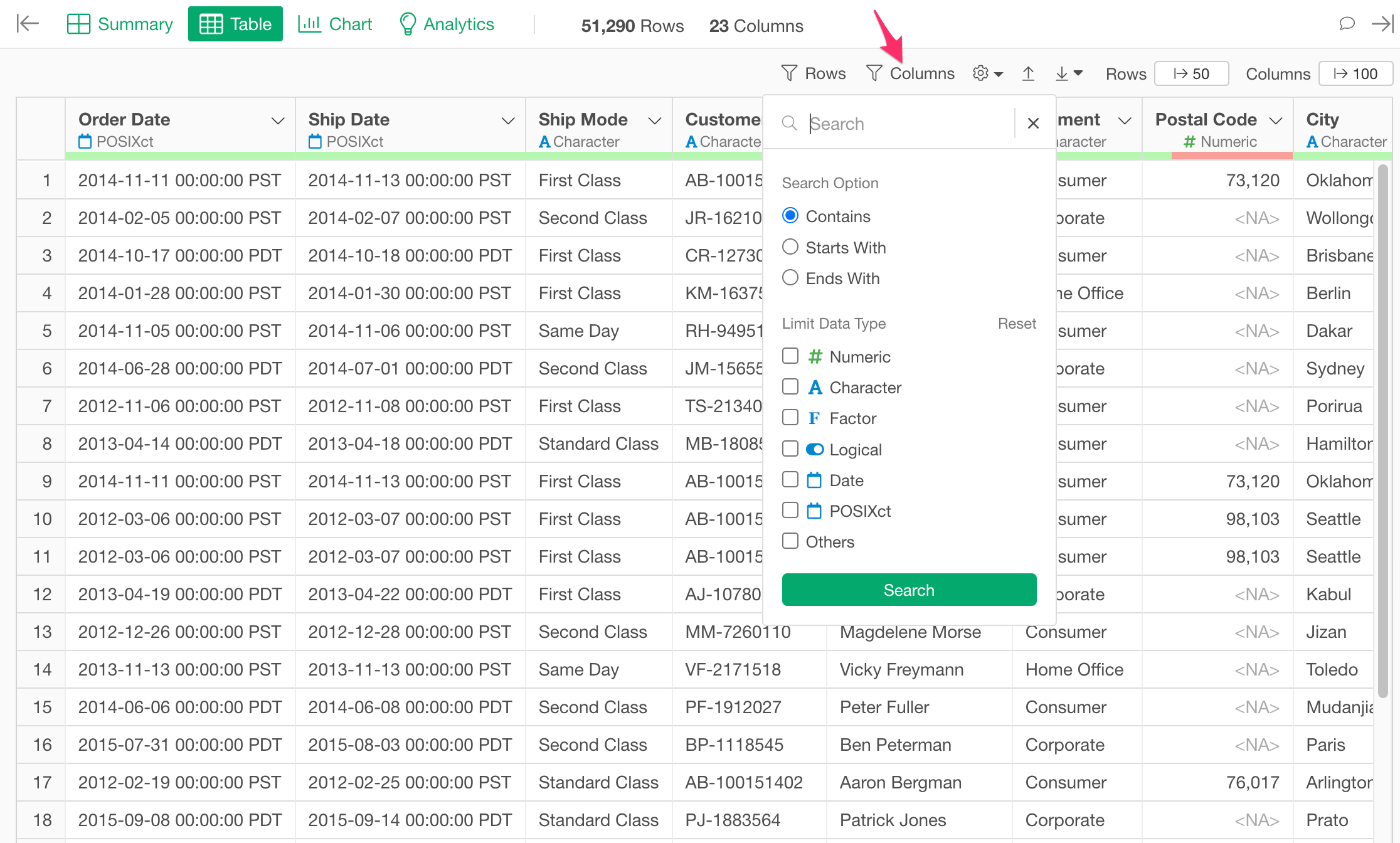
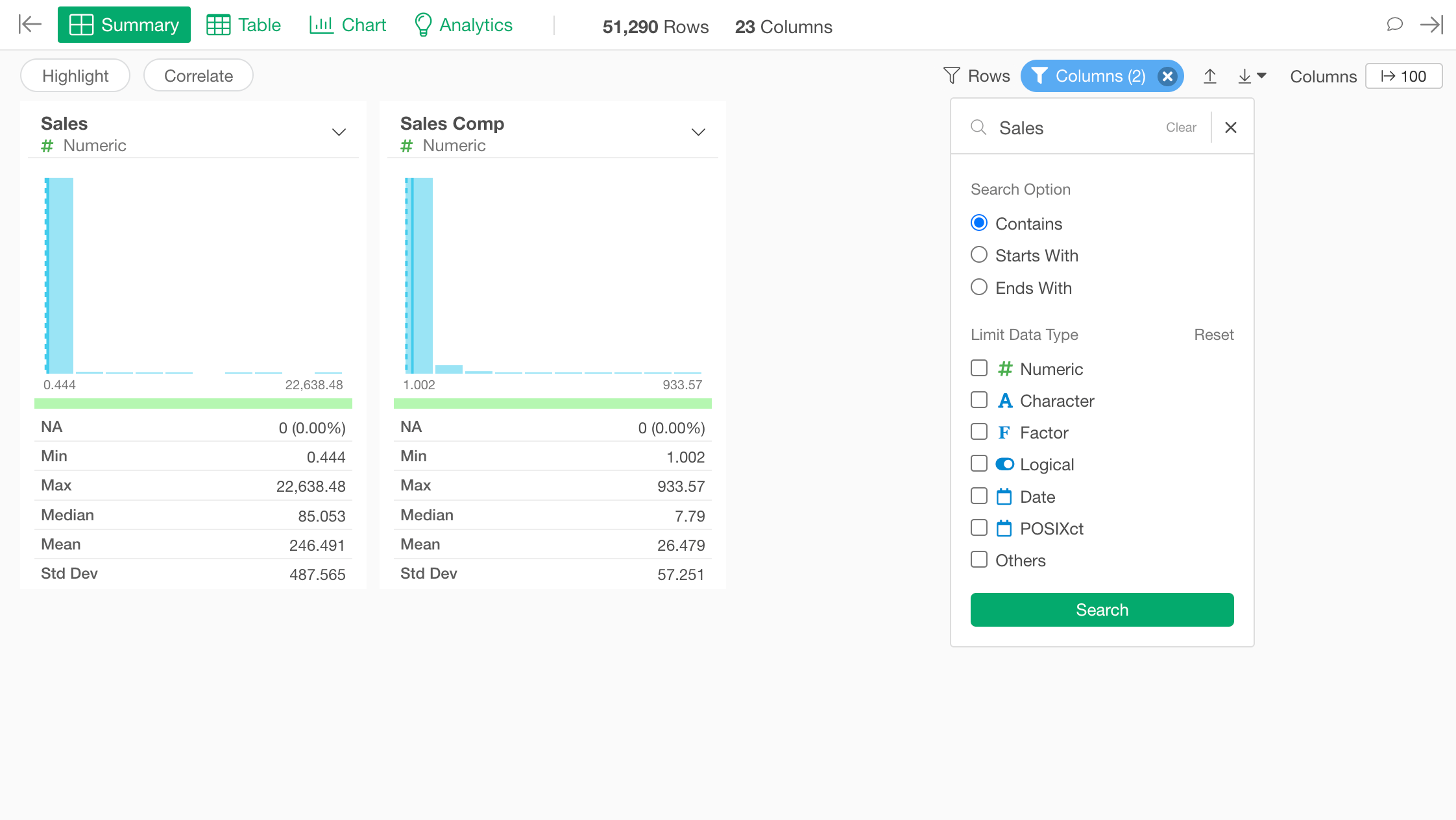
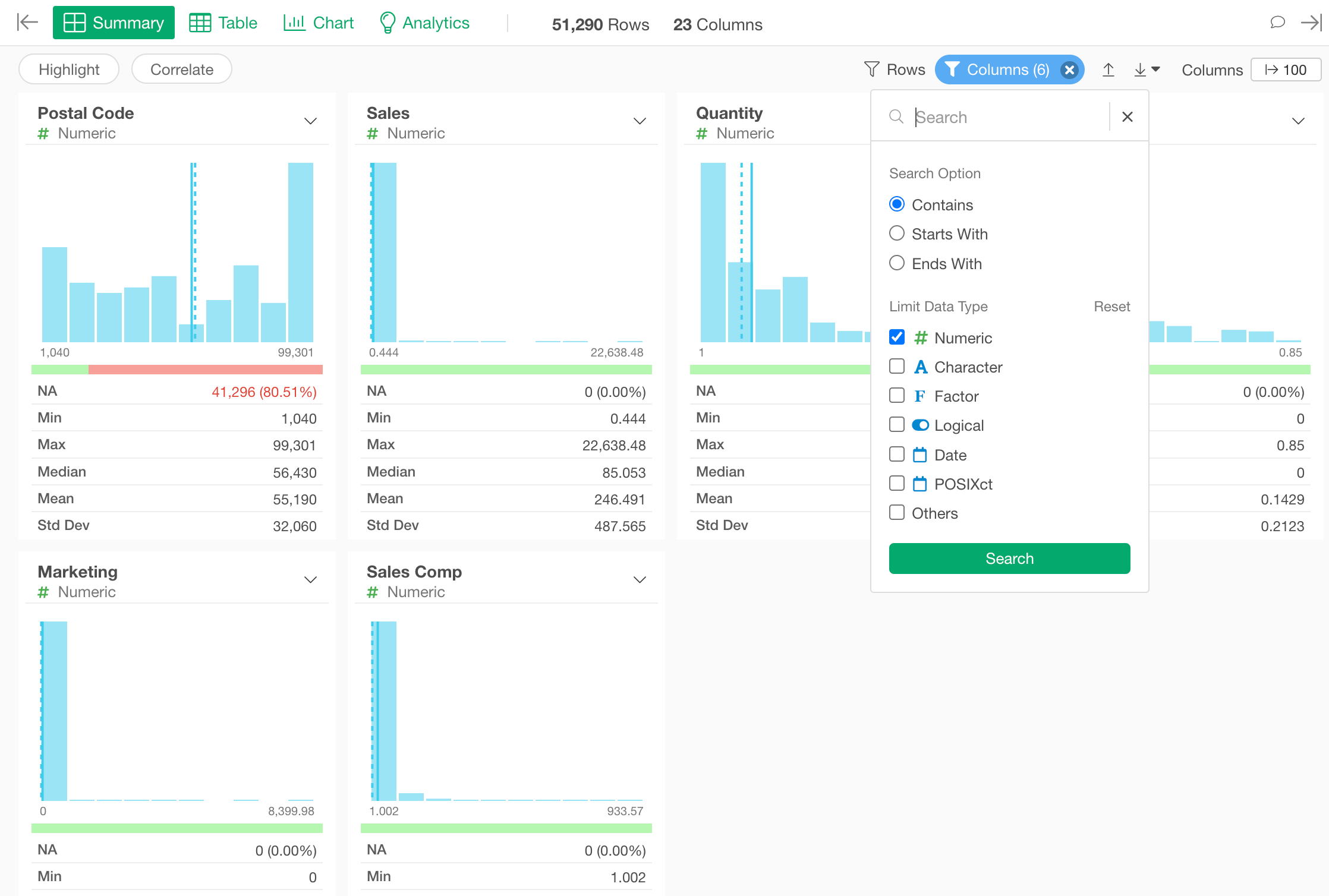
You can filter columns by the keyword. The following search options are available.- Contains: You can show columns that contain the keyword anywhere in the column name.
- Starts With: You can show columns that contain the keyword at the beginning of the column name.
- Ends With: You can show columns that contain the keyword at the end of the column name.
Data Type
You can filter columns by the data type. You can check the data type to show. You can check multiple checkboxes. If you don’t check anything, filtering by the data type is disabled. The following data type options are available.- Numeric
- Character
- Factor
- Logical
- Date
- POSIXct
- Others - It matches the data types that don’t match any of the data types above (Numeric, Character, Factor, Logical, Date, POSIXct).
Reset Conditions
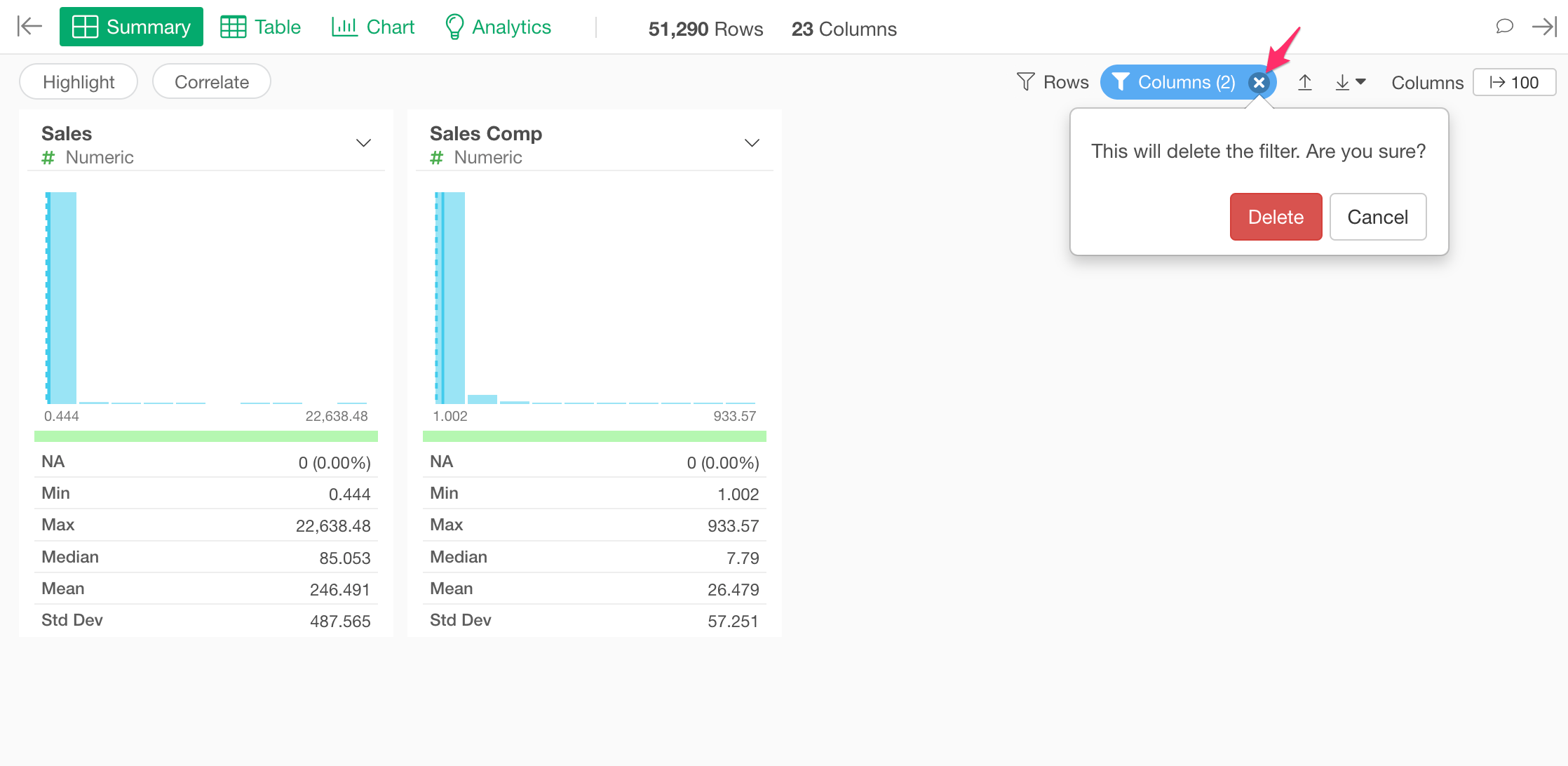
You can remove all the conditions at once by clicking the ‘x’ icon in the “Columns” button.