Create a new Condition
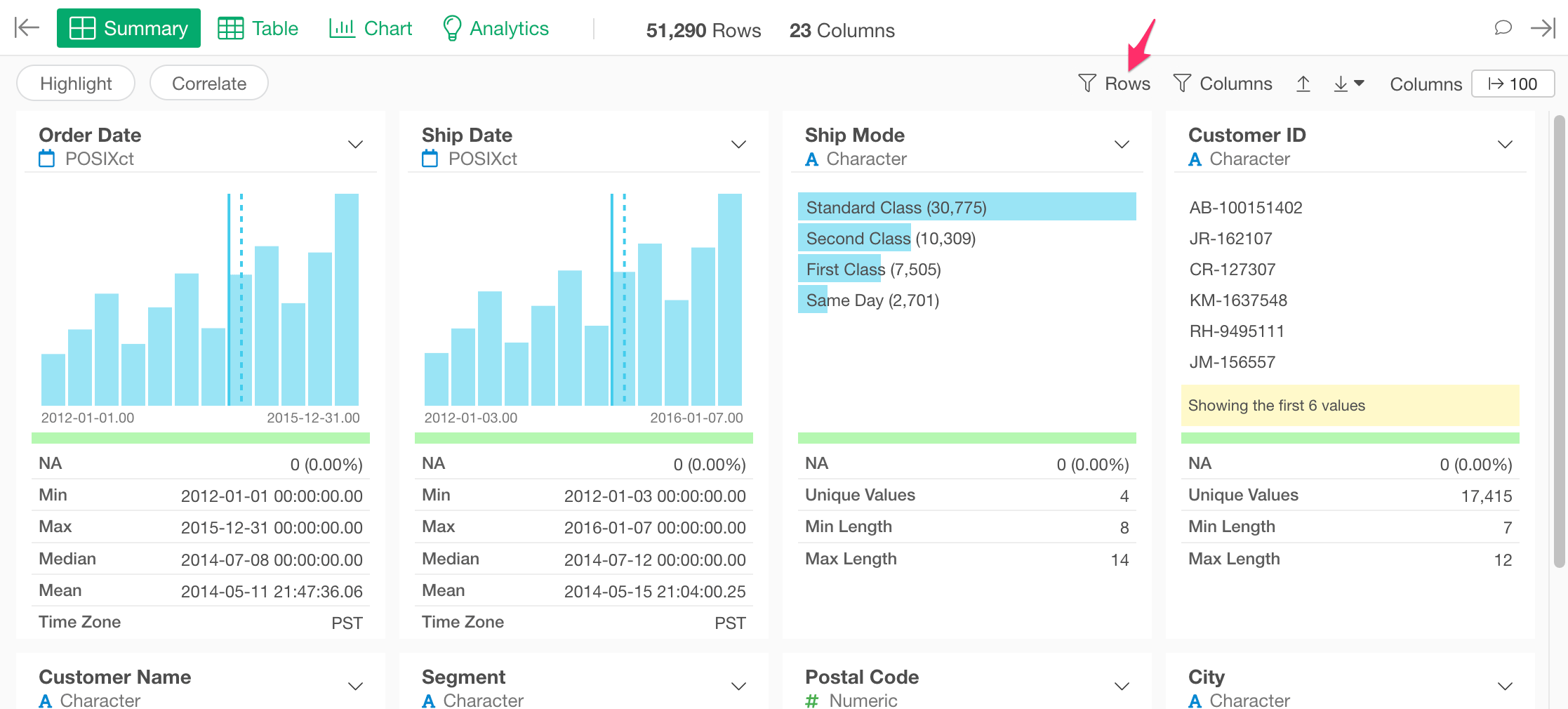
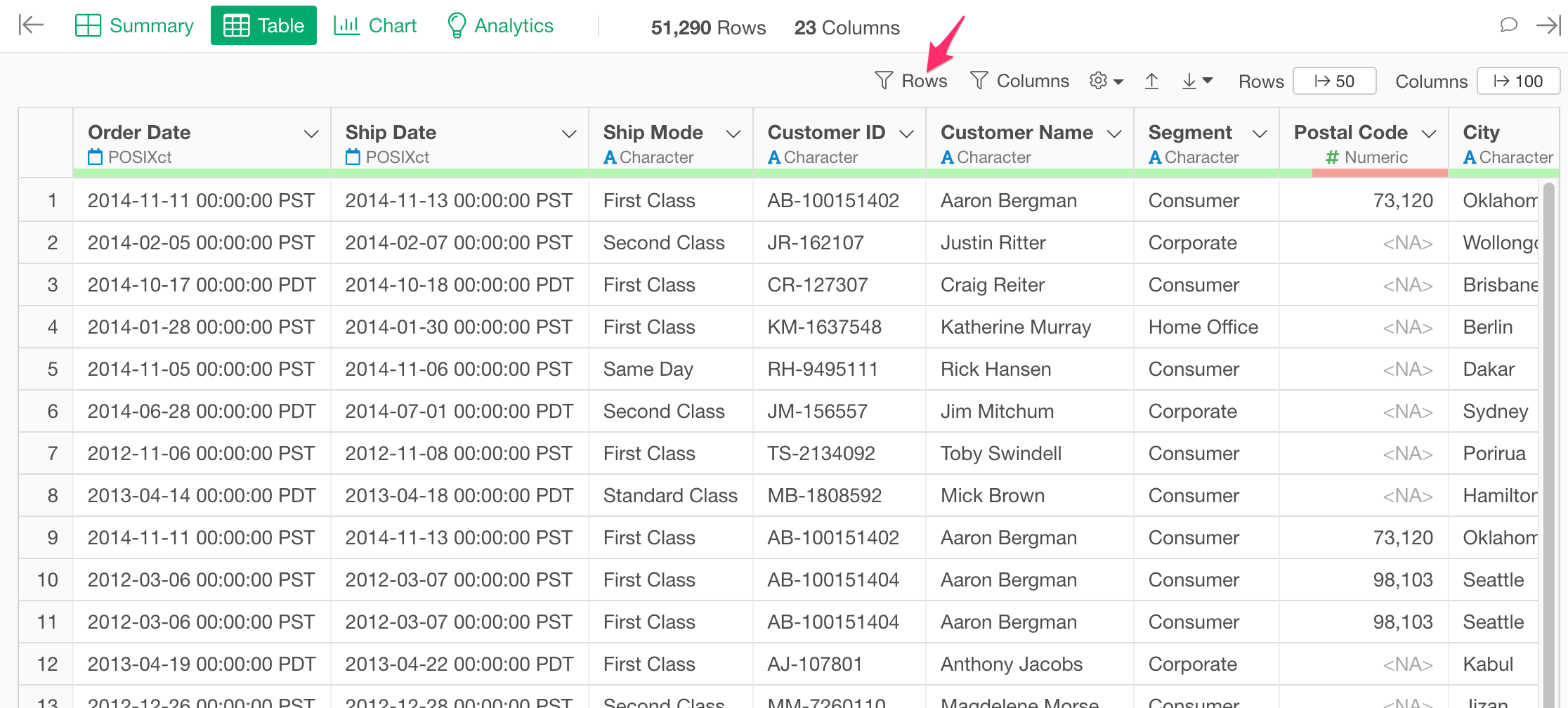
You can click the “Rows” button to create the very first condition. It will immediately open the Filter dialog. You can define the condition, and click the “Run” button to apply the condition.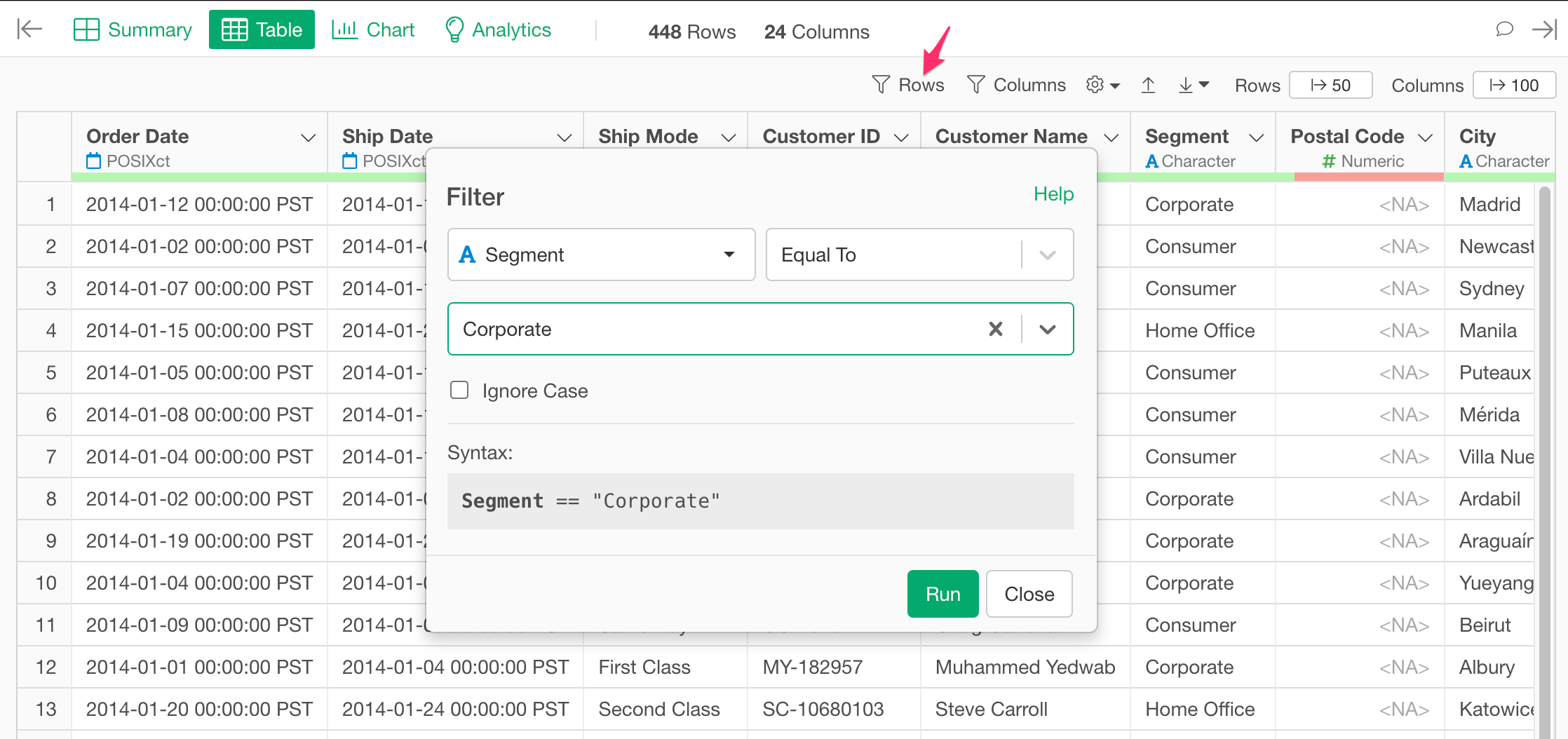
Update and Delete Conditions
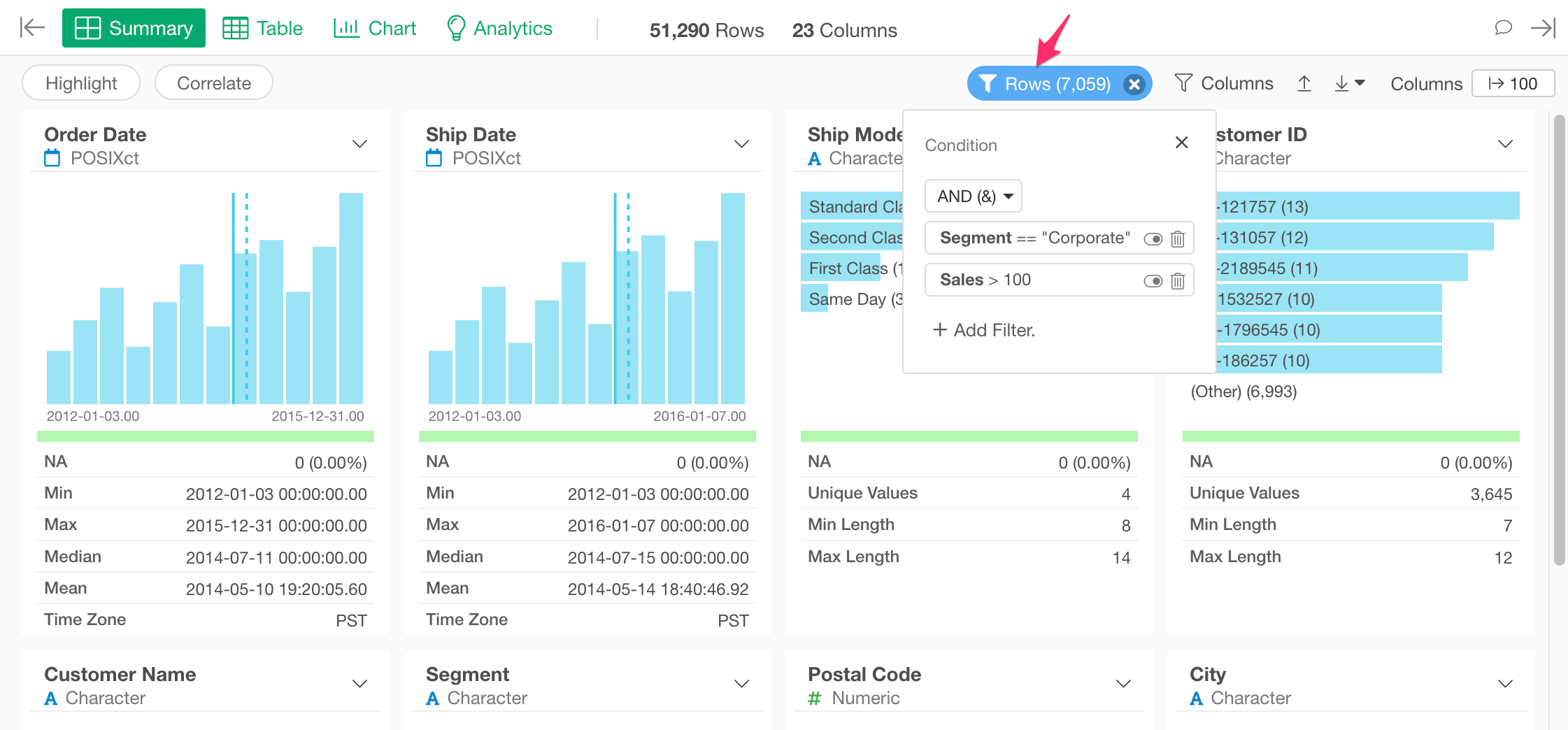
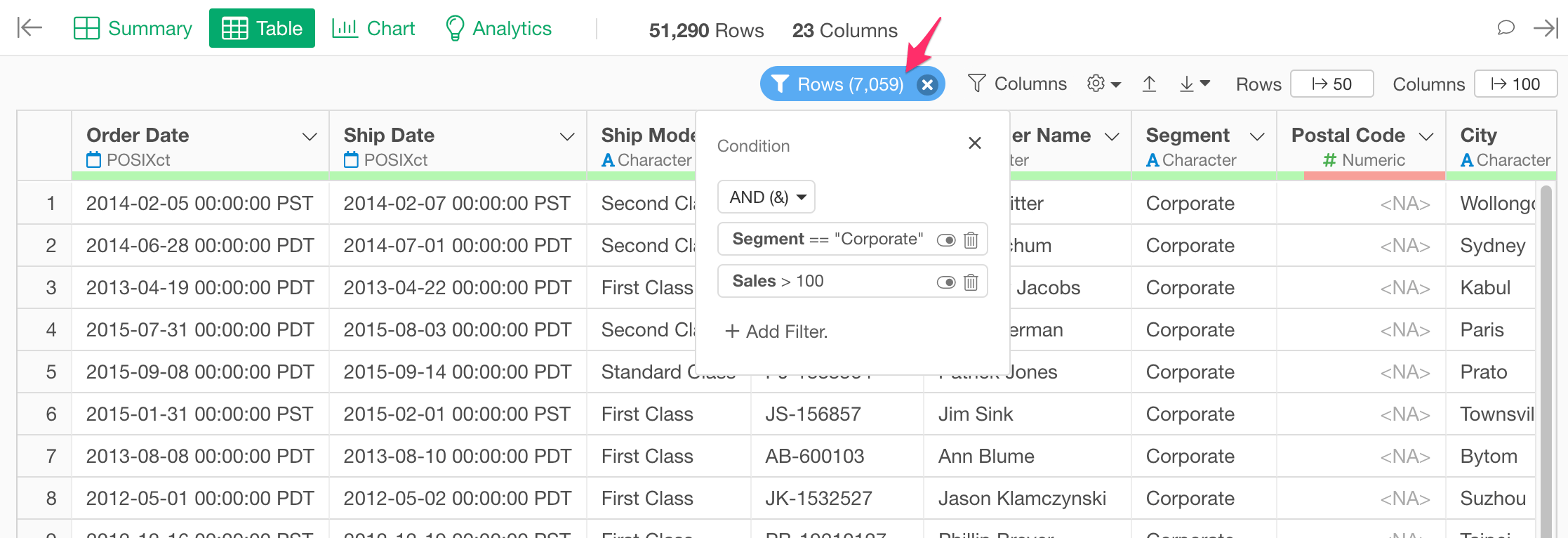
You can click the “Rows” button to update existing conditions, add other conditions, or delete conditions. You can add other conditions by clicking the ”+ Add Filter” link. If you have multiple conditions, you can choose how to apply those conditions. Those 2 options are available.- AND (&)
- OR (|)
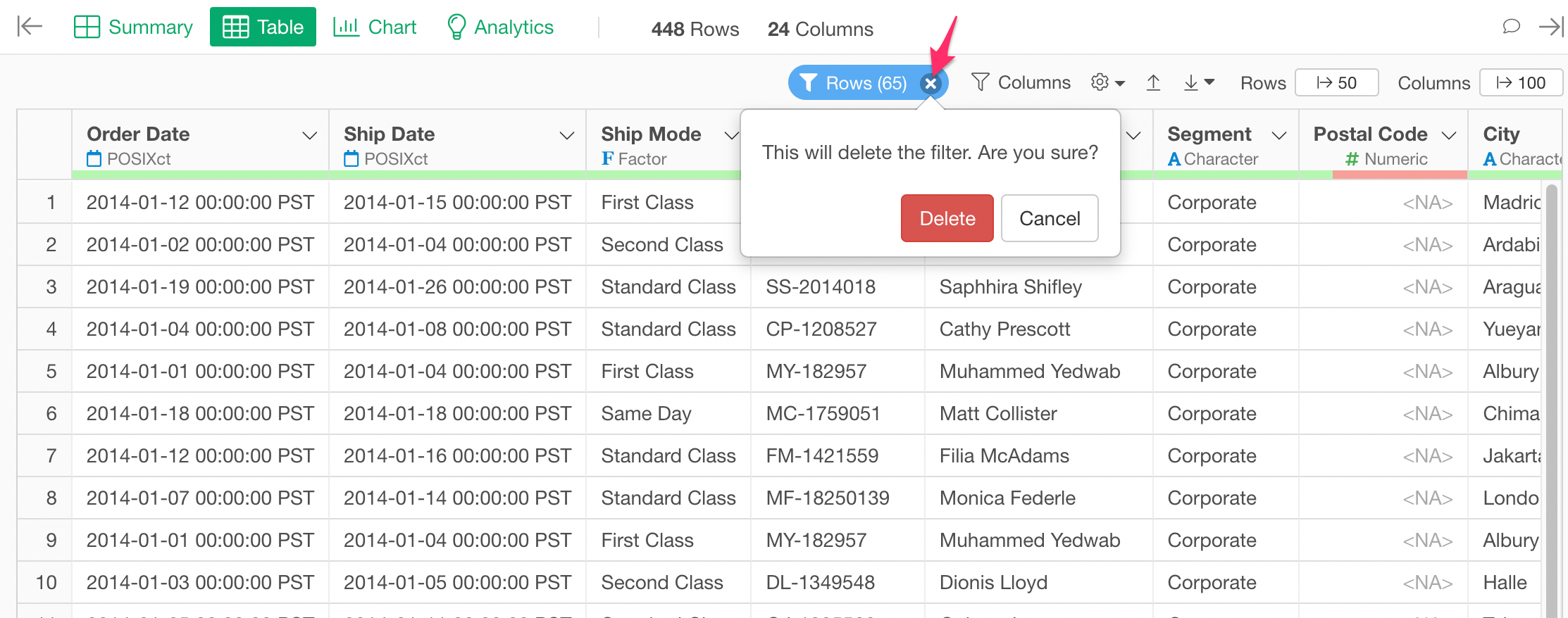
Reset Conditions
You can remove all the conditions at once by clicking the ‘x’ icon in the “Columns” button.