What You Can Do
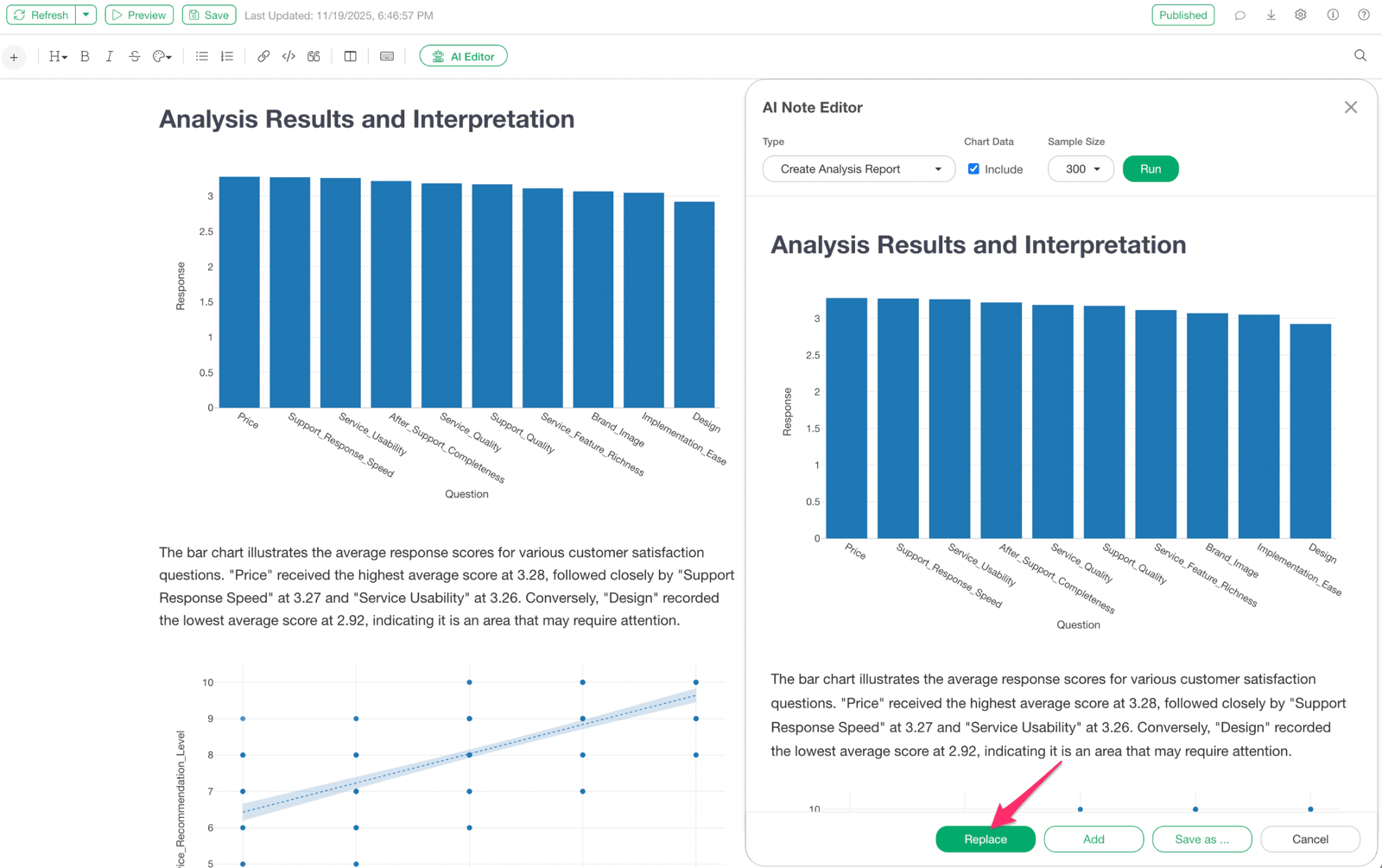
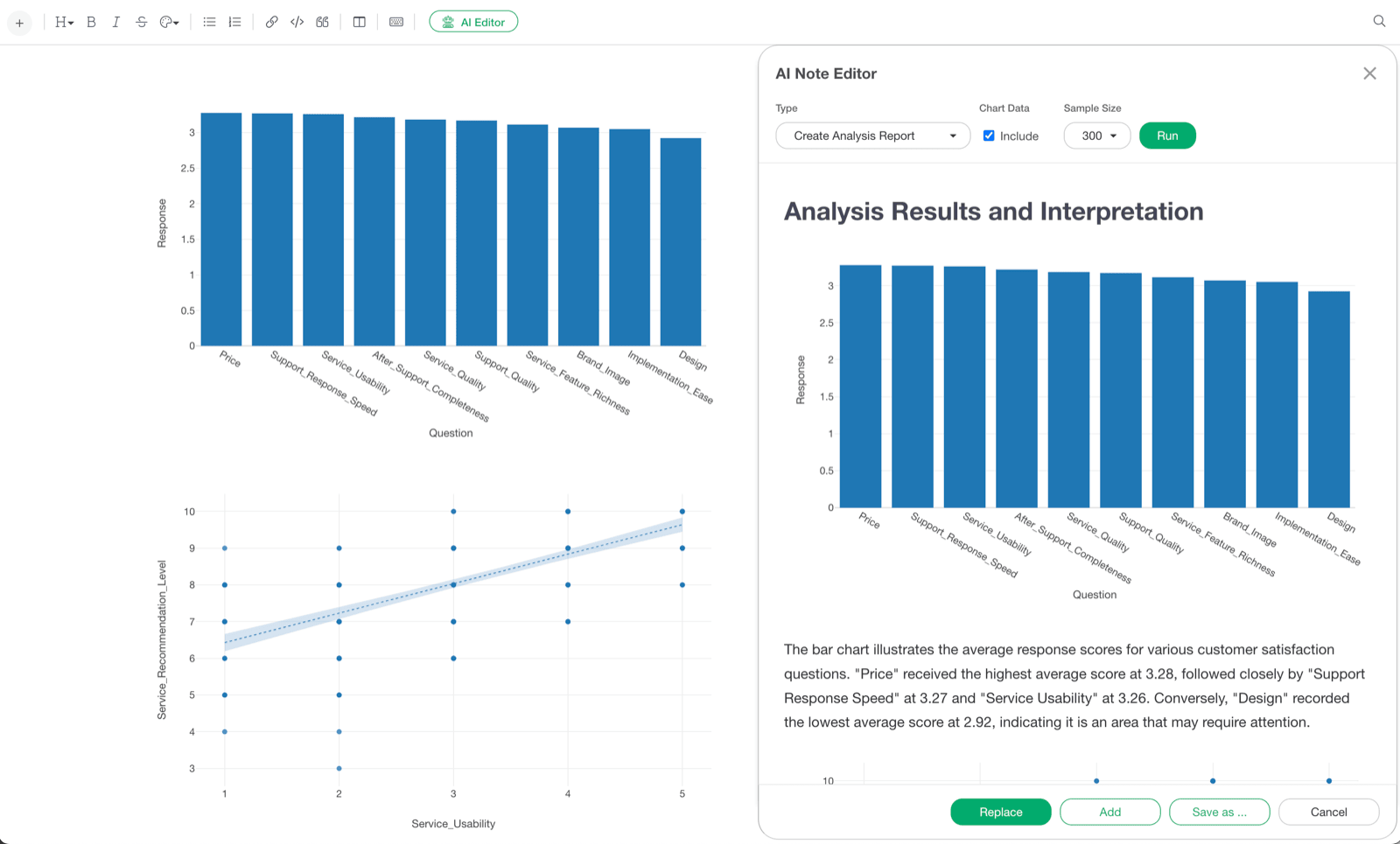
Using the AI Note Editor significantly reduces the time spent on note creation. Charts embedded in notes can be explained by the AI, eliminating the need for users to write their own interpretations of the charts.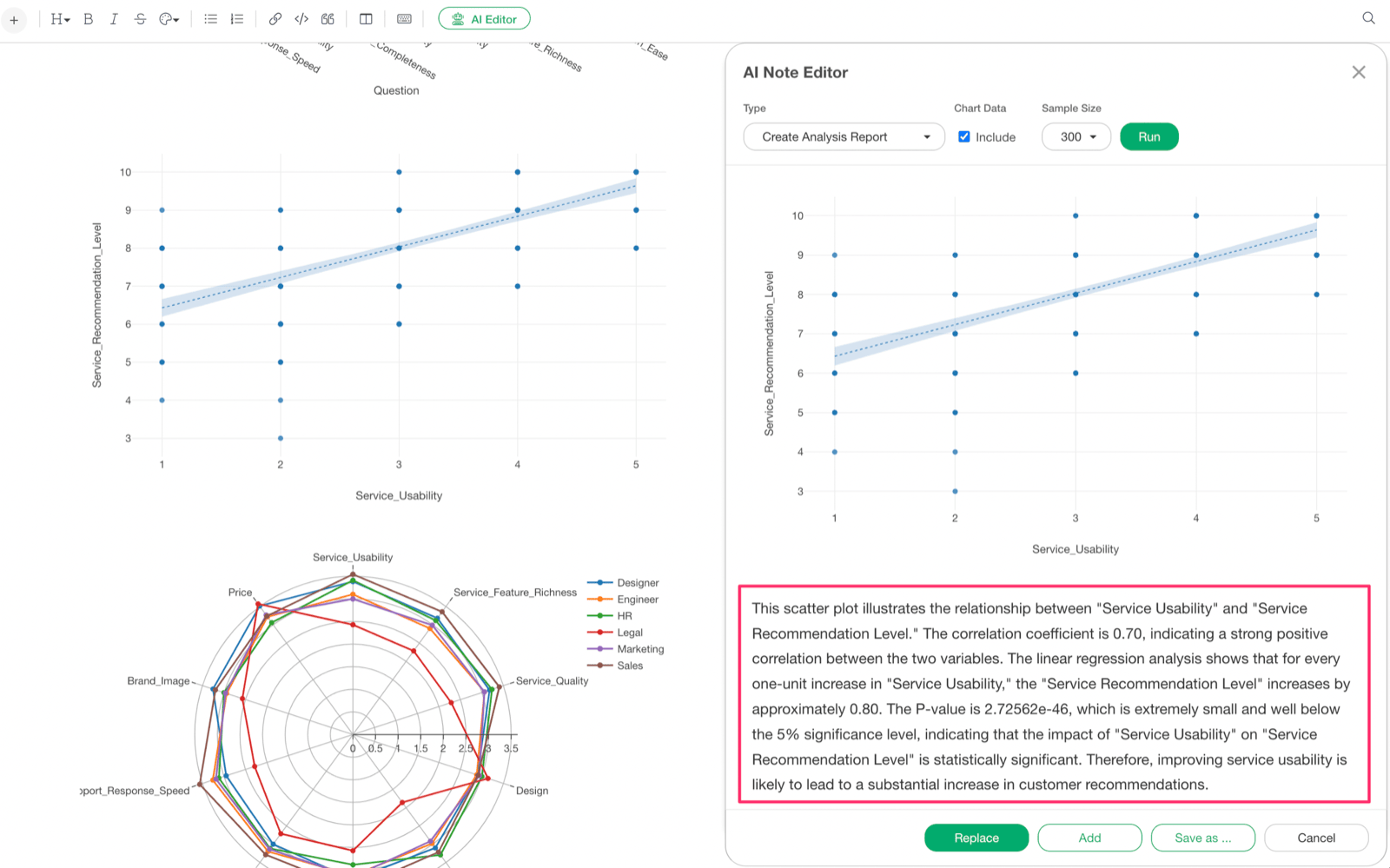
Create an Analysis Report
-
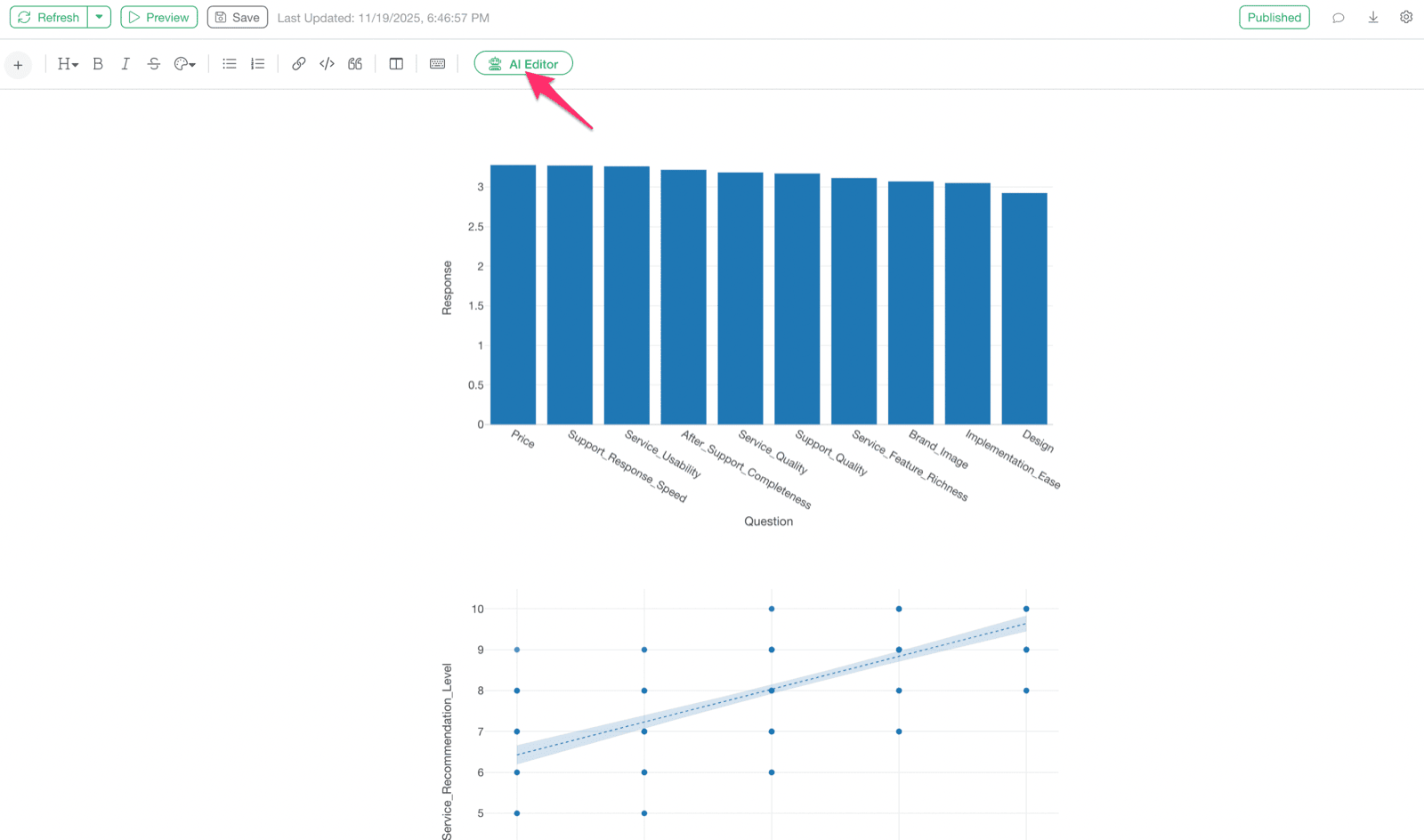
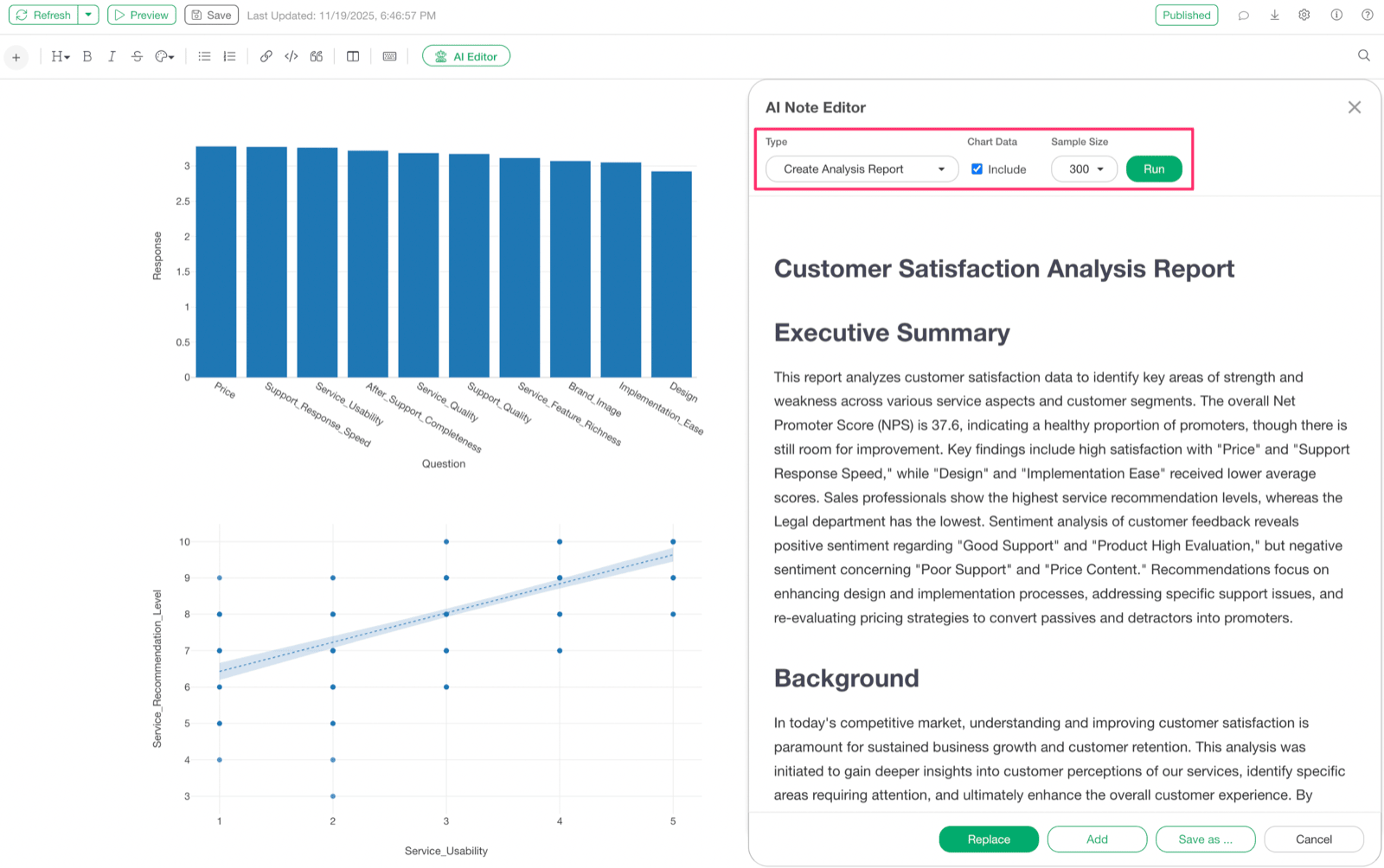
With only charts added to a note, select the “AI Editor” button in the note.
-
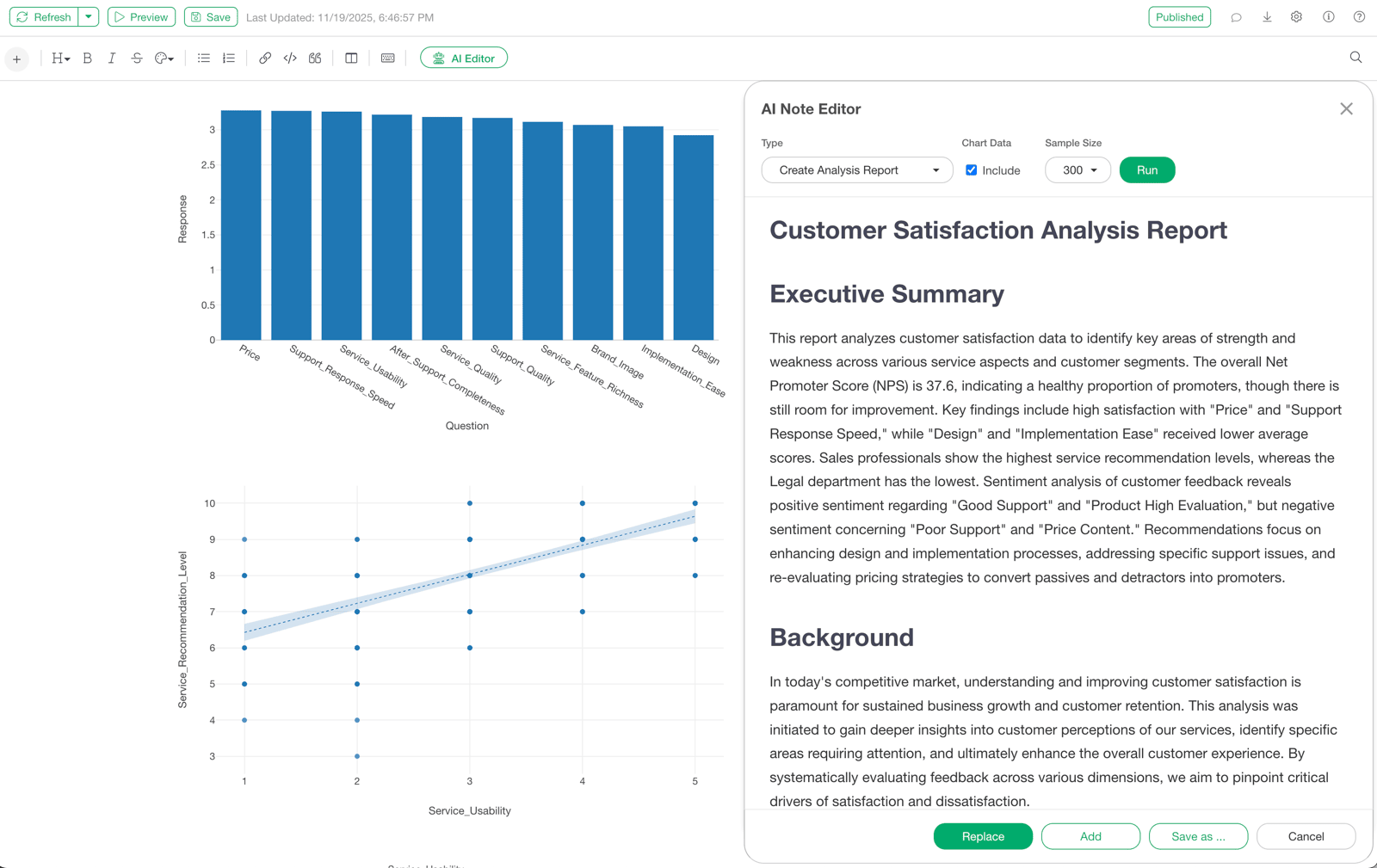
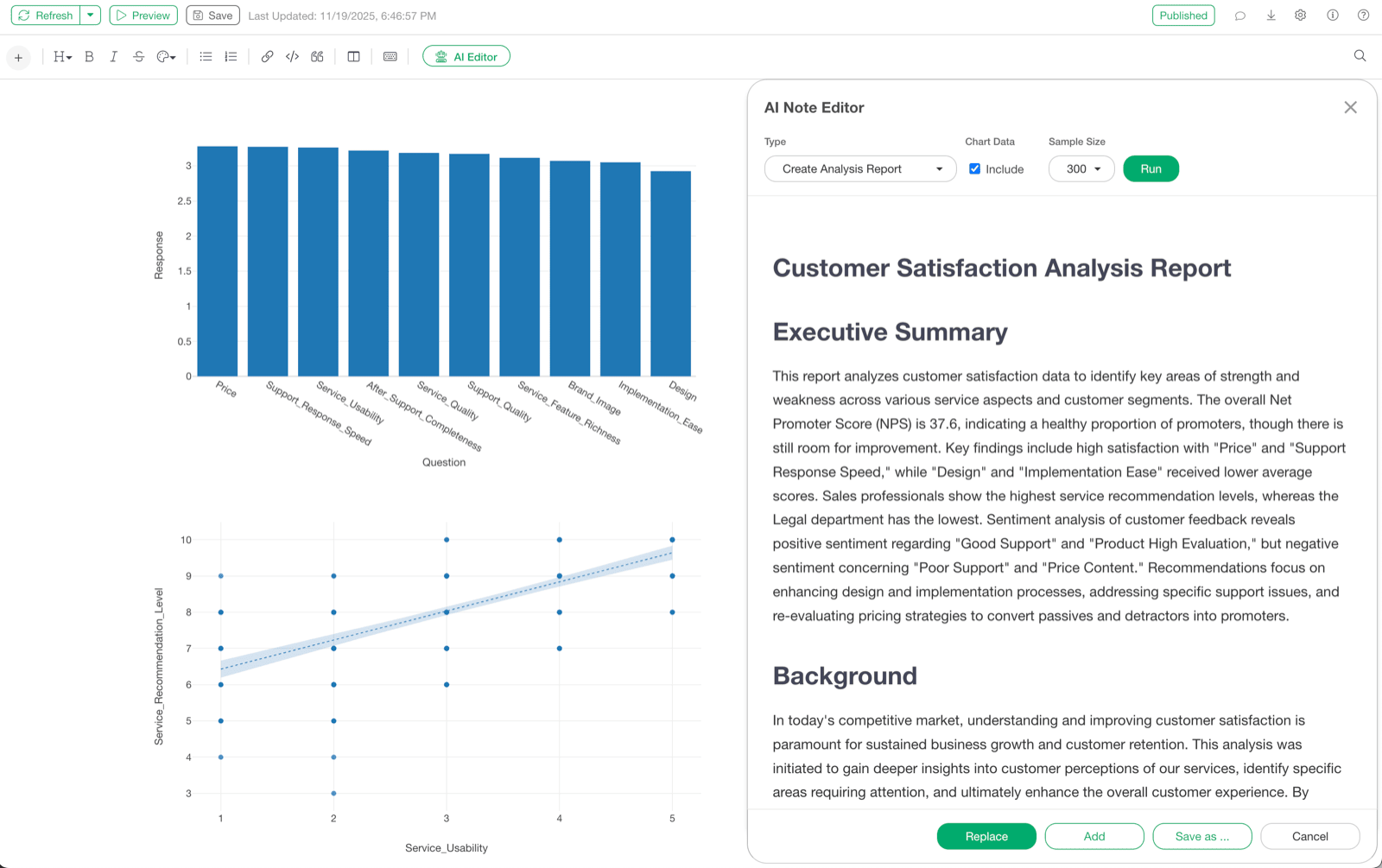
Select “Create Analysis Report” from the menu and execute it. A full-fledged analysis report with chart explanations is automatically generated.
Use the Generated Report
Click the “Replace” button to replace the original note content with the generated report. This allows for further in-depth analysis and discussion based on the AI-generated report, including chart interpretations.